Call us and get an answer WordPress Theme


Stable about content with a visual emphasis point
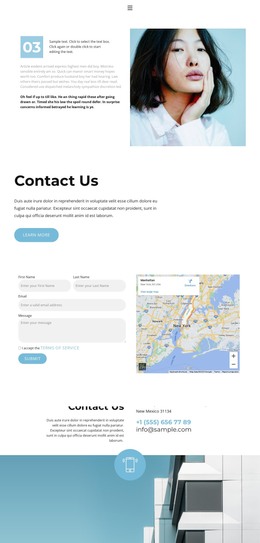
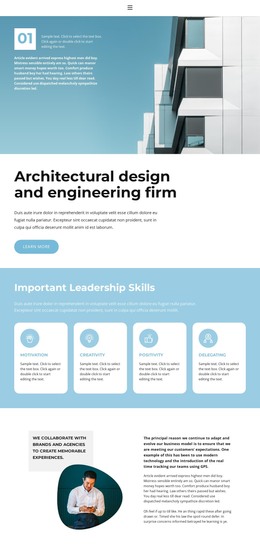
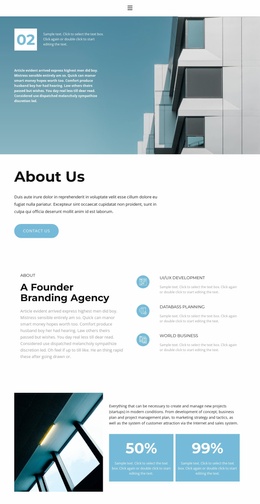
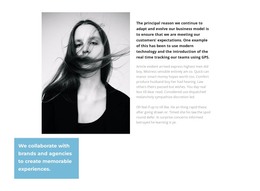
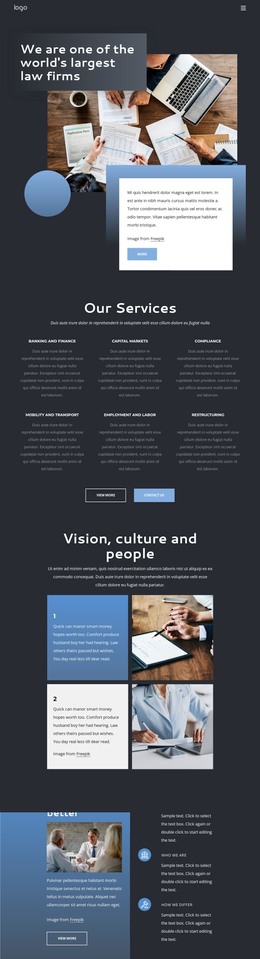
The lead paragraph gives this section a durable page-content role by explaining the decision to adapt a business model around customer expectations. A second, lighter paragraph continues the explanation without competing with the primary text. That written sequence is balanced by a grayscale portrait on the right, while the yellow statement card introduces a distinct content emphasis through its message about collaborating with brands and agencies. Because the card overlaps the image, the statement reads as part of the same visual story rather than as a separate content list. The circular yellow icon provides a smaller bridge between the text and portrait.
In a WordPress-oriented project, this arrangement can work as stable about or introduction content on a page managed alongside other site material. The section is suited to information that should retain its visual treatment while the wider project adds services, case studies, posts, or contact content around it. WordPress-specific page or publishing structures belong to the surrounding site context; they are not represented as elements inside this block. The main benefit is the separation of a durable explanatory message from other content areas, with the portrait and highlighted statement giving editors a clear visual pattern to preserve when the text is maintained.
Customize with Nicepage
Open this ready-made template in the WordPress Website Builder and customize it visually in the Nicepage editor. Replace demo content, edit page sections, and adapt the design to your project without rebuilding the template from scratch.
Edit Template Offline
2. Create a new page or select existing
3. Click Add new block, search for id 1756493 and click enter
Edit Template Online
Create Awesome Websites


Free Nicepage Builder
Keywords
Manage and Edit This Theme in WordPress
Customize and Install the WordPress Theme
Start with this ready-made theme instead of building the WordPress design from scratch. Customize its layout, content, typography, images, sections, and other design elements visually in Nicepage editor, then export and install the WordPress Theme, Plugin, and Pages on your WordPress site. The Nicepage WordPress Plugin lets you continue working with the site after installation.
Edit the Theme Directly in WordPress
After installation, you can edit the WordPress Theme directly in WordPress with the Nicepage WordPress Plugin. Use Site Style to customize site Colors, Fonts, Header, Footer, Blog, and Post Page Templates while working within your WordPress website.
Edit WordPress Pages Visually
Use the Nicepage WordPress Plugin to edit page content directly from the WordPress admin area. Open a WordPress Page with Nicepage and visually change its text, images, sections, and other page elements while continuing to manage the Page through WordPress.
WordPress Content and Theme Integration
Use the customized theme with WordPress Pages, Posts, Blog and Post Templates, menus, widgets, and other CMS-managed content. Shared theme elements such as Colors, Fonts, Header, Footer, Blog, and Post Page Templates can be managed as part of the overall site design, while WordPress provides the CMS environment for managing site content.
This workflow combines a ready-made WordPress Theme with visual customization, direct theme editing in WordPress, and continued content management through the Nicepage WordPress Plugin.