The most interesting projects WordPress Theme


Edit Template Offline
2. Create new page and search for id 6037089
Edit Template Online
Create Awesome Websites


Free Nicepage Builder
Keywords
Project and Profile Content Suit a Page-Oriented WordPress Structure
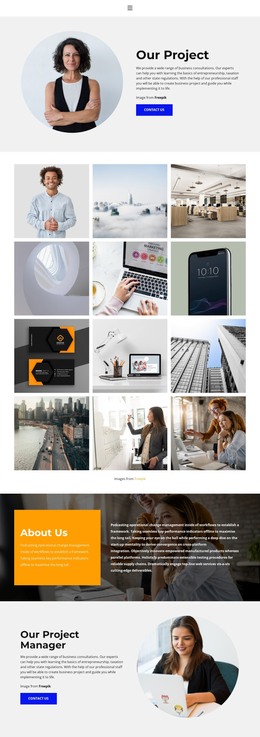
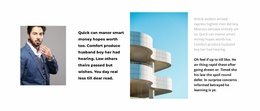
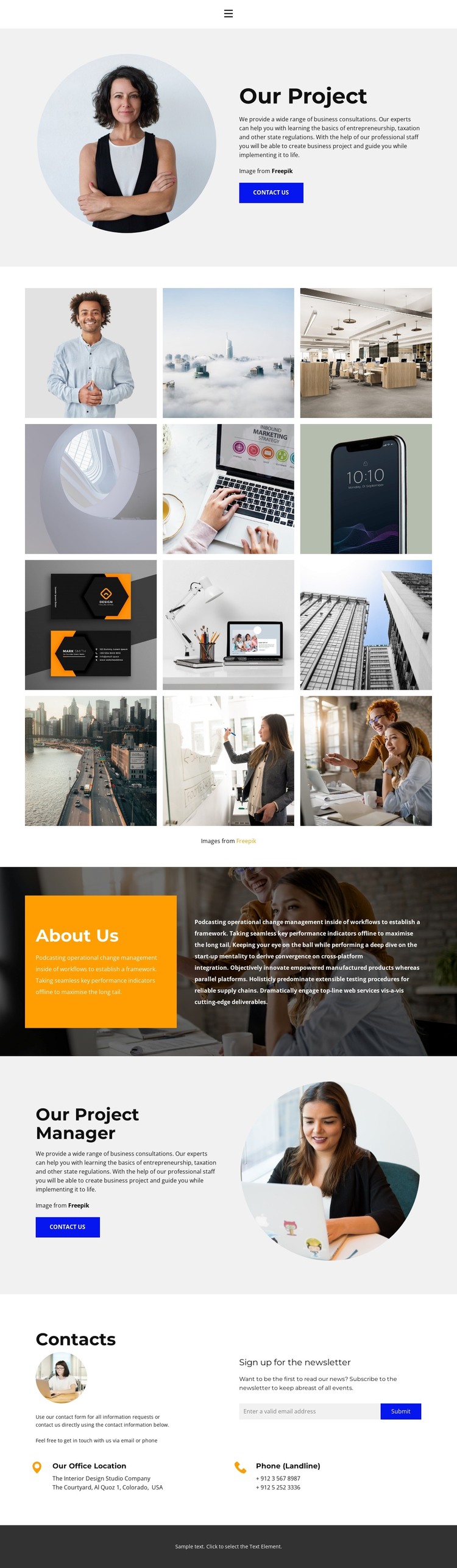
The page contains several permanent content areas that can translate naturally into a WordPress-managed presentation. The “Our Project” introduction places consultation copy beside a circular portrait and a “contact us” action, giving the main page a focused subject. The 12-image gallery then works as a distinct visual project area, suitable for presenting a collection of work without confusing it with the company overview.
The “About Us” section and “Our Project Manager” profile serve different editorial roles. One explains the organization through a colored text panel and photographic background, while the other presents a person-focused consultation message with a second circular portrait and contact action. Keeping these roles separate helps a WordPress project organize permanent page content and repeated profile or project material within the same visual direction, without claiming that blog posts or other CMS structures already exist in the template.
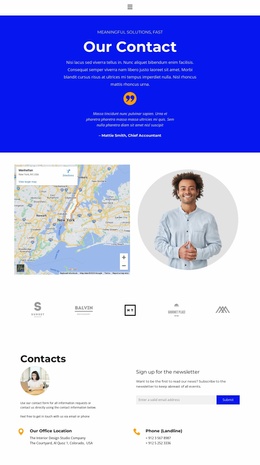
The closing contact area adds another page-oriented content group: contact guidance, an office location, a landline channel, and a newsletter subscription form. This creates space for communication content alongside the project and profile material. A WordPress theme interpretation is therefore supported by the design’s clear content divisions and reusable visual motifs, particularly the gallery, circular portraits, navigation, and dark footer. Those relationships can accommodate maintained business content while preserving the original consulting presentation.
Customize with Nicepage
Open this ready-made template in the WordPress Website Builder and customize it visually in the Nicepage editor. Replace demo content, edit page sections, and adapt the design to your project without rebuilding the template from scratch.
Manage and Edit This Theme in WordPress
Customize and Install the WordPress Theme
Start with this ready-made theme instead of building the WordPress design from scratch. Customize its layout, content, typography, images, sections, and other design elements visually in Nicepage editor, then export and install the WordPress Theme, Plugin, and Pages on your WordPress site. The Nicepage WordPress Plugin lets you continue working with the site after installation.
Edit the Theme Directly in WordPress
After installation, you can edit the WordPress Theme directly in WordPress with the Nicepage WordPress Plugin. Use Site Style to customize site Colors, Fonts, Header, Footer, Blog, and Post Page Templates while working within your WordPress website.
Edit WordPress Pages Visually
Use the Nicepage WordPress Plugin to edit page content directly from the WordPress admin area. Open a WordPress Page with Nicepage and visually change its text, images, sections, and other page elements while continuing to manage the Page through WordPress.
WordPress Content and Theme Integration
Use the customized theme with WordPress Pages, Posts, Blog and Post Templates, menus, widgets, and other CMS-managed content. Shared theme elements such as Colors, Fonts, Header, Footer, Blog, and Post Page Templates can be managed as part of the overall site design, while WordPress provides the CMS environment for managing site content.
This workflow combines a ready-made WordPress Theme with visual customization, direct theme editing in WordPress, and continued content management through the Nicepage WordPress Plugin.