Look at the best WordPress Theme



Edit Template Offline
2. Create new page and search for id 6037084
Edit Template Online
Create Awesome Websites


Free Nicepage Builder
Keywords
Service pages, profiles, and recurring cards fit a WordPress content model
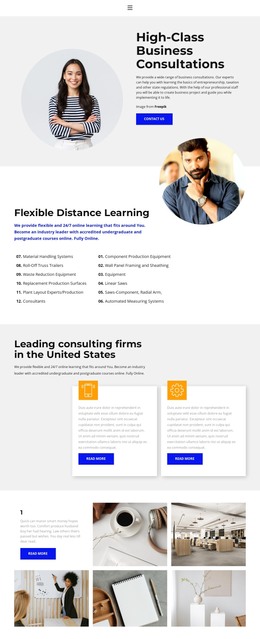
The consultation hero and Flexible Distance Learning section provide two strong page-content areas for a WordPress-managed professional site. The first presents the main business offer with a CONTACT US action, while the second explains learning services through descriptive copy and a compact list. Two consulting cards extend that structure with repeated informational content and READ MORE buttons, creating a natural pattern for related service or resource entries without claiming that posts or categories already exist.
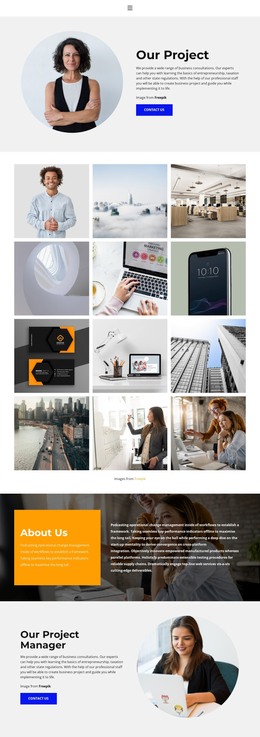
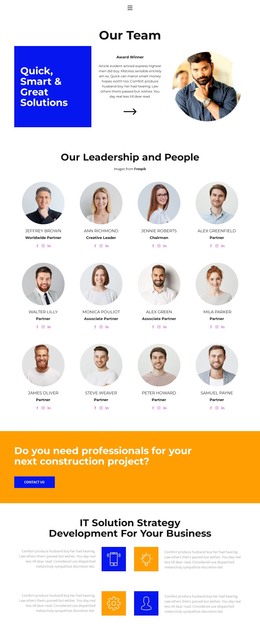
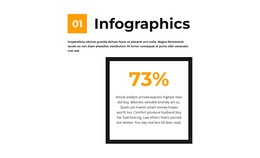
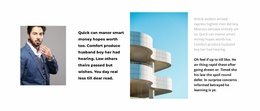
The design also contains several reusable content groups. Three team profiles can support stable people-focused page content, while the six-image gallery supplies a visual presentation area for projects or service-related imagery. The displayed 60% figure and logo row form a separate proof or affiliation block, and the two pricing cards present Team and Personal plans with feature lists and displayed monthly prices. Four testimonial cards add repeated customer-oriented content that can be updated independently from the main service copy.
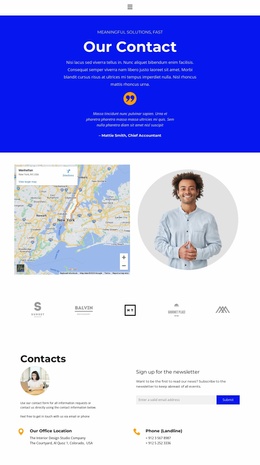
At the end, the orange professional-service callout and the Contacts section keep response content visible. Location and phone details provide permanent page information, while the newsletter signup introduces an email-subscription purpose beside them. This separation gives a WordPress theme a coherent relationship between permanent service pages, reusable professional content, customer feedback, plan information, and future editorial additions, while the shared navigation and dark footer preserve the design’s visual continuity.
Customize with Nicepage
Open this ready-made template in the WordPress Website Builder and customize it visually in the Nicepage editor. Replace demo content, edit page sections, and adapt the design to your project without rebuilding the template from scratch.
Manage and Edit This Theme in WordPress
Customize and Install the WordPress Theme
Start with this ready-made theme instead of building the WordPress design from scratch. Customize its layout, content, typography, images, sections, and other design elements visually in Nicepage editor, then export and install the WordPress Theme, Plugin, and Pages on your WordPress site. The Nicepage WordPress Plugin lets you continue working with the site after installation.
Edit the Theme Directly in WordPress
After installation, you can edit the WordPress Theme directly in WordPress with the Nicepage WordPress Plugin. Use Site Style to customize site Colors, Fonts, Header, Footer, Blog, and Post Page Templates while working within your WordPress website.
Edit WordPress Pages Visually
Use the Nicepage WordPress Plugin to edit page content directly from the WordPress admin area. Open a WordPress Page with Nicepage and visually change its text, images, sections, and other page elements while continuing to manage the Page through WordPress.
WordPress Content and Theme Integration
Use the customized theme with WordPress Pages, Posts, Blog and Post Templates, menus, widgets, and other CMS-managed content. Shared theme elements such as Colors, Fonts, Header, Footer, Blog, and Post Page Templates can be managed as part of the overall site design, while WordPress provides the CMS environment for managing site content.
This workflow combines a ready-made WordPress Theme with visual customization, direct theme editing in WordPress, and continued content management through the Nicepage WordPress Plugin.