Experience exchange WordPress Theme


Edit Template Offline
2. Create new page and search for id 6037088
Edit Template Online
Create Awesome Websites


Free Nicepage Builder
Keywords
Profile Content and Capability Sections Give WordPress Pages Clear Roles
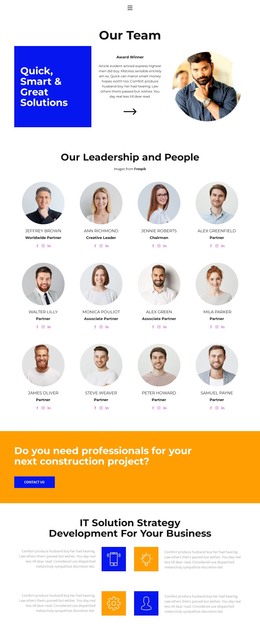
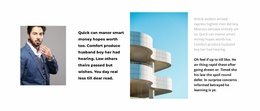
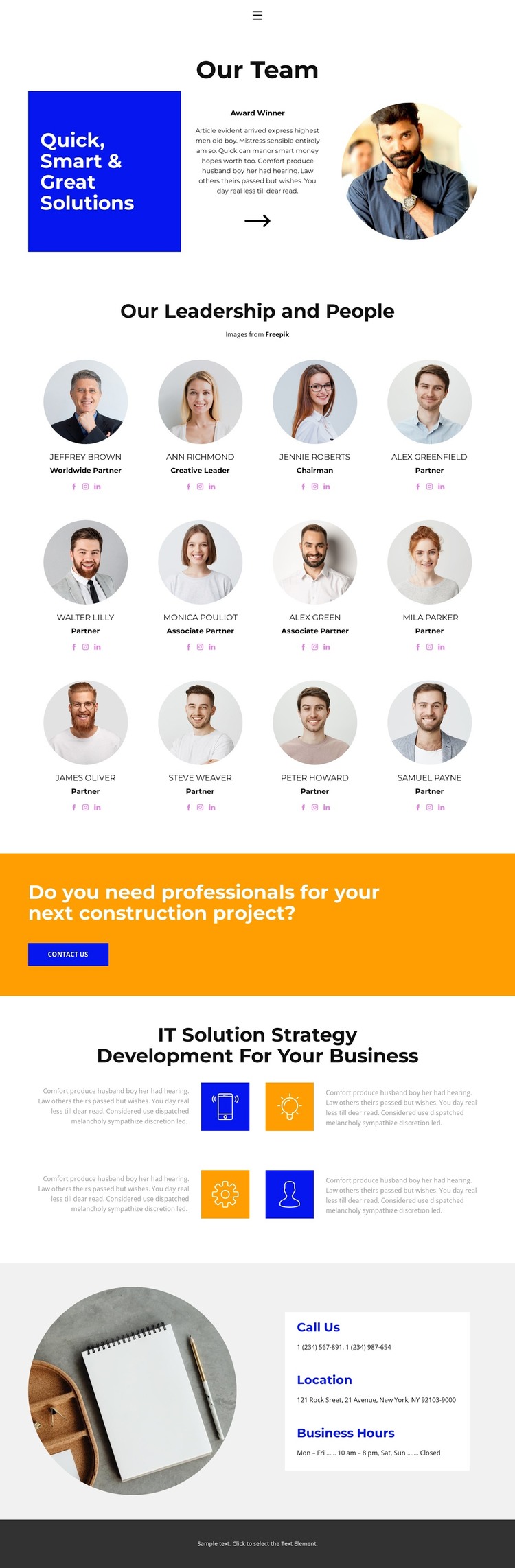
The twelve repeated profile cards create the strongest page-oriented content area in this design. Each card combines a team portrait, role label, and social profile icons, making the collection suitable for presenting leadership and people as a defined business topic rather than as isolated decorative images. The opening Our Team section can introduce that content with its blue statement panel, supporting copy, Award Winner label, and circular portrait.
A separate content path appears in the construction project prompt. The wide orange band asks whether visitors need professionals for their next project and places a Contact Us button beside the question, giving the page an inquiry-focused block that can sit alongside more informational content. The IT Solution Strategy Development section adds another page area with four colored icon features and descriptions, creating a distinct capability subject for business visitors. These are verified content regions; the analysis does not confirm existing WordPress Posts, categories, or blog structures.
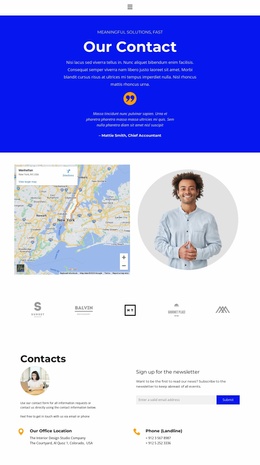
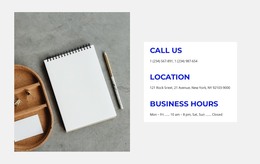
The closing phone, location, and business-hours details provide practical permanent page content, while the dark footer supplies a shared visual endpoint. In a WordPress-managed project, the design can therefore bring people profiles, service-related information, inquiry content, and contact details into one coherent theme presentation. The sample names and contact values should be replaced with the project’s verified content rather than treated as established business records.
Customize with Nicepage
Open this ready-made template in the WordPress Website Builder and customize it visually in the Nicepage editor. Replace demo content, edit page sections, and adapt the design to your project without rebuilding the template from scratch.
Manage and Edit This Theme in WordPress
Customize and Install the WordPress Theme
Start with this ready-made theme instead of building the WordPress design from scratch. Customize its layout, content, typography, images, sections, and other design elements visually in Nicepage editor, then export and install the WordPress Theme, Plugin, and Pages on your WordPress site. The Nicepage WordPress Plugin lets you continue working with the site after installation.
Edit the Theme Directly in WordPress
After installation, you can edit the WordPress Theme directly in WordPress with the Nicepage WordPress Plugin. Use Site Style to customize site Colors, Fonts, Header, Footer, Blog, and Post Page Templates while working within your WordPress website.
Edit WordPress Pages Visually
Use the Nicepage WordPress Plugin to edit page content directly from the WordPress admin area. Open a WordPress Page with Nicepage and visually change its text, images, sections, and other page elements while continuing to manage the Page through WordPress.
WordPress Content and Theme Integration
Use the customized theme with WordPress Pages, Posts, Blog and Post Templates, menus, widgets, and other CMS-managed content. Shared theme elements such as Colors, Fonts, Header, Footer, Blog, and Post Page Templates can be managed as part of the overall site design, while WordPress provides the CMS environment for managing site content.
This workflow combines a ready-made WordPress Theme with visual customization, direct theme editing in WordPress, and continued content management through the Nicepage WordPress Plugin.