We work with incredible clients WordPress Theme


Edit Template Offline
2. Create new page and search for id 5886400
Edit Template Online
Create Awesome Websites


Free Nicepage Builder
Keywords
Contact Content and Social Links Form a Clear WordPress Page Structure
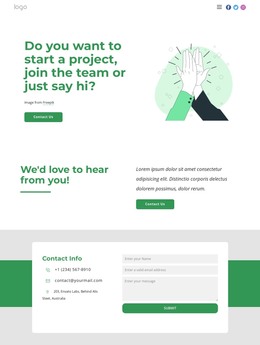
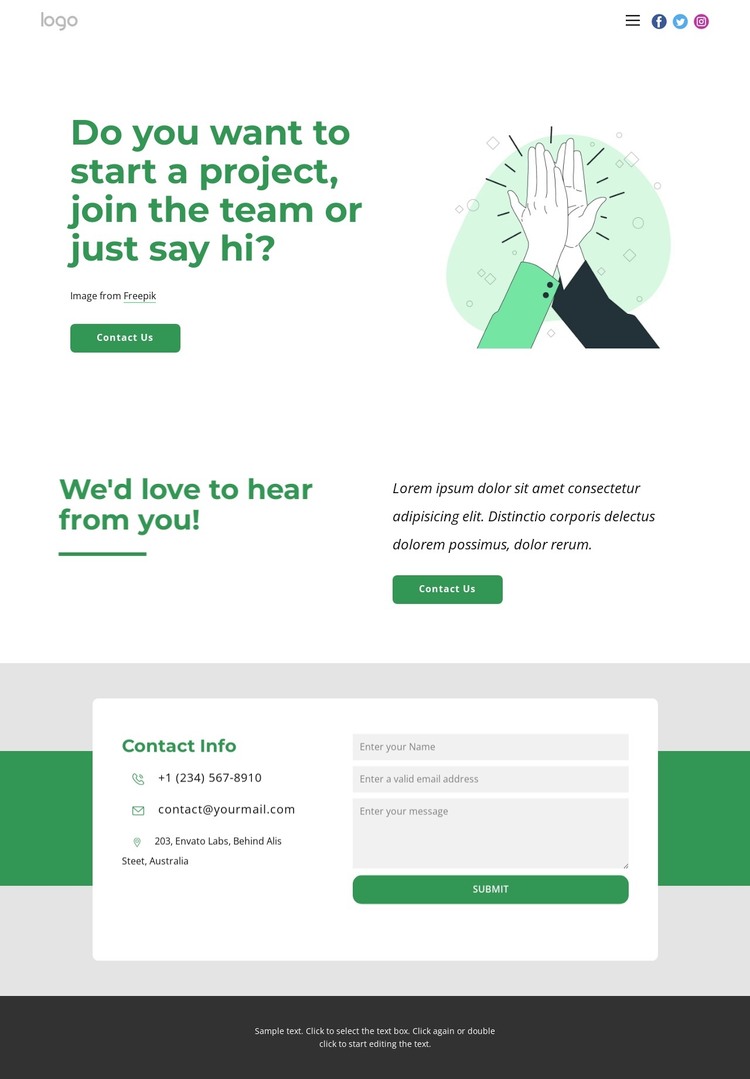
The opening question gives the page a strong permanent content focus: it introduces project inquiries, team interest, and general messages without presenting these as unrelated destinations. The accompanying illustration and Contact Us action make the purpose immediately visible, while the second two-column invitation creates a separate supporting content area beneath the introduction. Together, these sections provide a page-oriented arrangement that can be adapted for a studio, creative team, or organization using WordPress-managed pages.
The final white contact card adds the practical information visitors need after reading the introductory message. Phone, email, and address channels offer direct alternatives to the form, while social links connect the contact page with the organization’s wider online presence. The green horizontal accent separates this response area from the preceding invitations, and the charcoal footer gives the page a defined ending. In a WordPress theme, these distinct regions can keep permanent contact information and page copy visually coordinated without treating the sample address, phone number, or email as verified business data. The same design direction can also surround future editorial or project-related content if the site later expands, but no blog or post structure is confirmed in this template.
Customize with Nicepage
Open this ready-made template in the WordPress Website Builder and customize it visually in the Nicepage editor. Replace demo content, edit page sections, and adapt the design to your project without rebuilding the template from scratch.
Manage and Edit This Theme in WordPress
Customize and Install the WordPress Theme
Start with this ready-made theme instead of building the WordPress design from scratch. Customize its layout, content, typography, images, sections, and other design elements visually in Nicepage editor, then export and install the WordPress Theme, Plugin, and Pages on your WordPress site. The Nicepage WordPress Plugin lets you continue working with the site after installation.
Edit the Theme Directly in WordPress
After installation, you can edit the WordPress Theme directly in WordPress with the Nicepage WordPress Plugin. Use Site Style to customize site Colors, Fonts, Header, Footer, Blog, and Post Page Templates while working within your WordPress website.
Edit WordPress Pages Visually
Use the Nicepage WordPress Plugin to edit page content directly from the WordPress admin area. Open a WordPress Page with Nicepage and visually change its text, images, sections, and other page elements while continuing to manage the Page through WordPress.
WordPress Content and Theme Integration
Use the customized theme with WordPress Pages, Posts, Blog and Post Templates, menus, widgets, and other CMS-managed content. Shared theme elements such as Colors, Fonts, Header, Footer, Blog, and Post Page Templates can be managed as part of the overall site design, while WordPress provides the CMS environment for managing site content.
This workflow combines a ready-made WordPress Theme with visual customization, direct theme editing in WordPress, and continued content management through the Nicepage WordPress Plugin.