We are for success WordPress Theme


Edit Template Offline
2. Create new page and search for id 5604252
Edit Template Online
Create Awesome Websites


Free Nicepage Builder
Keywords
The Support Form Extends a Page-Centered WordPress Contact Structure
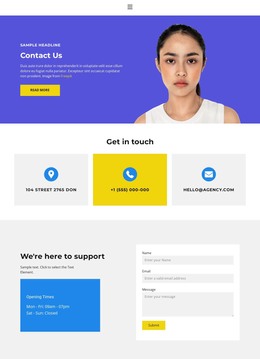
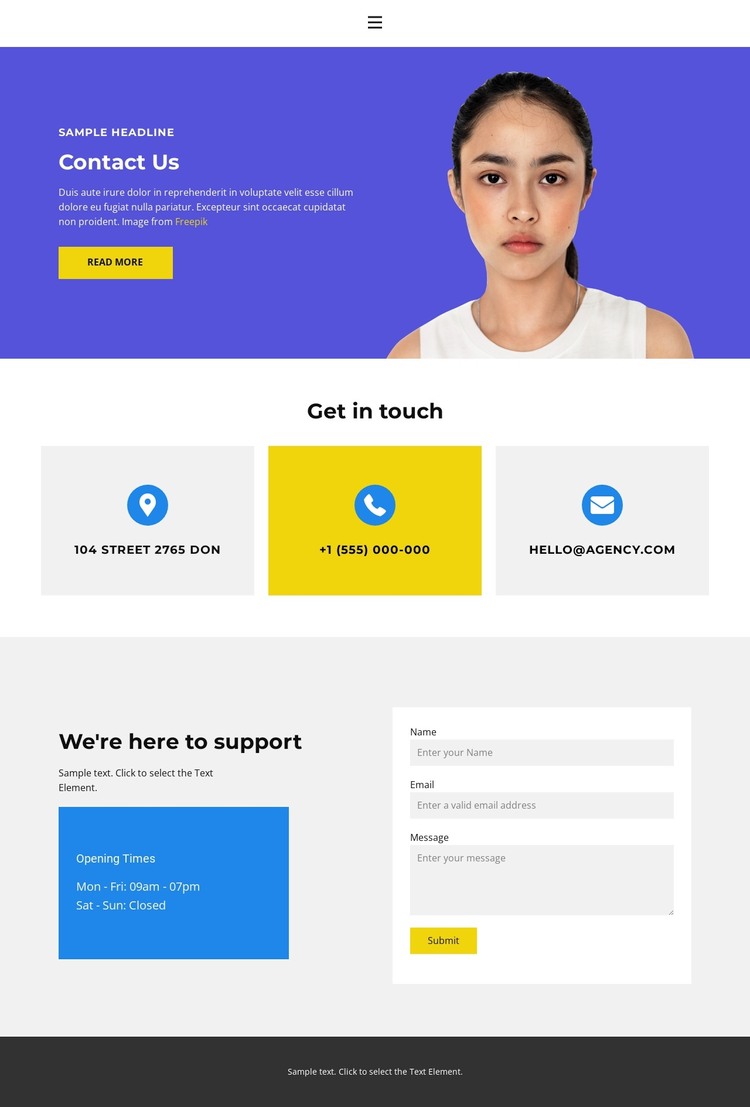
The “Contact Us” introduction establishes a page-focused starting point by combining explanatory text, a read-more action, and a portrait image. It gives the contact page a human-facing entry before the layout moves into more functional information. The next section changes from introduction to access: three evenly arranged cards present address, phone, and email channels as a compact group under “Get in touch.” This makes the permanent contact information easy to distinguish from the opening copy.
The lower support area is especially suited to ongoing page content because it brings together an “Opening Times” panel and a visible contact form. Visitors can understand the available support context and then send an inquiry without leaving the page. The form’s presence is verified as a template component, while the displayed address, phone number, email, and hours remain sample content that should be replaced with the organization’s own details.
In a WordPress-managed site, this arrangement can serve as a focused contact page within a wider content structure. Navigation provides the connection to other site content, while the dark footer supplies a shared closing area. Bright blue and purple accents create emphasis around the introduction and support journey, and white or light-gray surfaces keep the cards and form distinct. The design therefore supports both stable contact information and page content that can be updated as the organization’s support details change.
Customize with Nicepage
Open this ready-made template in the WordPress Website Builder and customize it visually in the Nicepage editor. Replace demo content, edit page sections, and adapt the design to your project without rebuilding the template from scratch.
Manage and Edit This Theme in WordPress
Customize and Install the WordPress Theme
Start with this ready-made theme instead of building the WordPress design from scratch. Customize its layout, content, typography, images, sections, and other design elements visually in Nicepage editor, then export and install the WordPress Theme, Plugin, and Pages on your WordPress site. The Nicepage WordPress Plugin lets you continue working with the site after installation.
Edit the Theme Directly in WordPress
After installation, you can edit the WordPress Theme directly in WordPress with the Nicepage WordPress Plugin. Use Site Style to customize site Colors, Fonts, Header, Footer, Blog, and Post Page Templates while working within your WordPress website.
Edit WordPress Pages Visually
Use the Nicepage WordPress Plugin to edit page content directly from the WordPress admin area. Open a WordPress Page with Nicepage and visually change its text, images, sections, and other page elements while continuing to manage the Page through WordPress.
WordPress Content and Theme Integration
Use the customized theme with WordPress Pages, Posts, Blog and Post Templates, menus, widgets, and other CMS-managed content. Shared theme elements such as Colors, Fonts, Header, Footer, Blog, and Post Page Templates can be managed as part of the overall site design, while WordPress provides the CMS environment for managing site content.
This workflow combines a ready-made WordPress Theme with visual customization, direct theme editing in WordPress, and continued content management through the Nicepage WordPress Plugin.