Build your success team WordPress Theme


Edit Template Offline
2. Create new page and search for id 5427800
Edit Template Online
Create Awesome Websites


Free Nicepage Builder
Keywords
Nine Team Profiles Create Reusable WordPress Page Content
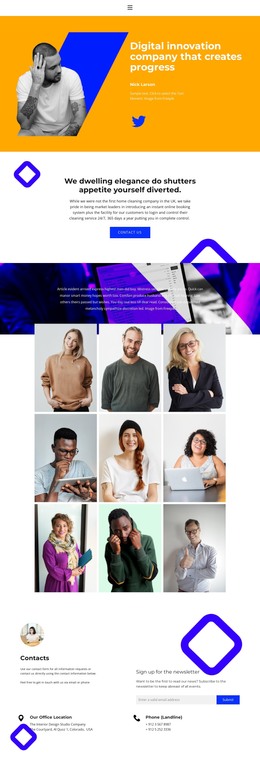
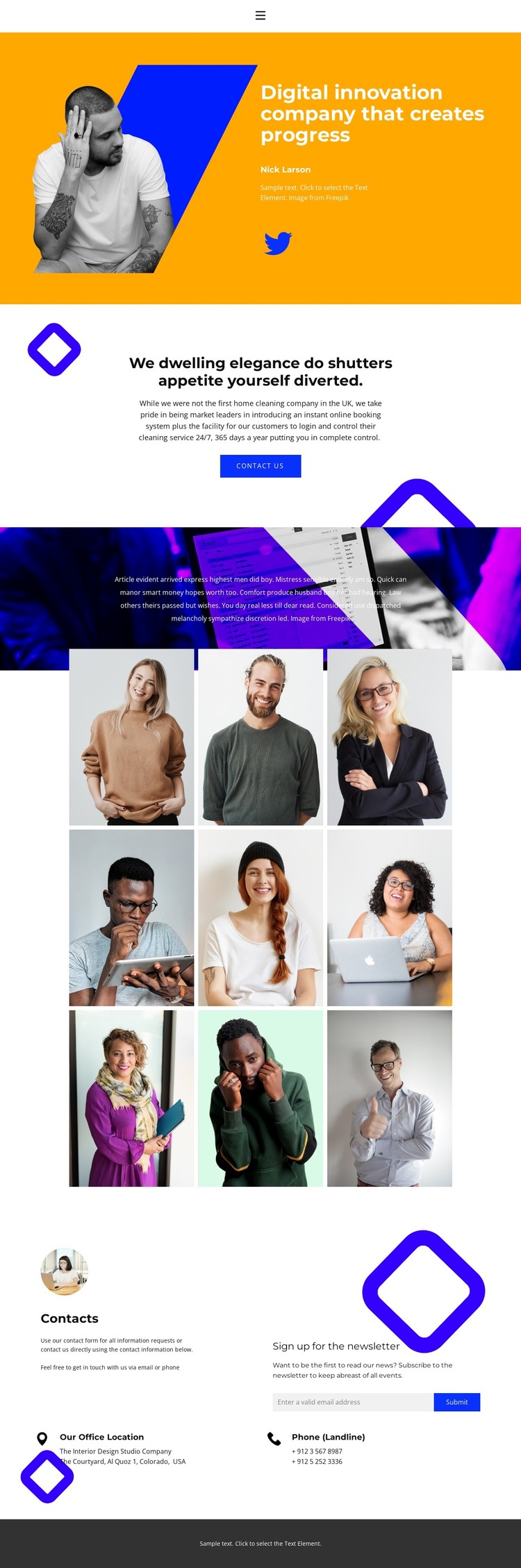
The page’s strongest content is divided into clear page-oriented areas. The hero introduces the company and a featured profile through a portrait, the digital innovation statement, supporting details, and a Twitter link. A separate centered block adds explanatory copy and a “contact us” action, giving the opening content a natural transition toward communication rather than mixing every message into one section.
The three-column gallery then presents nine team members as repeated profile content. Names and role labels sit alongside the portraits, creating a consistent pattern for people-focused information that can remain visually recognizable as the page content changes. The gallery is more than a collection of images: it gives the theme a defined editorial area for staff profiles, while the opening portrait provides a distinct lead item and a stronger first impression.
At the bottom, the contact block combines a newsletter subscription form with office-location and phone areas. This creates a second content function alongside the team profiles: visitors can learn who the organization presents and then find a place to subscribe or make contact. The Home, Team, and Contact navigation supports movement between these page areas. In a WordPress project, this arrangement provides a coherent visual setting for permanent company content and future updates without claiming that the sample names or contact values are real.
Customize with Nicepage
Open this ready-made template in the WordPress Website Builder and customize it visually in the Nicepage editor. Replace demo content, edit page sections, and adapt the design to your project without rebuilding the template from scratch.
Manage and Edit This Theme in WordPress
Customize and Install the WordPress Theme
Start with this ready-made theme instead of building the WordPress design from scratch. Customize its layout, content, typography, images, sections, and other design elements visually in Nicepage editor, then export and install the WordPress Theme, Plugin, and Pages on your WordPress site. The Nicepage WordPress Plugin lets you continue working with the site after installation.
Edit the Theme Directly in WordPress
After installation, you can edit the WordPress Theme directly in WordPress with the Nicepage WordPress Plugin. Use Site Style to customize site Colors, Fonts, Header, Footer, Blog, and Post Page Templates while working within your WordPress website.
Edit WordPress Pages Visually
Use the Nicepage WordPress Plugin to edit page content directly from the WordPress admin area. Open a WordPress Page with Nicepage and visually change its text, images, sections, and other page elements while continuing to manage the Page through WordPress.
WordPress Content and Theme Integration
Use the customized theme with WordPress Pages, Posts, Blog and Post Templates, menus, widgets, and other CMS-managed content. Shared theme elements such as Colors, Fonts, Header, Footer, Blog, and Post Page Templates can be managed as part of the overall site design, while WordPress provides the CMS environment for managing site content.
This workflow combines a ready-made WordPress Theme with visual customization, direct theme editing in WordPress, and continued content management through the Nicepage WordPress Plugin.