Innovation company WordPress Theme



Edit Template Offline
2. Create new page and search for id 535587
Edit Template Online
Create Awesome Websites


Free Nicepage Builder
Keywords
Service Pages and Featured Topics Can Share One Visual System
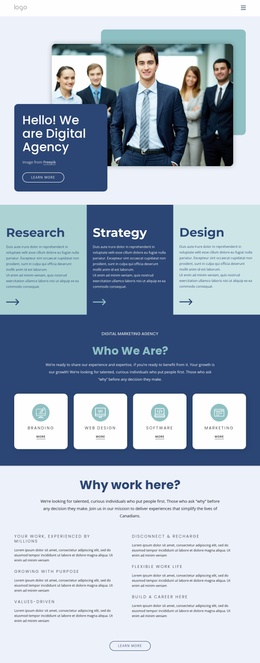
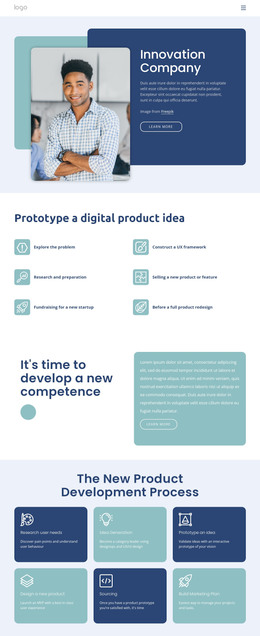
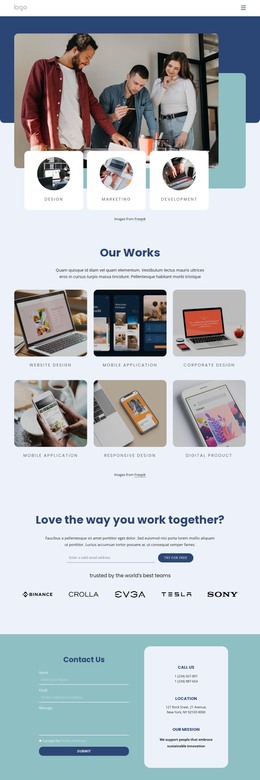
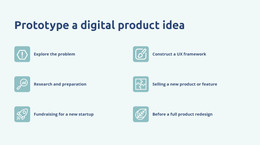
The four capability categories give the design a natural page-content interpretation for WordPress: Design, Marketing, Development, and Video Editing are distinct areas that can remain visually related while their descriptions or supporting material change over time. The six prototype use cases provide another page-oriented group, explaining project situations such as exploring a problem, constructing a UX framework, or preparing for a product redesign.
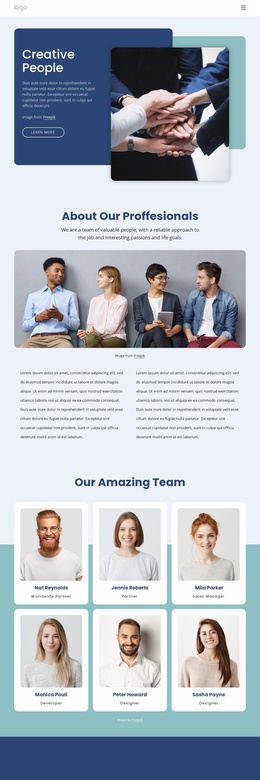
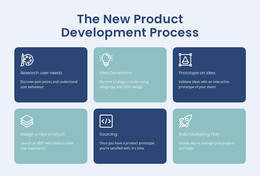
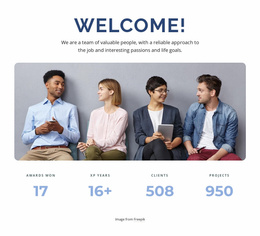
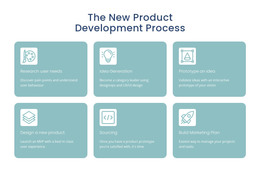
The six-stage development process works differently. Rather than simply listing services, it presents a method that can explain how product work progresses from research and idea generation through prototyping, design, sourcing, and marketing planning. The team photograph and four labeled metrics add permanent organizational context, while the three colored cards can highlight selected content topics such as app design, development, or marketing. These relationships make the design suitable for combining stable consultancy information with content that may be updated or expanded.
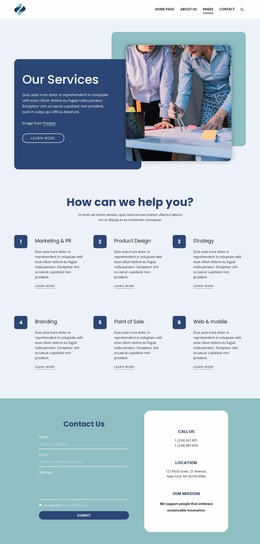
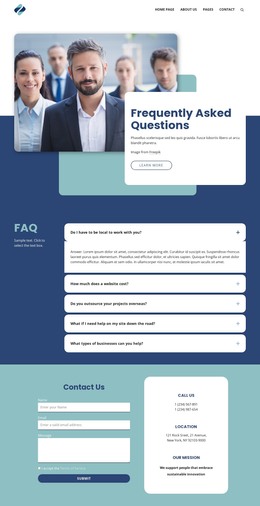
The contact area gives permanent page content a clear response destination through its form, phone, email, and location information. The footer adds navigation links and a separate subscription form, creating a distinction between direct inquiries and ongoing communication. In a WordPress project, those page areas can retain the same visual character as additional content is introduced. This describes a possible CMS mapping of the verified design; it does not claim that WordPress Posts, categories, or blog structures already exist in the template.
Customize with Nicepage
Open this ready-made template in the WordPress Website Builder and customize it visually in the Nicepage editor. Replace demo content, edit page sections, and adapt the design to your project without rebuilding the template from scratch.
Manage and Edit This Theme in WordPress
Customize and Install the WordPress Theme
Start with this ready-made theme instead of building the WordPress design from scratch. Customize its layout, content, typography, images, sections, and other design elements visually in Nicepage editor, then export and install the WordPress Theme, Plugin, and Pages on your WordPress site. The Nicepage WordPress Plugin lets you continue working with the site after installation.
Edit the Theme Directly in WordPress
After installation, you can edit the WordPress Theme directly in WordPress with the Nicepage WordPress Plugin. Use Site Style to customize site Colors, Fonts, Header, Footer, Blog, and Post Page Templates while working within your WordPress website.
Edit WordPress Pages Visually
Use the Nicepage WordPress Plugin to edit page content directly from the WordPress admin area. Open a WordPress Page with Nicepage and visually change its text, images, sections, and other page elements while continuing to manage the Page through WordPress.
WordPress Content and Theme Integration
Use the customized theme with WordPress Pages, Posts, Blog and Post Templates, menus, widgets, and other CMS-managed content. Shared theme elements such as Colors, Fonts, Header, Footer, Blog, and Post Page Templates can be managed as part of the overall site design, while WordPress provides the CMS environment for managing site content.
This workflow combines a ready-made WordPress Theme with visual customization, direct theme editing in WordPress, and continued content management through the Nicepage WordPress Plugin.