Branding solution WordPress Theme


Edit Template Offline
2. Create new page and search for id 6444684
Edit Template Online
Create Awesome Websites


Free Nicepage Builder
Keywords
A Portfolio Project Page with Distinct WordPress Content Areas
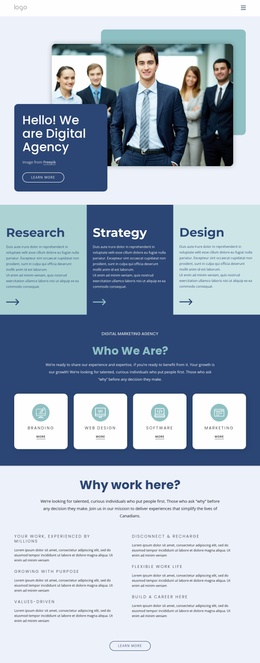
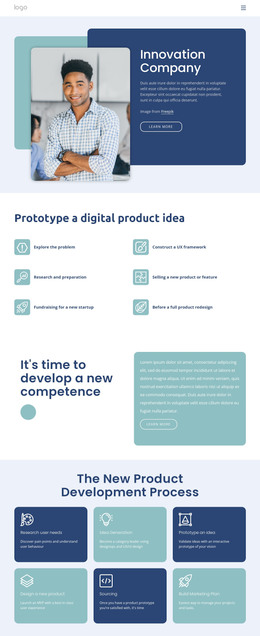
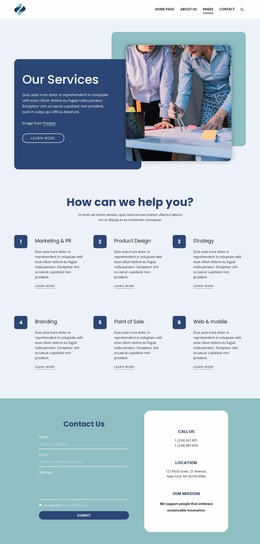
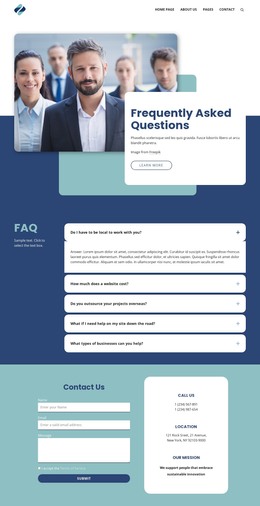
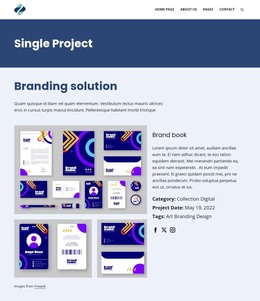
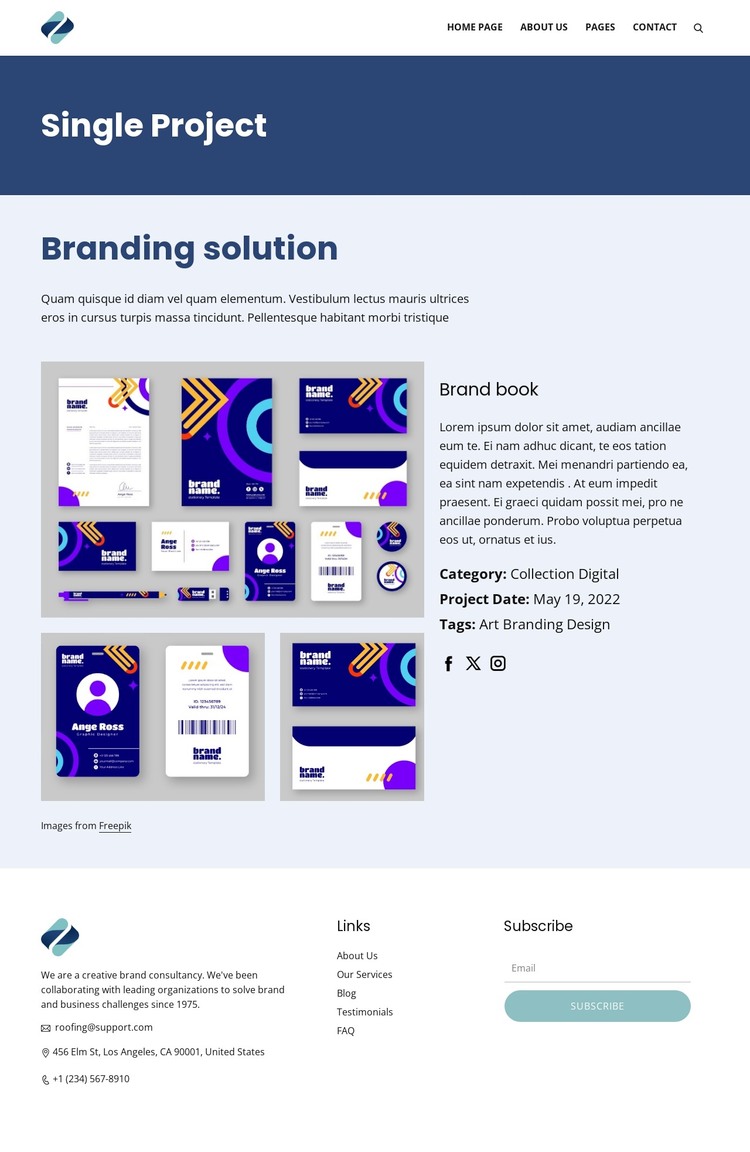
The central arrangement separates visual project evidence from the information that explains it. Three project images give the Branding solution page a portfolio-led focus, while the Brand book heading identifies a specific deliverable rather than leaving the gallery without context. Category, project date, and tag details create additional page-oriented content fields that can help distinguish this project from other creative work added to the same visual system. The dark blue Single Project banner provides a consistent entry point before visitors reach those details.
The footer supports a different content role. Consultancy information introduces the organization, navigation links connect permanent site areas, social links extend the project’s public presence, and contact details provide a direct reference. The Subscribe heading and email form create a separate audience-response area that can remain associated with the site without becoming part of the case-study narrative. For a WordPress-managed project, this separation makes the design suitable for permanent project information alongside future editorial or service content, without asserting that posts or blog structures already exist. The theme’s main value is the relationship between a visually led project presentation and clearly divided supporting content areas.
Customize with Nicepage
Open this ready-made template in the WordPress Website Builder and customize it visually in the Nicepage editor. Replace demo content, edit page sections, and adapt the design to your project without rebuilding the template from scratch.
Manage and Edit This Theme in WordPress
Customize and Install the WordPress Theme
Start with this ready-made theme instead of building the WordPress design from scratch. Customize its layout, content, typography, images, sections, and other design elements visually in Nicepage editor, then export and install the WordPress Theme, Plugin, and Pages on your WordPress site. The Nicepage WordPress Plugin lets you continue working with the site after installation.
Edit the Theme Directly in WordPress
After installation, you can edit the WordPress Theme directly in WordPress with the Nicepage WordPress Plugin. Use Site Style to customize site Colors, Fonts, Header, Footer, Blog, and Post Page Templates while working within your WordPress website.
Edit WordPress Pages Visually
Use the Nicepage WordPress Plugin to edit page content directly from the WordPress admin area. Open a WordPress Page with Nicepage and visually change its text, images, sections, and other page elements while continuing to manage the Page through WordPress.
WordPress Content and Theme Integration
Use the customized theme with WordPress Pages, Posts, Blog and Post Templates, menus, widgets, and other CMS-managed content. Shared theme elements such as Colors, Fonts, Header, Footer, Blog, and Post Page Templates can be managed as part of the overall site design, while WordPress provides the CMS environment for managing site content.
This workflow combines a ready-made WordPress Theme with visual customization, direct theme editing in WordPress, and continued content management through the Nicepage WordPress Plugin.