We serve the best project WordPress Theme



Edit Template Offline
2. Create new page and search for id 4966151
Edit Template Online
Create Awesome Websites


Free Nicepage Builder
Keywords
Profile Content and Contact Areas Give the Theme a Clear Editorial Structure
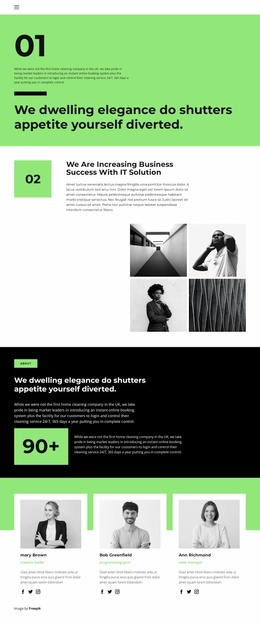
The repeated twelve-card directory is the page’s clearest content model. Portraits, names, roles, and social icons appear together in each entry, allowing a WordPress-oriented project to treat the team as a set of permanent people-focused page sections rather than as undifferentiated copy. The opening “Our Team” panel supports that structure with introductory content, portrait imagery, and social links to Facebook, Twitter, and Instagram.
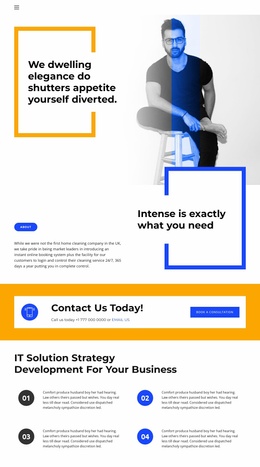
The lower sections provide a different kind of content relationship. The roofing-services prompt places a phone call-to-action in a high-contrast horizontal band, making the service context visible before the visitor reaches the final contact area. The business-success section adds a large portrait beside supporting text, while the closing area combines office-location information, landline-phone details, and a newsletter subscription form. These areas can accommodate stable company information and content that may need periodic updates while keeping the same visual direction.
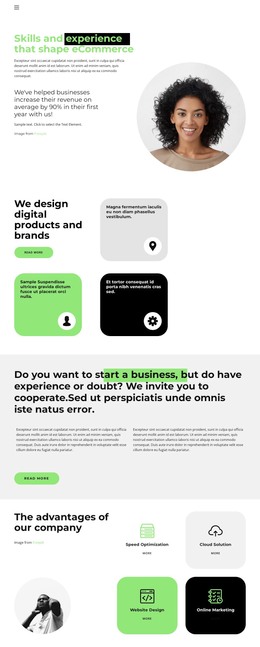
The analysis confirms a team page, not existing WordPress Posts, categories, or blog structures. Its value as a theme therefore comes from the clear separation of people, service inquiry, company message, and contact content. White and light-gray surfaces, vivid blue and orange accents, circular imagery, and bold geometric headings provide a consistent visual system around those page-oriented content areas.
Customize with Nicepage
Open this ready-made template in the WordPress Website Builder and customize it visually in the Nicepage editor. Replace demo content, edit page sections, and adapt the design to your project without rebuilding the template from scratch.
Manage and Edit This Theme in WordPress
Customize and Install the WordPress Theme
Start with this ready-made theme instead of building the WordPress design from scratch. Customize its layout, content, typography, images, sections, and other design elements visually in Nicepage editor, then export and install the WordPress Theme, Plugin, and Pages on your WordPress site. The Nicepage WordPress Plugin lets you continue working with the site after installation.
Edit the Theme Directly in WordPress
After installation, you can edit the WordPress Theme directly in WordPress with the Nicepage WordPress Plugin. Use Site Style to customize site Colors, Fonts, Header, Footer, Blog, and Post Page Templates while working within your WordPress website.
Edit WordPress Pages Visually
Use the Nicepage WordPress Plugin to edit page content directly from the WordPress admin area. Open a WordPress Page with Nicepage and visually change its text, images, sections, and other page elements while continuing to manage the Page through WordPress.
WordPress Content and Theme Integration
Use the customized theme with WordPress Pages, Posts, Blog and Post Templates, menus, widgets, and other CMS-managed content. Shared theme elements such as Colors, Fonts, Header, Footer, Blog, and Post Page Templates can be managed as part of the overall site design, while WordPress provides the CMS environment for managing site content.
This workflow combines a ready-made WordPress Theme with visual customization, direct theme editing in WordPress, and continued content management through the Nicepage WordPress Plugin.