Business Problem Solving WordPress Theme



Edit Template Offline
2. Create new page and search for id 4965376
Edit Template Online
Create Awesome Websites


Free Nicepage Builder
Keywords
Contact Content Separates Social, Inquiry, and Subscription Roles
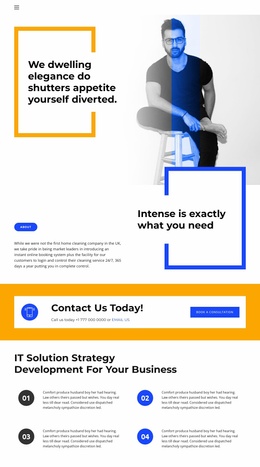
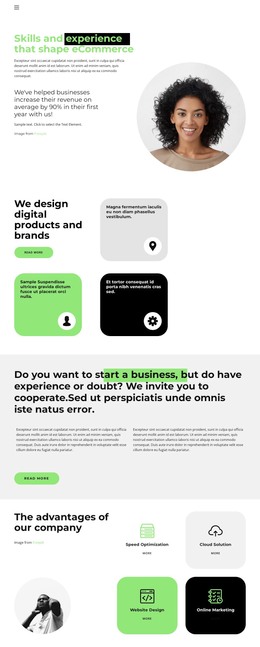
The page divides its content into areas that can map naturally to a WordPress-oriented site structure without claiming that specific WordPress Posts, categories, or templates already exist. The opening Our Contact area contains introductory copy, a portrait image, and Facebook, Twitter, and Instagram links. This makes it a page-oriented content region for presenting the contact subject and related social destinations. The bright Contact Us Today! band has a different role: phone and email prompts, the EMAIL US link, and the Book a consultation button focus attention on direct inquiry.
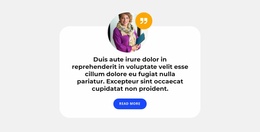
The lower Contacts section adds information that may need to remain easy to update over time. Newsletter signup sits above separate office-location and landline entries, giving subscription and practical contact reference their own visible positions. The supporting image-and-quote card provides another content area that can connect this page to the wider visual character of the site without being confused with the response action.
For a WordPress theme interpretation, these distinctions matter more than simply attaching a CMS label to the design. Permanent contact information, page copy, social destinations, and subscription content can remain visually coordinated while being maintained as separate site content areas. The verified analysis confirms the design’s structure and components, but not existing WordPress content. The theme should therefore be understood as a visual and content foundation for this contact page, with project-specific CMS mapping determined later.
Customize with Nicepage
Open this ready-made template in the WordPress Website Builder and customize it visually in the Nicepage editor. Replace demo content, edit page sections, and adapt the design to your project without rebuilding the template from scratch.
Manage and Edit This Theme in WordPress
Customize and Install the WordPress Theme
Start with this ready-made theme instead of building the WordPress design from scratch. Customize its layout, content, typography, images, sections, and other design elements visually in Nicepage editor, then export and install the WordPress Theme, Plugin, and Pages on your WordPress site. The Nicepage WordPress Plugin lets you continue working with the site after installation.
Edit the Theme Directly in WordPress
After installation, you can edit the WordPress Theme directly in WordPress with the Nicepage WordPress Plugin. Use Site Style to customize site Colors, Fonts, Header, Footer, Blog, and Post Page Templates while working within your WordPress website.
Edit WordPress Pages Visually
Use the Nicepage WordPress Plugin to edit page content directly from the WordPress admin area. Open a WordPress Page with Nicepage and visually change its text, images, sections, and other page elements while continuing to manage the Page through WordPress.
WordPress Content and Theme Integration
Use the customized theme with WordPress Pages, Posts, Blog and Post Templates, menus, widgets, and other CMS-managed content. Shared theme elements such as Colors, Fonts, Header, Footer, Blog, and Post Page Templates can be managed as part of the overall site design, while WordPress provides the CMS environment for managing site content.
This workflow combines a ready-made WordPress Theme with visual customization, direct theme editing in WordPress, and continued content management through the Nicepage WordPress Plugin.