We are a digital creative agency WordPress Theme


Edit Template Offline
2. Create new page and search for id 4735746
Edit Template Online
Create Awesome Websites


Free Nicepage Builder
Keywords
Profile Content and Inquiry Areas Fit a WordPress Page Structure
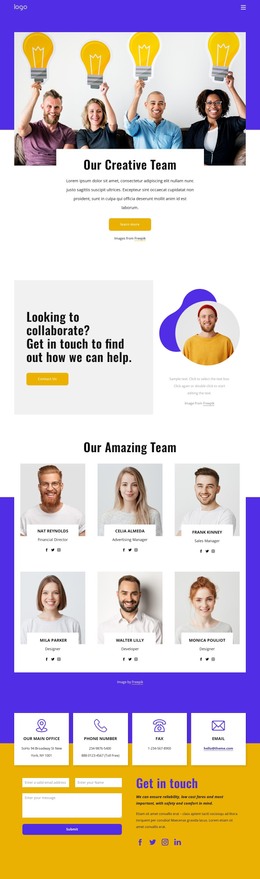
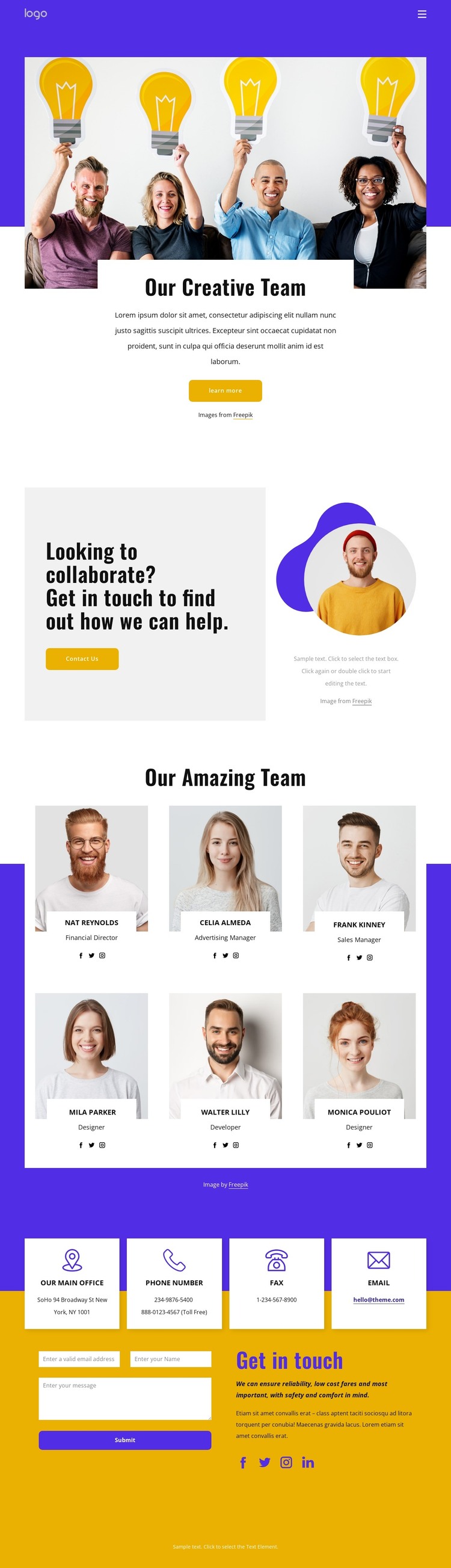
The six profile cards provide the clearest page-oriented content area in this design. Each repeated card combines a portrait, a role, and social links, creating a consistent presentation for team information that can be adapted as the people or descriptions change. The surrounding collaboration section adds a broader introduction, pairing a contact invitation with circular portrait imagery before visitors reach the directory.
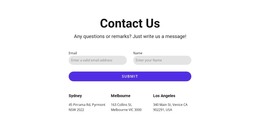
The page also separates recognition from communication. The introductory team photograph and centered text card explain the subject at the top, while the dedicated contact section gathers four contact-information items, an inquiry form, explanatory content, and social links near the end. That separation gives permanent team and contact information distinct areas within a WordPress-managed page rather than forcing all content into one undifferentiated text block.
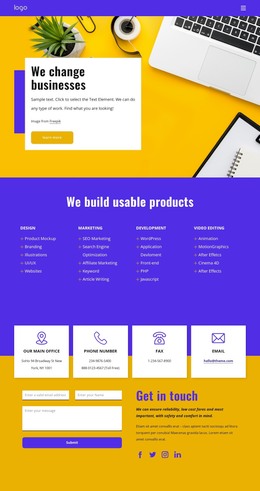
The visual system reinforces these content relationships. Purple header and accent areas, yellow highlights, white cards, light-gray surfaces, rounded buttons, and bold condensed headings give recurring page content a recognizable direction. In a WordPress project, the existing design can therefore serve as a theme presentation for team and contact pages, while the actual names, roles, links, contact details, and form wording are replaced with verified project content. The Nicepage WordPress Plugin can be relevant when editing page content in an existing WordPress environment, but the template itself should not be treated as proof that posts or other CMS sections are already present.
Customize with Nicepage
Open this ready-made template in the WordPress Website Builder and customize it visually in the Nicepage editor. Replace demo content, edit page sections, and adapt the design to your project without rebuilding the template from scratch.
Manage and Edit This Theme in WordPress
Customize and Install the WordPress Theme
Start with this ready-made theme instead of building the WordPress design from scratch. Customize its layout, content, typography, images, sections, and other design elements visually in Nicepage editor, then export and install the WordPress Theme, Plugin, and Pages on your WordPress site. The Nicepage WordPress Plugin lets you continue working with the site after installation.
Edit the Theme Directly in WordPress
After installation, you can edit the WordPress Theme directly in WordPress with the Nicepage WordPress Plugin. Use Site Style to customize site Colors, Fonts, Header, Footer, Blog, and Post Page Templates while working within your WordPress website.
Edit WordPress Pages Visually
Use the Nicepage WordPress Plugin to edit page content directly from the WordPress admin area. Open a WordPress Page with Nicepage and visually change its text, images, sections, and other page elements while continuing to manage the Page through WordPress.
WordPress Content and Theme Integration
Use the customized theme with WordPress Pages, Posts, Blog and Post Templates, menus, widgets, and other CMS-managed content. Shared theme elements such as Colors, Fonts, Header, Footer, Blog, and Post Page Templates can be managed as part of the overall site design, while WordPress provides the CMS environment for managing site content.
This workflow combines a ready-made WordPress Theme with visual customization, direct theme editing in WordPress, and continued content management through the Nicepage WordPress Plugin.