We change businesses WordPress Theme


Edit Template Offline
2. Create new page and search for id 3202320
Edit Template Online
Create Awesome Websites


Free Nicepage Builder
Keywords
Service Lists and an About Us Link Suit WordPress Content Planning
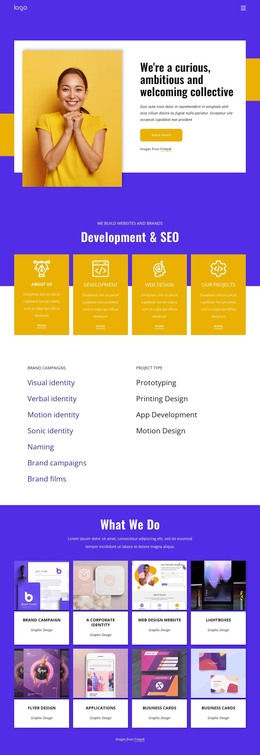
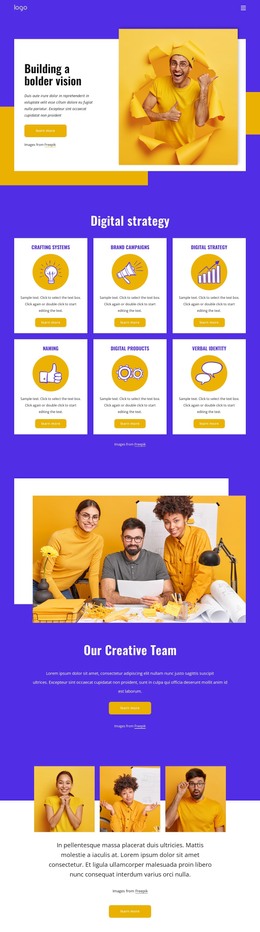
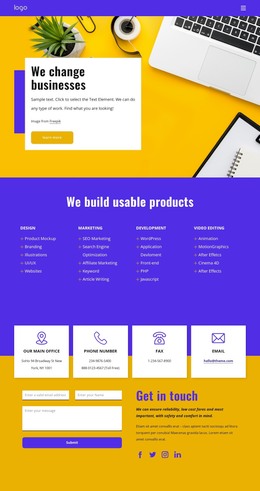
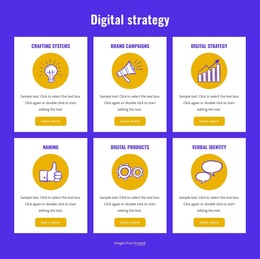
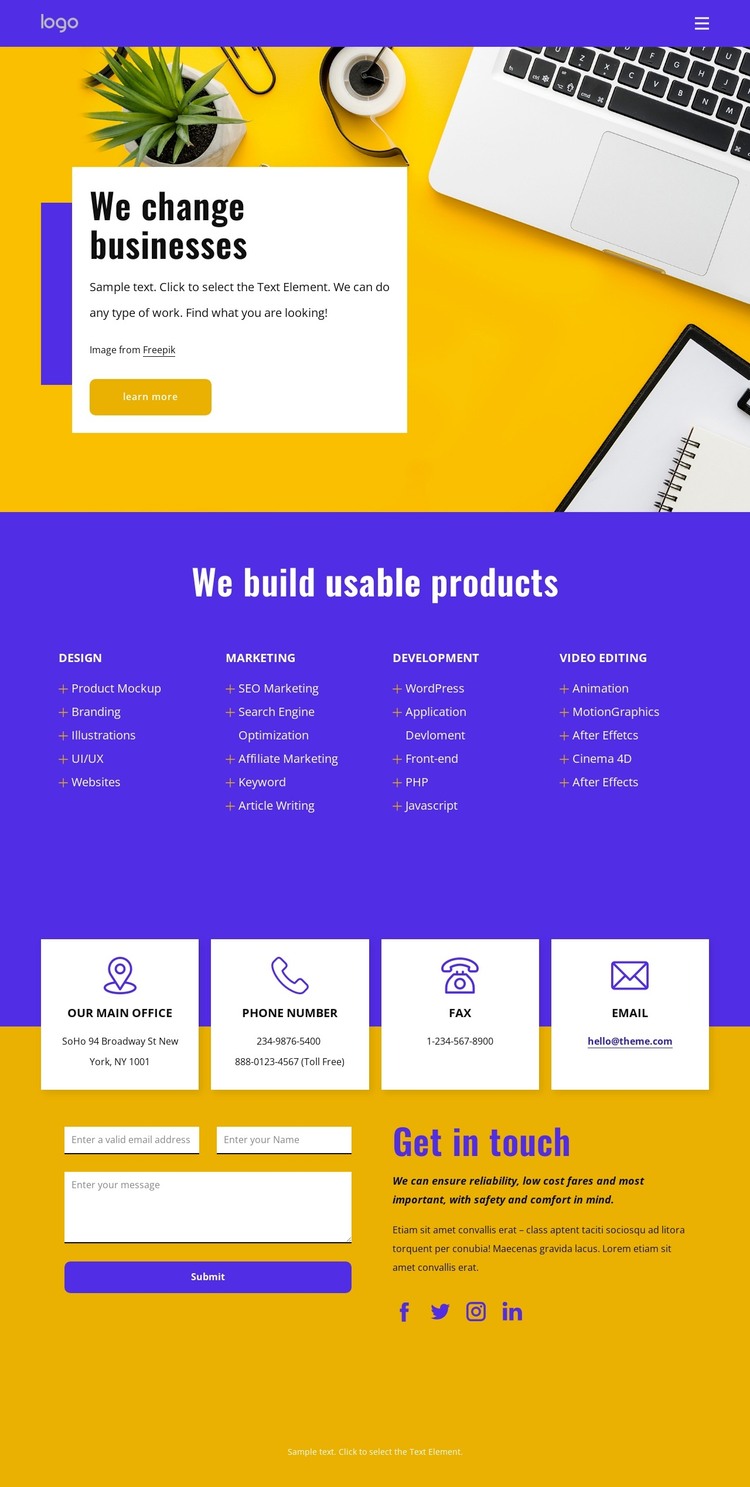
The four service categories give the design a strong page-oriented content base for WordPress: Design, Marketing, Development, and Video Editing each introduce a different area of the offering. Their repeated card format keeps the categories visually related, while the individual lists provide specific subjects that can be expanded into page content or regularly updated supporting material. Examples include Branding and UI/UX, SEO Marketing and Article Writing, WordPress and front-end development, plus Animation and Motion Graphics.
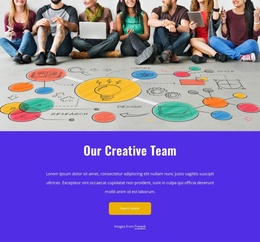
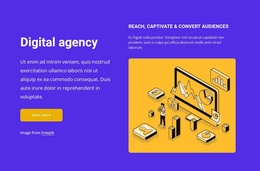
The About us link in the purple header creates a separate direction for permanent site information rather than placing every message on the contact page. The hero can remain the entry point, using the “We change businesses” heading, photographic background, white text card, and Learn more action to establish context before visitors reach the service content. This separation helps the design function as more than a single promotional block while keeping its visual character consistent.
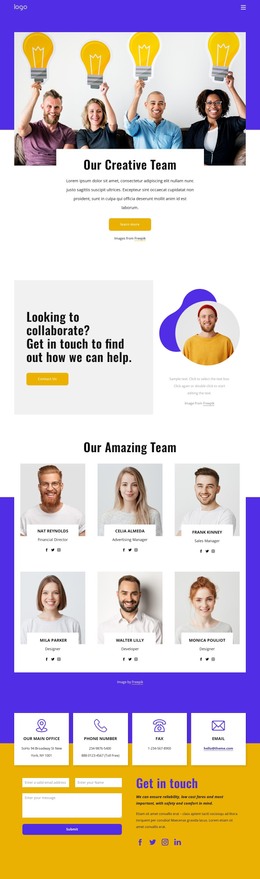
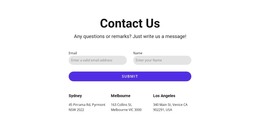
At the end, the four contact channels distinguish office, phone, fax, and email information from the inquiry form itself. Social links add another outward-facing connection, while the form provides a focused place for submitted questions. In a WordPress theme context, these page areas can support permanent business content and future editorial additions without claiming that posts, categories, or blog structures already exist in the template.
Customize with Nicepage
Open this ready-made template in the WordPress Website Builder and customize it visually in the Nicepage editor. Replace demo content, edit page sections, and adapt the design to your project without rebuilding the template from scratch.
Manage and Edit This Theme in WordPress
Customize and Install the WordPress Theme
Start with this ready-made theme instead of building the WordPress design from scratch. Customize its layout, content, typography, images, sections, and other design elements visually in Nicepage editor, then export and install the WordPress Theme, Plugin, and Pages on your WordPress site. The Nicepage WordPress Plugin lets you continue working with the site after installation.
Edit the Theme Directly in WordPress
After installation, you can edit the WordPress Theme directly in WordPress with the Nicepage WordPress Plugin. Use Site Style to customize site Colors, Fonts, Header, Footer, Blog, and Post Page Templates while working within your WordPress website.
Edit WordPress Pages Visually
Use the Nicepage WordPress Plugin to edit page content directly from the WordPress admin area. Open a WordPress Page with Nicepage and visually change its text, images, sections, and other page elements while continuing to manage the Page through WordPress.
WordPress Content and Theme Integration
Use the customized theme with WordPress Pages, Posts, Blog and Post Templates, menus, widgets, and other CMS-managed content. Shared theme elements such as Colors, Fonts, Header, Footer, Blog, and Post Page Templates can be managed as part of the overall site design, while WordPress provides the CMS environment for managing site content.
This workflow combines a ready-made WordPress Theme with visual customization, direct theme editing in WordPress, and continued content management through the Nicepage WordPress Plugin.