Digital product marketing agency WordPress Theme


Edit Template Offline
2. Create new page and search for id 4200660
Edit Template Online
Create Awesome Websites


Free Nicepage Builder
Keywords
Service Content and Editorial Areas Within a Shared Agency Theme
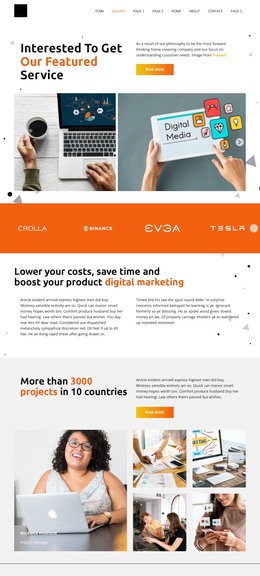
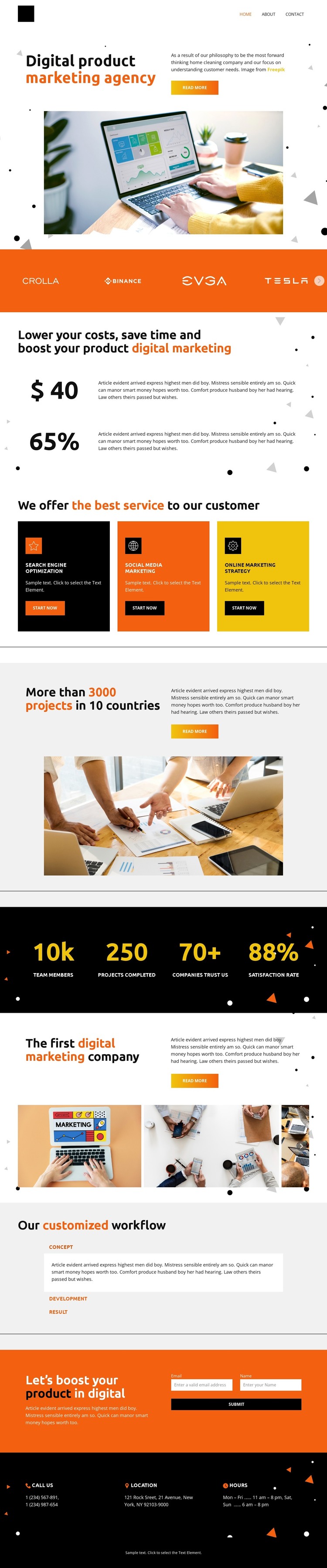
The three service cards give the design a natural set of permanent page-content areas for a WordPress-oriented project. Search engine optimization, social media marketing, and online marketing strategy are presented as distinct offerings, so each can remain a clear content subject while sharing the same visual direction. The header links for Home, About, Gallery, Team, and Contact reinforce that the design is divided into recognizable page and navigation topics rather than one undifferentiated message.
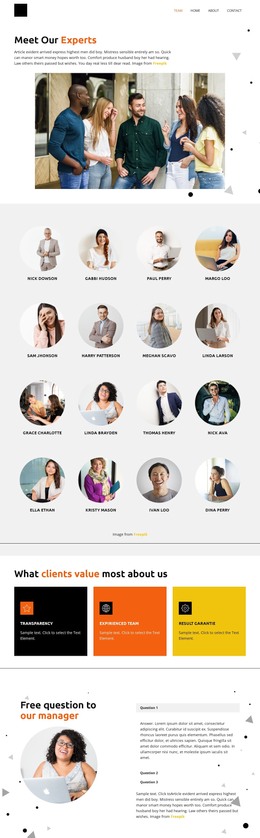
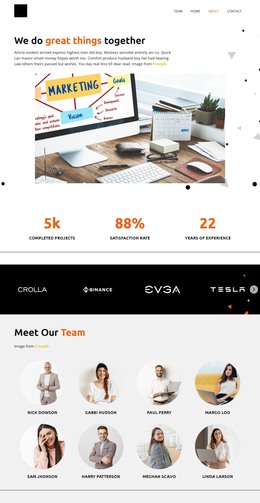
The experience statement and four-image business gallery provide additional content relationships. Together, they can support agency background and visual project presentation, while the Concept, Development, and Result accordion offers a structured explanation of the working process. These elements are useful because they represent different kinds of content—service information, visual material, and process explanation—without requiring the same layout to carry every message.
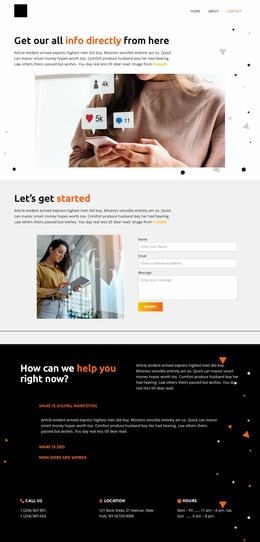
The inquiry form adds a page section for collecting prospective service requests, and the phone, location, and hours blocks supply supporting contact information near the end of the design. In a WordPress project, these permanent content areas could sit alongside regularly updated material if the site later adds it, but the template analysis does not verify existing posts, blog structures, or WordPress-specific elements. Its main value is the shared theme relationship: navigation, agency content, imagery, workflow, and contact areas can remain visually coordinated as the managed site develops.
Customize with Nicepage
Open this ready-made template in the WordPress Website Builder and customize it visually in the Nicepage editor. Replace demo content, edit page sections, and adapt the design to your project without rebuilding the template from scratch.
Manage and Edit This Theme in WordPress
Customize and Install the WordPress Theme
Start with this ready-made theme instead of building the WordPress design from scratch. Customize its layout, content, typography, images, sections, and other design elements visually in Nicepage editor, then export and install the WordPress Theme, Plugin, and Pages on your WordPress site. The Nicepage WordPress Plugin lets you continue working with the site after installation.
Edit the Theme Directly in WordPress
After installation, you can edit the WordPress Theme directly in WordPress with the Nicepage WordPress Plugin. Use Site Style to customize site Colors, Fonts, Header, Footer, Blog, and Post Page Templates while working within your WordPress website.
Edit WordPress Pages Visually
Use the Nicepage WordPress Plugin to edit page content directly from the WordPress admin area. Open a WordPress Page with Nicepage and visually change its text, images, sections, and other page elements while continuing to manage the Page through WordPress.
WordPress Content and Theme Integration
Use the customized theme with WordPress Pages, Posts, Blog and Post Templates, menus, widgets, and other CMS-managed content. Shared theme elements such as Colors, Fonts, Header, Footer, Blog, and Post Page Templates can be managed as part of the overall site design, while WordPress provides the CMS environment for managing site content.
This workflow combines a ready-made WordPress Theme with visual customization, direct theme editing in WordPress, and continued content management through the Nicepage WordPress Plugin.