Real Time Analytics WordPress Theme



Edit Template Offline
2. Create new page and search for id 4200658
Edit Template Online
Create Awesome Websites


Free Nicepage Builder
Keywords
Team Profiles and Trust Content Give WordPress Pages Clear Roles
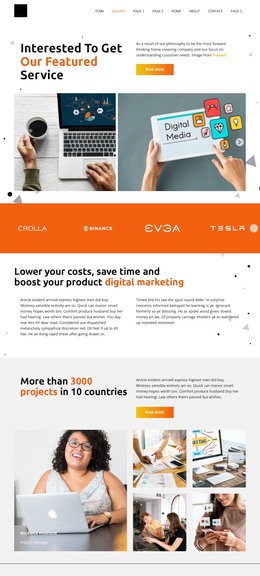
The opening About section provides a natural permanent page area for explaining the organization, its collaborative approach, and its visual direction. The three metric items and horizontal brand strip can support additional page content that establishes experience and association, while the eight portrait cards create a clearly defined team region. Because the cards repeat the same presentation, they can be interpreted as a consistent people-focused content area rather than isolated decorative elements.
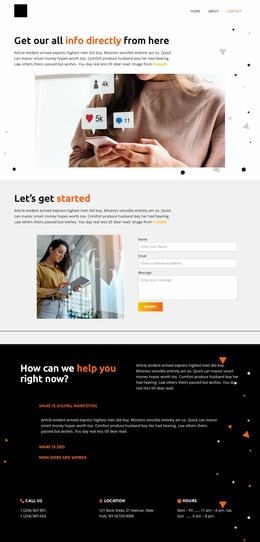
The six-image business gallery adds a separate visual content layer, and the three client-value cards organize short explanations around transparency, team experience, and results. These areas give the design a useful relationship between organizational information, people, imagery, and stated values. The trust-and-relationships section can reinforce the About narrative, while the orange Start now block and three contact information blocks provide distinct engagement and practical-information areas.
For a WordPress-managed project, the verified structure is best treated as page-oriented content rather than evidence of existing blog or post features. The About, team, values, gallery, and contact areas can remain part of the core page presentation, while future editorial material may be added only if the project requires it. Sample names, metrics, phone numbers, address, and hours should be replaced with verified content before publication.
Customize with Nicepage
Open this ready-made template in the WordPress Website Builder and customize it visually in the Nicepage editor. Replace demo content, edit page sections, and adapt the design to your project without rebuilding the template from scratch.
Manage and Edit This Theme in WordPress
Customize and Install the WordPress Theme
Start with this ready-made theme instead of building the WordPress design from scratch. Customize its layout, content, typography, images, sections, and other design elements visually in Nicepage editor, then export and install the WordPress Theme, Plugin, and Pages on your WordPress site. The Nicepage WordPress Plugin lets you continue working with the site after installation.
Edit the Theme Directly in WordPress
After installation, you can edit the WordPress Theme directly in WordPress with the Nicepage WordPress Plugin. Use Site Style to customize site Colors, Fonts, Header, Footer, Blog, and Post Page Templates while working within your WordPress website.
Edit WordPress Pages Visually
Use the Nicepage WordPress Plugin to edit page content directly from the WordPress admin area. Open a WordPress Page with Nicepage and visually change its text, images, sections, and other page elements while continuing to manage the Page through WordPress.
WordPress Content and Theme Integration
Use the customized theme with WordPress Pages, Posts, Blog and Post Templates, menus, widgets, and other CMS-managed content. Shared theme elements such as Colors, Fonts, Header, Footer, Blog, and Post Page Templates can be managed as part of the overall site design, while WordPress provides the CMS environment for managing site content.
This workflow combines a ready-made WordPress Theme with visual customization, direct theme editing in WordPress, and continued content management through the Nicepage WordPress Plugin.