Maldives, Bora Bora, Tahiti WordPress Theme


Stable Destination Content for a WordPress-Managed Page
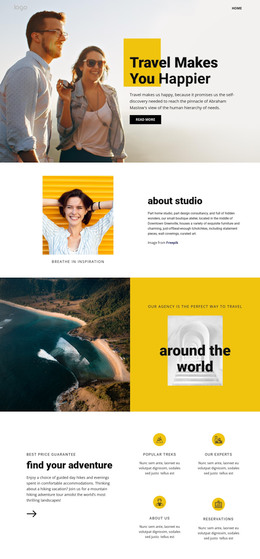
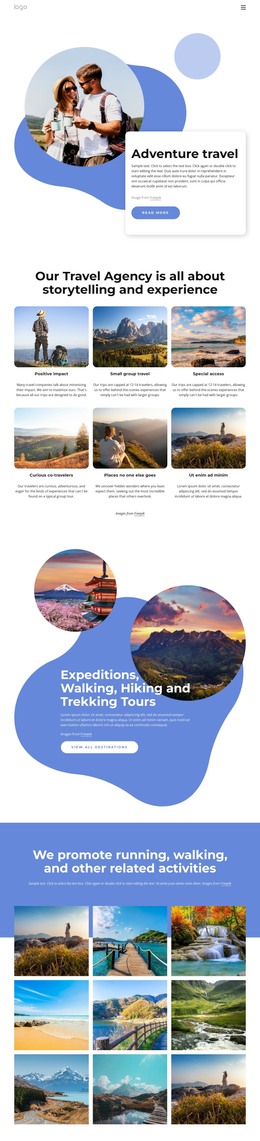
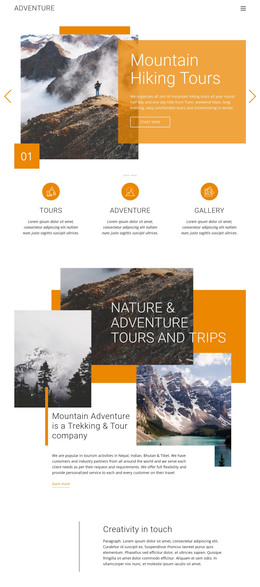
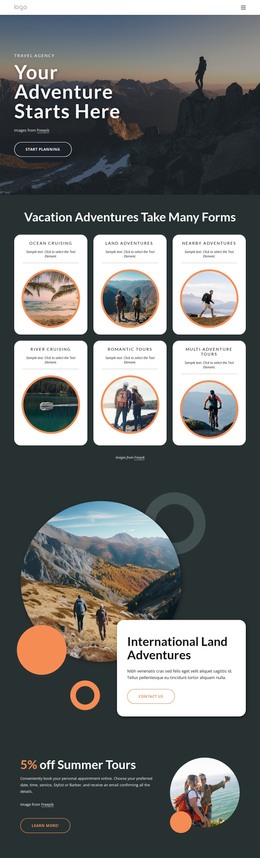
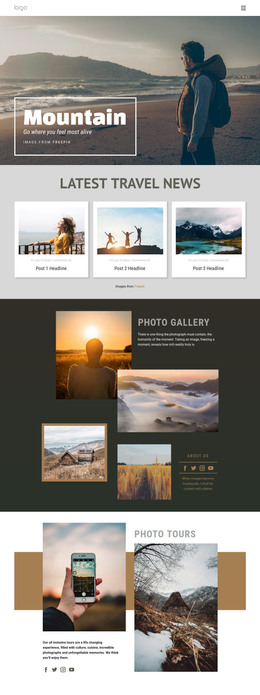
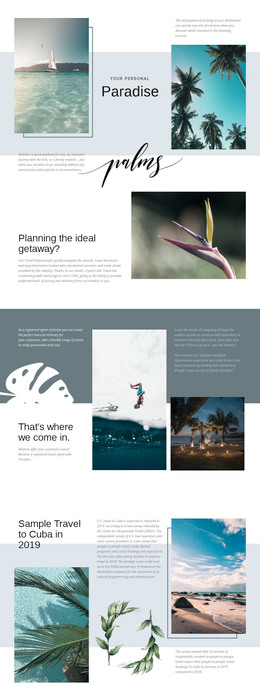
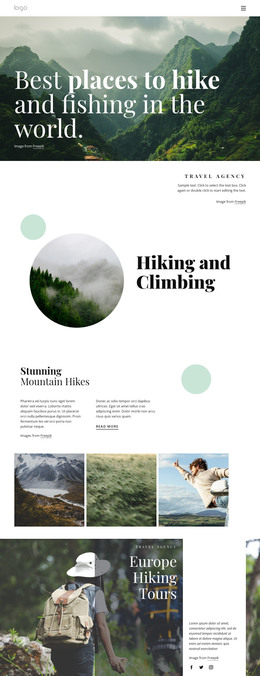
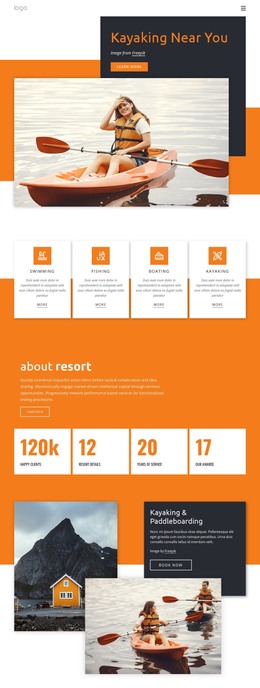
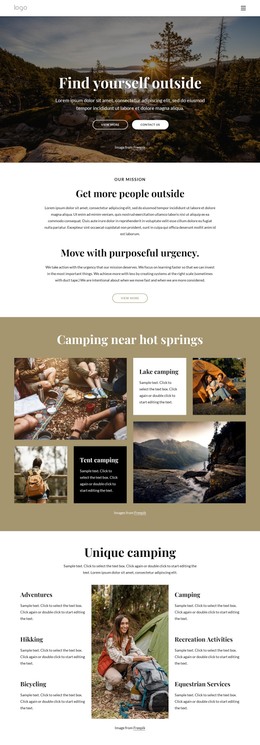
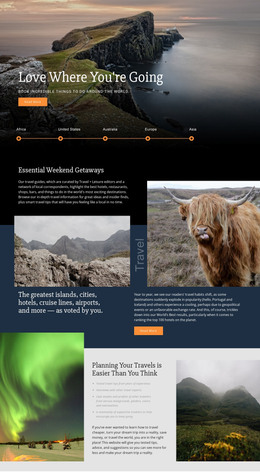
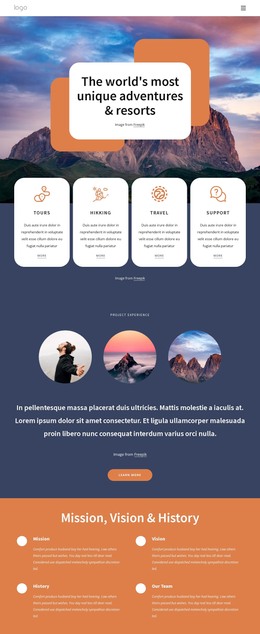
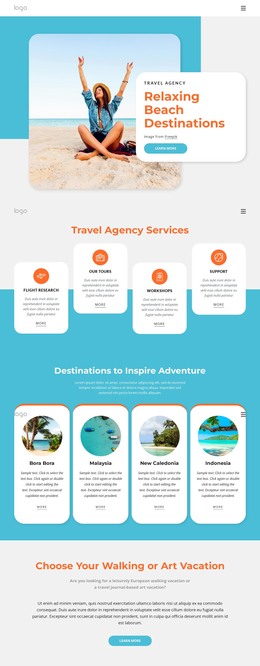
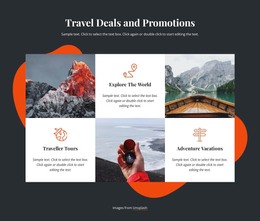
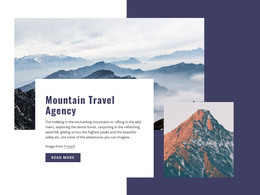
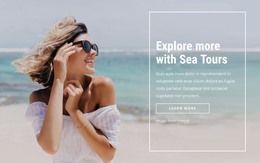
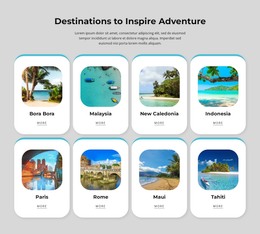
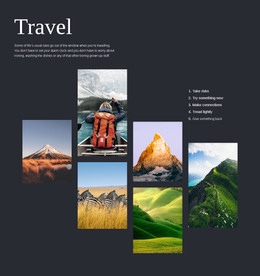
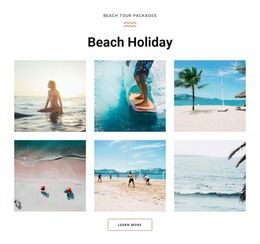
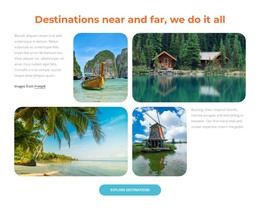
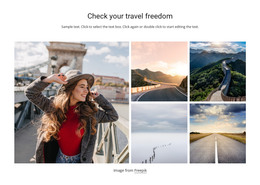
The four-image gallery gives this section a stable page-content role rather than the character of a frequently changing feed. Each vertically oriented destination image contributes to a single visual group, while the staggered arrangement and alternating open areas preserve separation between locations. That makes the block suitable for presenting a curated travel topic within a WordPress-managed page.
The lower split area organizes the supporting content into two practical groups. “Maldives. Bora Bora, Tahiti.” and five social icons sit on the left, creating the section’s identifying side. The supporting paragraph and one button sit on the right, providing explanatory content and a possible destination for the page’s next action. The sample wording can be replaced with maintained travel copy, but the relationship between heading, images, text, and button remains the section’s reusable visual pattern.
The light blue and white palette, condensed heading, and saturated imagery can remain consistent with related page content managed in the wider project. The FREEPIK credit line should continue to accompany the supplied image treatment when the section is adapted. In a WordPress context, the block can therefore serve as permanent destination or gallery content while other CMS-managed pages handle navigation, booking details, posts, or additional travel information. It remains one content section within that broader environment, not a standalone theme.
Customize with Nicepage
Open this ready-made template in the WordPress Website Builder and customize it visually in the Nicepage editor. Replace demo content, edit page sections, and adapt the design to your project without rebuilding the template from scratch.
Edit Template Offline
2. Create a new page or select existing
3. Click Add new block, search for id 201859 and click enter
Edit Template Online
Create Awesome Websites


Free Nicepage Builder
Keywords
Manage and Edit This Theme in WordPress
Customize and Install the WordPress Theme
Start with this ready-made theme instead of building the WordPress design from scratch. Customize its layout, content, typography, images, sections, and other design elements visually in Nicepage editor, then export and install the WordPress Theme, Plugin, and Pages on your WordPress site. The Nicepage WordPress Plugin lets you continue working with the site after installation.
Edit the Theme Directly in WordPress
After installation, you can edit the WordPress Theme directly in WordPress with the Nicepage WordPress Plugin. Use Site Style to customize site Colors, Fonts, Header, Footer, Blog, and Post Page Templates while working within your WordPress website.
Edit WordPress Pages Visually
Use the Nicepage WordPress Plugin to edit page content directly from the WordPress admin area. Open a WordPress Page with Nicepage and visually change its text, images, sections, and other page elements while continuing to manage the Page through WordPress.
WordPress Content and Theme Integration
Use the customized theme with WordPress Pages, Posts, Blog and Post Templates, menus, widgets, and other CMS-managed content. Shared theme elements such as Colors, Fonts, Header, Footer, Blog, and Post Page Templates can be managed as part of the overall site design, while WordPress provides the CMS environment for managing site content.
This workflow combines a ready-made WordPress Theme with visual customization, direct theme editing in WordPress, and continued content management through the Nicepage WordPress Plugin.