City tours and travel WordPress Theme


Urban Adventures as Stable Page Content
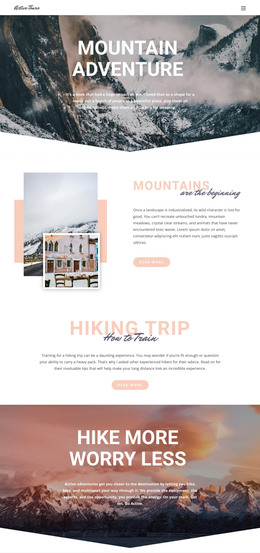
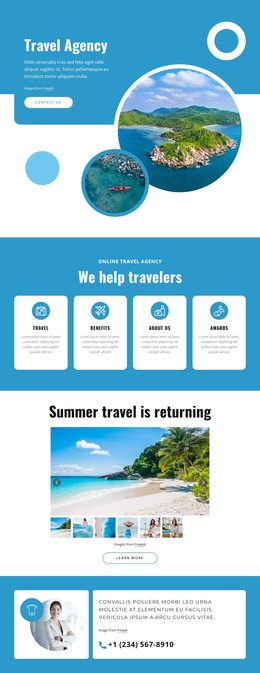
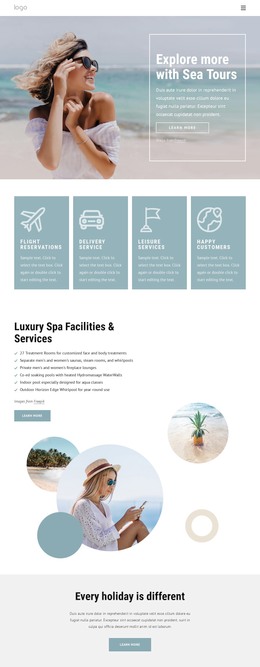
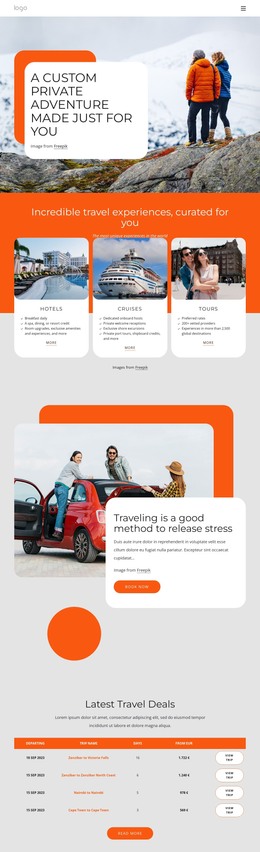
The centered “City Tours & Travel” heading and the featured “Urban Adventures” subsection give this block the character of stable page content for a WordPress-managed site. It can occupy a services or travel-information area where visitors need a concise explanation of available experiences. The named categories—food, beer, street art, bike, and kayak tours—make the content specific, while the two surrounding photographs add visual context without turning the section into a separate editorial feed.
The internal arrangement is straightforward: an introductory region appears above a three-column feature row, and the central text panel carries the main explanation. Its pale blue fill and thin inset border create a contained reading area between the images. This makes the block suitable for a permanent page section that can remain visually consistent as the wider project adds destination pages, itinerary information, booking content, or other travel resources around it.
The copy’s reference to more than 150 cities can function as a broad service statement when retained in the page content, while the visual treatment helps the section remain recognizable within the site's design. A WordPress-oriented project can place this block alongside other managed page content without changing its role or implying that the section itself is a complete theme. Its contribution is a focused, reusable explanation of urban-tour experiences.
Customize with Nicepage
Open this ready-made template in the WordPress Website Builder and customize it visually in the Nicepage editor. Replace demo content, edit page sections, and adapt the design to your project without rebuilding the template from scratch.
Edit Template Offline
2. Create a new page or select existing
3. Click Add new block, search for id 56682 and click enter
Edit Template Online
Create Awesome Websites


Free Nicepage Builder
Keywords
Manage and Edit This Theme in WordPress
Customize and Install the WordPress Theme
Start with this ready-made theme instead of building the WordPress design from scratch. Customize its layout, content, typography, images, sections, and other design elements visually in Nicepage editor, then export and install the WordPress Theme, Plugin, and Pages on your WordPress site. The Nicepage WordPress Plugin lets you continue working with the site after installation.
Edit the Theme Directly in WordPress
After installation, you can edit the WordPress Theme directly in WordPress with the Nicepage WordPress Plugin. Use Site Style to customize site Colors, Fonts, Header, Footer, Blog, and Post Page Templates while working within your WordPress website.
Edit WordPress Pages Visually
Use the Nicepage WordPress Plugin to edit page content directly from the WordPress admin area. Open a WordPress Page with Nicepage and visually change its text, images, sections, and other page elements while continuing to manage the Page through WordPress.
WordPress Content and Theme Integration
Use the customized theme with WordPress Pages, Posts, Blog and Post Templates, menus, widgets, and other CMS-managed content. Shared theme elements such as Colors, Fonts, Header, Footer, Blog, and Post Page Templates can be managed as part of the overall site design, while WordPress provides the CMS environment for managing site content.
This workflow combines a ready-made WordPress Theme with visual customization, direct theme editing in WordPress, and continued content management through the Nicepage WordPress Plugin.