Learning and engagement services WordPress Theme



Edit Template Offline
2. Create new page and search for id 1672972
Edit Template Online
Create Awesome Websites


Free Nicepage Builder
Keywords
Course categories and learning resources suit managed page content
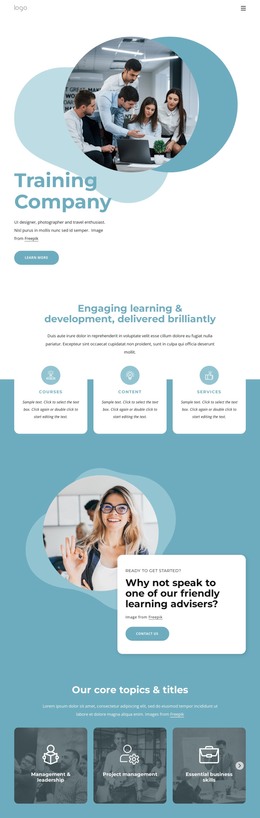
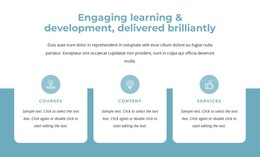
The page divides its subject matter into durable content areas that can remain visually coordinated as a training site grows. The hero and its Learn more action establish the main page message, while the three feature cards make Courses, Content, and Services visible as separate areas of the offer. This page-oriented structure is useful for presenting stable explanations, program descriptions, or adviser-focused information without losing the relationship between the categories.
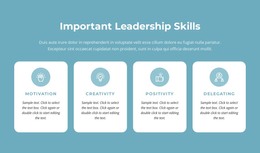
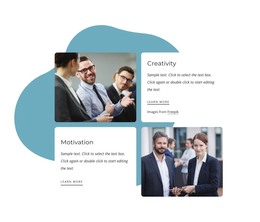
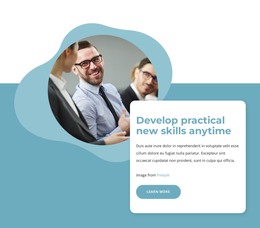
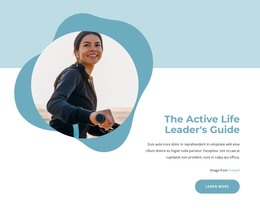
The five core topics provide another useful content grouping: Management & leadership, Project management, Essential business skills, Wellbeing & life skills, and Personal development. Their repeated image-backed treatment can support a consistent presentation for related training subjects, while the Creativity and Motivation panels add more focused personal-development content. The corporate-training promotion shifts the emphasis toward organizational teams, and the learning-library section creates a natural place for educational resources or regularly expanded material. These relationships give the design more depth than a single undifferentiated service list.
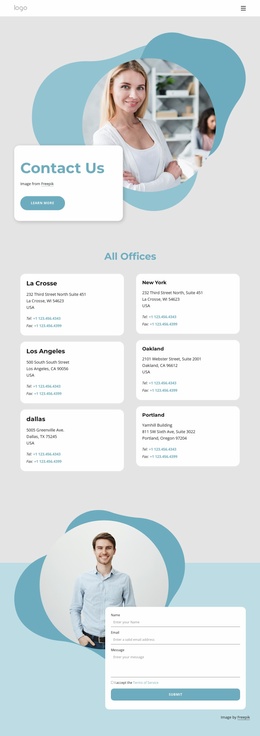
The six product and service categories broaden the page's permanent content structure, and the closing inquiry form supplies a direct contact area with Name, Email, Message, consent, and Submit controls. Together with navigation and the shared footer, the design can accommodate managed training content while retaining its blue-and-white visual identity, rounded cards, circular imagery, and dark photographic emphasis areas.
Customize with Nicepage
Open this ready-made template in the WordPress Website Builder and customize it visually in the Nicepage editor. Replace demo content, edit page sections, and adapt the design to your project without rebuilding the template from scratch.
Manage and Edit This Theme in WordPress
Customize and Install the WordPress Theme
Start with this ready-made theme instead of building the WordPress design from scratch. Customize its layout, content, typography, images, sections, and other design elements visually in Nicepage editor, then export and install the WordPress Theme, Plugin, and Pages on your WordPress site. The Nicepage WordPress Plugin lets you continue working with the site after installation.
Edit the Theme Directly in WordPress
After installation, you can edit the WordPress Theme directly in WordPress with the Nicepage WordPress Plugin. Use Site Style to customize site Colors, Fonts, Header, Footer, Blog, and Post Page Templates while working within your WordPress website.
Edit WordPress Pages Visually
Use the Nicepage WordPress Plugin to edit page content directly from the WordPress admin area. Open a WordPress Page with Nicepage and visually change its text, images, sections, and other page elements while continuing to manage the Page through WordPress.
WordPress Content and Theme Integration
Use the customized theme with WordPress Pages, Posts, Blog and Post Templates, menus, widgets, and other CMS-managed content. Shared theme elements such as Colors, Fonts, Header, Footer, Blog, and Post Page Templates can be managed as part of the overall site design, while WordPress provides the CMS environment for managing site content.
This workflow combines a ready-made WordPress Theme with visual customization, direct theme editing in WordPress, and continued content management through the Nicepage WordPress Plugin.