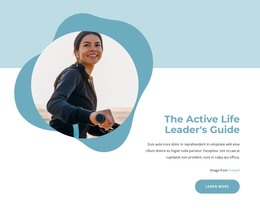
Creating a spirit of learning WordPress Theme

Edit Template Offline
2. Create new page and search for id 5512682
Edit Template Online
Create Awesome Websites


Free Nicepage Builder
Keywords
Learning Content and Repeated Company Areas Fit a WordPress Theme
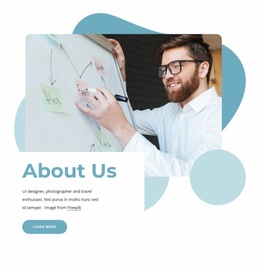
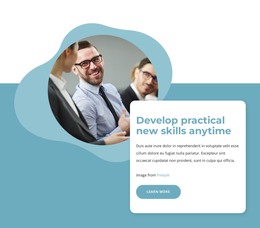
The page’s content is divided into permanent company information that can work naturally within a WordPress-managed presentation. The About Us introduction and learning-philosophy statements provide page-oriented material, while the practical-skills section gives the organization a defined capability area. The recognition callout can hold verified awards information, keeping credibility content separate from the broader explanation of what the company believes and does.
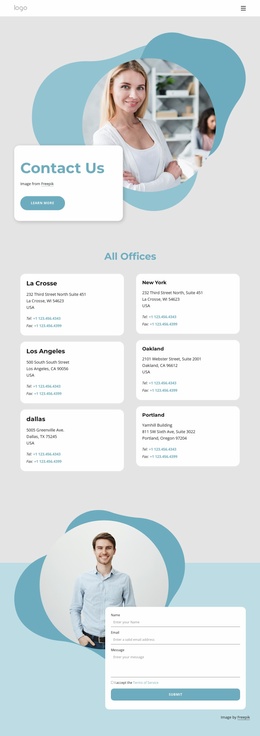
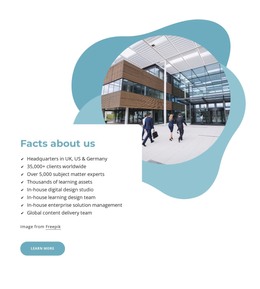
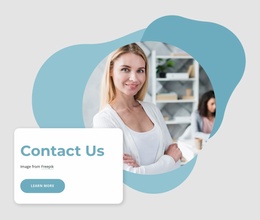
Repeated content is visible in two different forms. Durability and Efficiency appear as peer competitive-advantage cards, while the differentiator slider contains five labeled items: One-stop-shop, Flexibility & pace, Humanizing work, Geographic reach, and Our people. That distinction can help a WordPress project maintain consistent layouts for related content without treating every message as the same kind of section. The Facts about us area adds a company-information block with identified UK, US, and Germany headquarters, alongside learning and delivery references that should be maintained as the organization changes. The contact section supplies name, email, message, and terms acceptance controls for inquiries. The result is a theme-ready content structure in which company pages and recurring information can share the same blue-and-teal visual system, while the supplied design remains the verified foundation rather than an unsupported claim of existing WordPress content types.
Customize with Nicepage
Open this ready-made template in the WordPress Website Builder and customize it visually in the Nicepage editor. Replace demo content, edit page sections, and adapt the design to your project without rebuilding the template from scratch.
Manage and Edit This Theme in WordPress
Customize and Install the WordPress Theme
Start with this ready-made theme instead of building the WordPress design from scratch. Customize its layout, content, typography, images, sections, and other design elements visually in Nicepage editor, then export and install the WordPress Theme, Plugin, and Pages on your WordPress site. The Nicepage WordPress Plugin lets you continue working with the site after installation.
Edit the Theme Directly in WordPress
After installation, you can edit the WordPress Theme directly in WordPress with the Nicepage WordPress Plugin. Use Site Style to customize site Colors, Fonts, Header, Footer, Blog, and Post Page Templates while working within your WordPress website.
Edit WordPress Pages Visually
Use the Nicepage WordPress Plugin to edit page content directly from the WordPress admin area. Open a WordPress Page with Nicepage and visually change its text, images, sections, and other page elements while continuing to manage the Page through WordPress.
WordPress Content and Theme Integration
Use the customized theme with WordPress Pages, Posts, Blog and Post Templates, menus, widgets, and other CMS-managed content. Shared theme elements such as Colors, Fonts, Header, Footer, Blog, and Post Page Templates can be managed as part of the overall site design, while WordPress provides the CMS environment for managing site content.
This workflow combines a ready-made WordPress Theme with visual customization, direct theme editing in WordPress, and continued content management through the Nicepage WordPress Plugin.