Develop practical skills anytime WordPress Theme


The Learn More Card Turns Skills Content Into a Page Destination
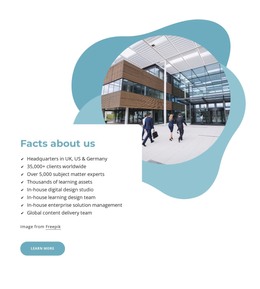
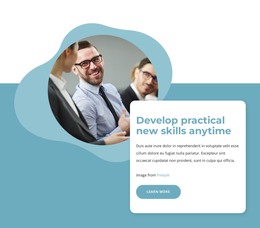
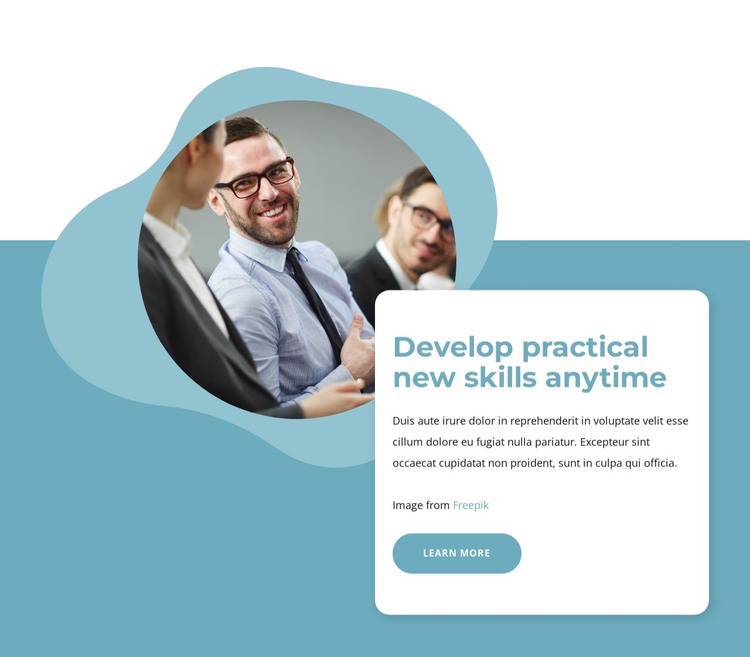
The white rounded card gives the WordPress-oriented section a stable place for page content: a heading about developing practical skills, supporting copy, and one “Learn more” action. That combination reads as a focused invitation to explore rather than as a complete conversion structure. Within a WordPress-managed page, the block can provide a visually distinct content area while other sections handle fuller explanations, related material, or additional actions.
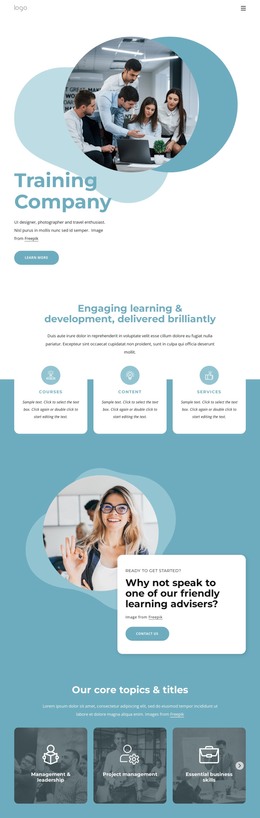
The circular photograph of businesspeople supplies the human context on the left, and the card keeps the written message concentrated on the right. Pale organic shapes frame the image against the teal-blue background, creating a recognizable visual boundary around the section. The bold teal heading contrasts with the compact dark paragraph, while generous spacing prevents the CTA from competing with the main message. Rounded corners on the card and action reinforce the approachable presentation of skills content.
For a WordPress project, this block can be treated as reusable page content that sits within a broader theme and publishing environment. Its structure is specific enough to identify one professional-development topic, yet contained enough to combine with other page sections. The “Learn more” button can lead to the destination chosen for the surrounding project, while the block preserves its role as a single message, image, and action unit rather than implying a standalone WordPress Theme.
Customize with Nicepage
Open this ready-made template in the WordPress Website Builder and customize it visually in the Nicepage editor. Replace demo content, edit page sections, and adapt the design to your project without rebuilding the template from scratch.
Edit Template Offline
2. Create a new page or select existing
3. Click Add new block, search for id 5516100 and click enter
Edit Template Online
Create Awesome Websites


Free Nicepage Builder
Keywords
Manage and Edit This Theme in WordPress
Customize and Install the WordPress Theme
Start with this ready-made theme instead of building the WordPress design from scratch. Customize its layout, content, typography, images, sections, and other design elements visually in Nicepage editor, then export and install the WordPress Theme, Plugin, and Pages on your WordPress site. The Nicepage WordPress Plugin lets you continue working with the site after installation.
Edit the Theme Directly in WordPress
After installation, you can edit the WordPress Theme directly in WordPress with the Nicepage WordPress Plugin. Use Site Style to customize site Colors, Fonts, Header, Footer, Blog, and Post Page Templates while working within your WordPress website.
Edit WordPress Pages Visually
Use the Nicepage WordPress Plugin to edit page content directly from the WordPress admin area. Open a WordPress Page with Nicepage and visually change its text, images, sections, and other page elements while continuing to manage the Page through WordPress.
WordPress Content and Theme Integration
Use the customized theme with WordPress Pages, Posts, Blog and Post Templates, menus, widgets, and other CMS-managed content. Shared theme elements such as Colors, Fonts, Header, Footer, Blog, and Post Page Templates can be managed as part of the overall site design, while WordPress provides the CMS environment for managing site content.
This workflow combines a ready-made WordPress Theme with visual customization, direct theme editing in WordPress, and continued content management through the Nicepage WordPress Plugin.