Kids Anniversary Template


Edit Template Offline
2. Create new page and search for id 6637375
Edit Template Online
Create Awesome Websites


Free Nicepage Builder
Keywords
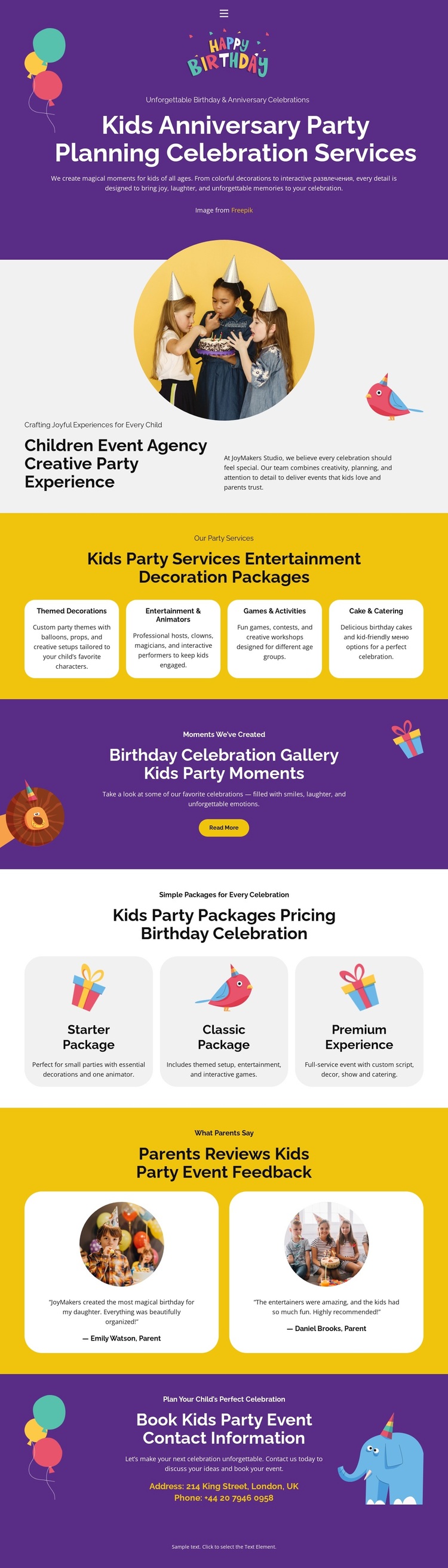
Four Party Services Lead Into Packages, Reviews, and Booking
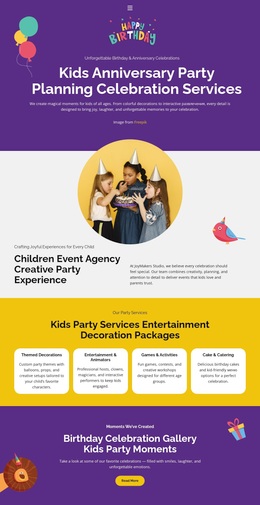
The four service cards give this design a clear subject-specific starting point. Themed Decorations, Entertainment & Activities, Games & Activities, and Cake & Catering cover different parts of a children’s celebration while remaining easy to understand as one coordinated offer. That breadth makes the template a useful option for party planners who need to present both creative experiences and practical event support rather than relying on a single service message.
The page also connects its service story to several forms of decision-making content. The gallery promotion gives event imagery a dedicated role and invites visitors to view party moments, while the three package cards turn the broader offer into recognizable levels: Starter Package, Classic Package, and Premium Experience. Two parent feedback cards add a separate perspective on birthday events, creating a progression from what the agency provides to how the experience may be evaluated. These relationships make the design more distinctive than a generic celebration page built only around decorative visuals.
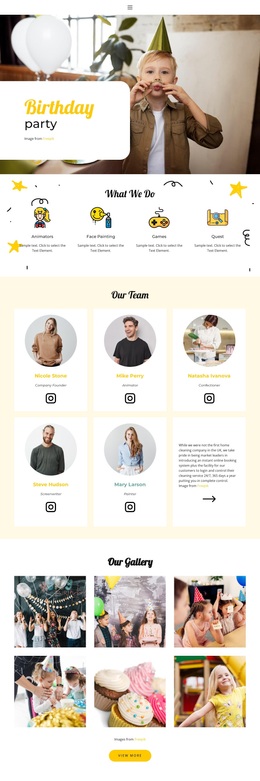
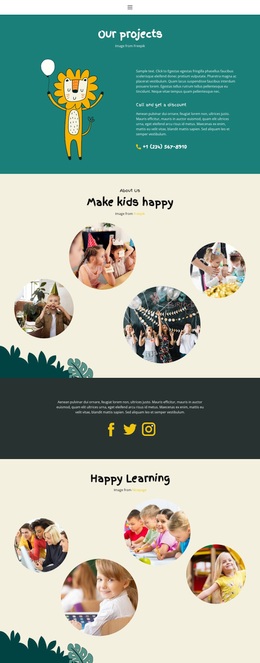
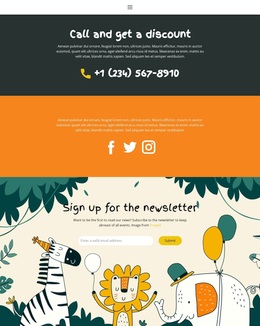
The purple and bright yellow palette, illustrated balloons, gifts, animals, and confetti reinforce the children’s party subject from the first section onward. Rounded cards and circular photographs soften the information-heavy parts of the page, while the final booking area gives the presentation a practical destination through its invitation, email, and phone channels. Together, the visual character and content coverage make this a strong design choice for projects that need playful presentation, organized party offerings, package comparison, and a visible route toward event inquiries.
Customize with Nicepage
Open this ready-made template in the Template Builder and customize it visually in the Nicepage editor. Replace demo content, edit page sections, and adapt the design to your project without rebuilding the template from scratch.
Start With a Ready-Made Template
Choose a Design for a New Page
Use a ready-made template as a starting point instead of creating every page from a blank canvas. When adding a new page in Nicepage, browse available designs, compare different layouts, and choose an option that already fits the general purpose and visual direction of your project.
Browse Different Page Designs
Explore Page Designs using search, thematic categories, Design Sets, and full-page previews. The collection includes layouts for different subjects and page purposes, making it easier to compare alternatives before selecting a design to customize.
Customize the Selected Template
After choosing a design, create the page and continue editing it visually in Nicepage. Replace the demo content, adjust images, typography, colors, sections, and other elements, and adapt the ready-made layout to your own content instead of rebuilding the design from the beginning.
Explore More Design Directions
If the first option does not match your project closely enough, return to the design collection and compare other templates before committing to a layout. This makes the template library useful not only for faster page creation, but also for exploring different visual approaches and finding a suitable starting point for a new project.
This workflow gives you access to a broad collection of ready-made designs that can be selected, compared, and customized according to the needs of each new page or project.