Practical nutrition coaching Template



Edit Template Offline
2. Create new page and search for id 6426351
Edit Template Online
Create Awesome Websites


Free Nicepage Builder
Keywords
Food Imagery, Service Coverage, and Personal Guidance Define the Choice
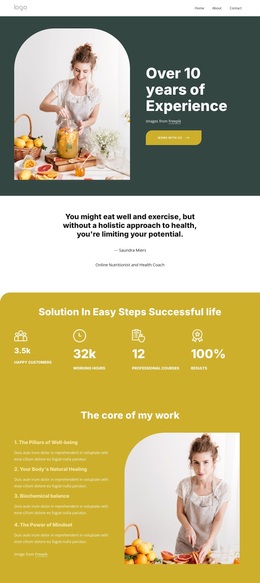
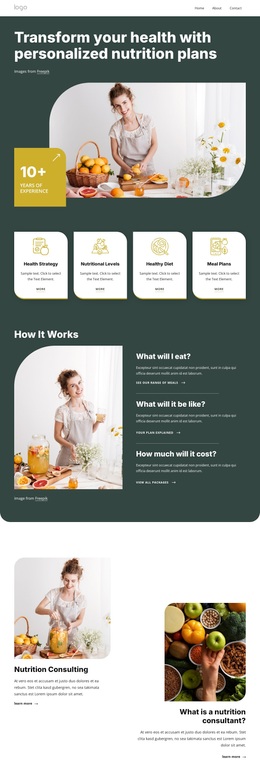
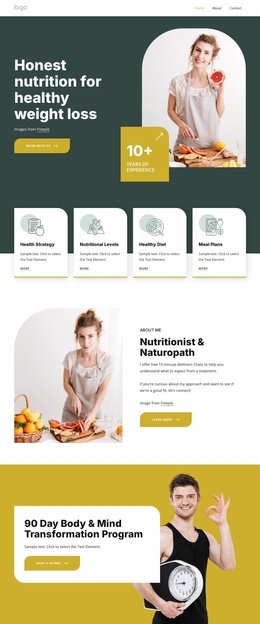
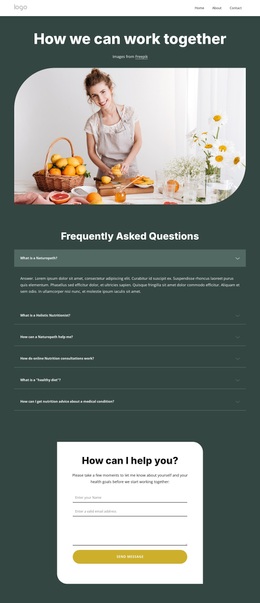
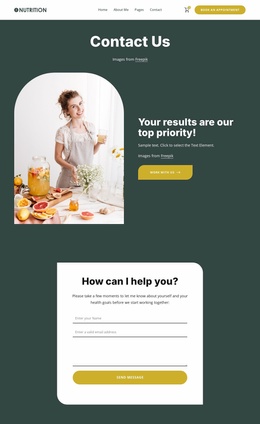
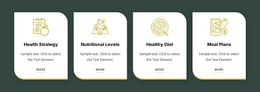
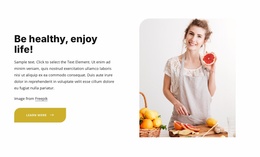
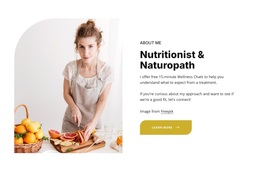
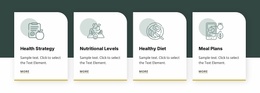
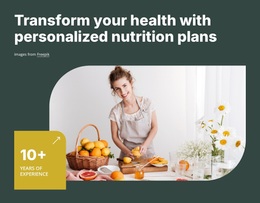
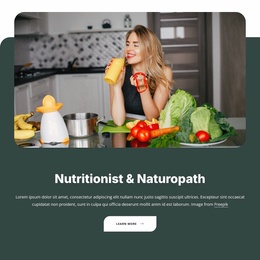
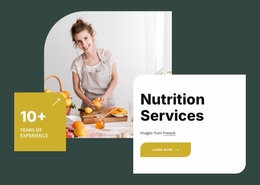
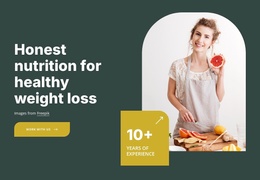
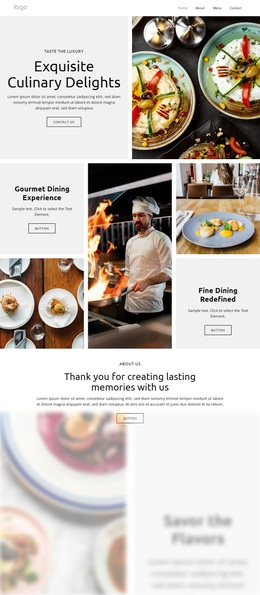
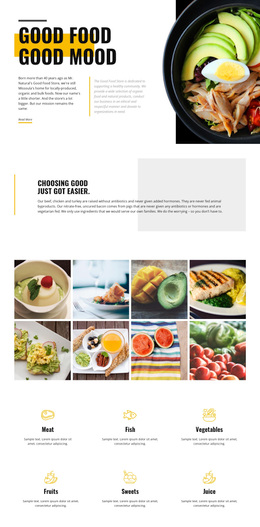
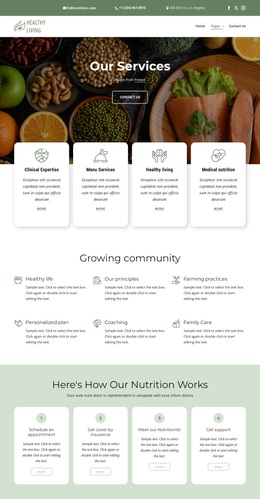
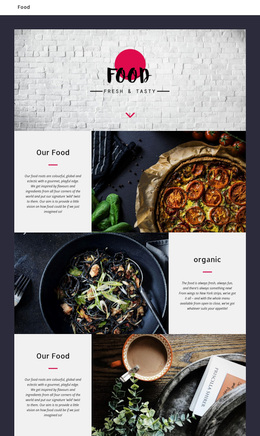
Large editorial images of food, cooking, and wellness subjects make visual storytelling the first reason to consider this design. The hero connects that imagery with a direct nutrition promise and an appointment action, while four rounded service cards quickly show the breadth of the offer: Health Strategy, Nutritional Levels, Healthy Diet, and Meal Plans. This combination suits a project that needs to explain personal guidance without relying on dense opening paragraphs.
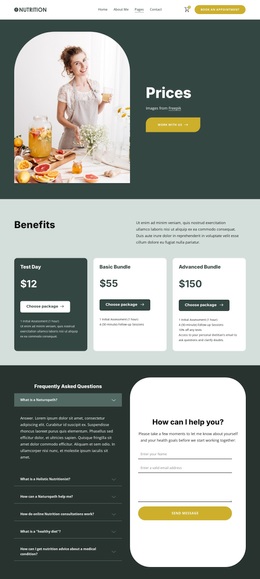
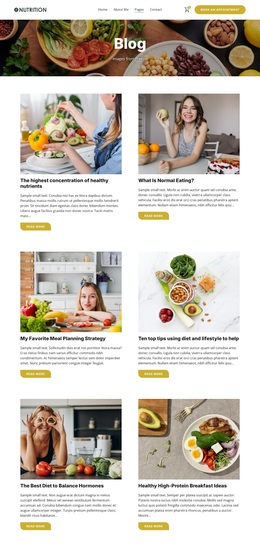
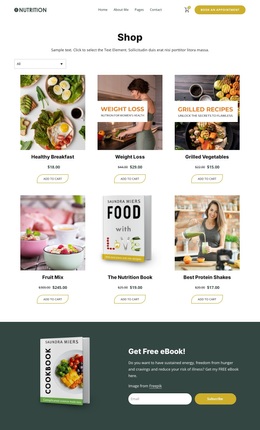
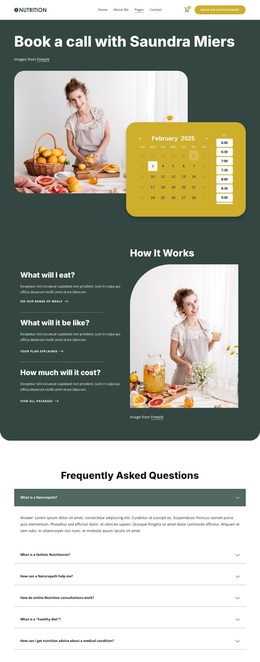
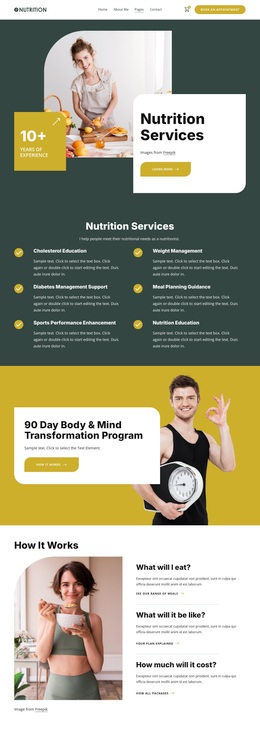
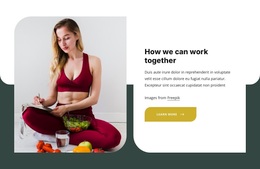
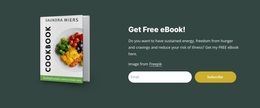
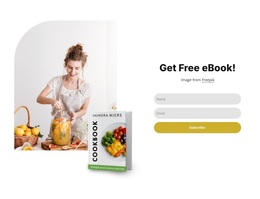
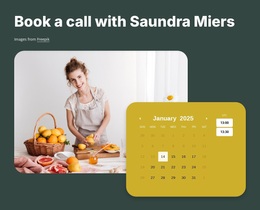
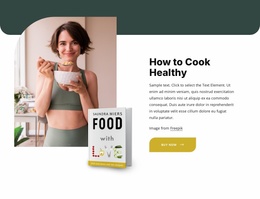
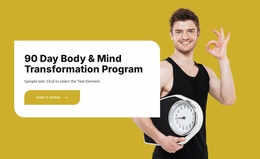
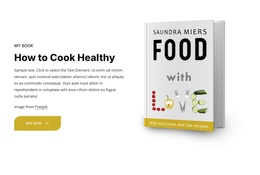
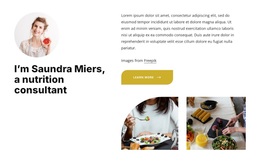
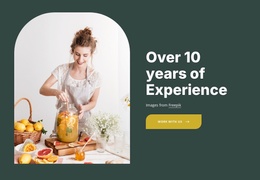
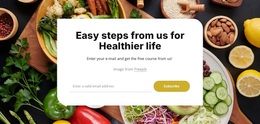
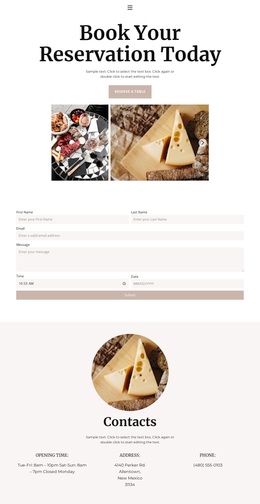
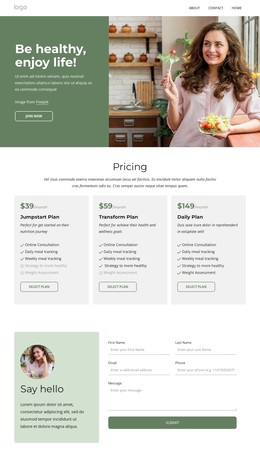
The design becomes more distinctive as the page moves from general support to specific ways of working. “How It Works” addresses meals, expectations, and cost; two consulting cards introduce complementary offerings; and the 90-day transformation program gives the page a strong featured-program moment. The profile for Saundra Miers adds a personal consultant focus, while the three principle cards frame the work around natural healing, biochemical balance, and mindset. A healthy cooking resource extends the subject beyond consultation, and testimonials plus six FAQs provide additional content layers. The final inquiry form, newsletter signup, social links, and service navigation make the design suitable for projects that want one approachable presentation to cover education, services, personal credibility, and next steps. The sample metrics, names, dates, and testimonial wording should remain replaceable demonstration content.
Customize with Nicepage
Open this ready-made template in the Template Builder and customize it visually in the Nicepage editor. Replace demo content, edit page sections, and adapt the design to your project without rebuilding the template from scratch.
Start With a Ready-Made Template
Choose a Design for a New Page
Use a ready-made template as a starting point instead of creating every page from a blank canvas. When adding a new page in Nicepage, browse available designs, compare different layouts, and choose an option that already fits the general purpose and visual direction of your project.
Browse Different Page Designs
Explore Page Designs using search, thematic categories, Design Sets, and full-page previews. The collection includes layouts for different subjects and page purposes, making it easier to compare alternatives before selecting a design to customize.
Customize the Selected Template
After choosing a design, create the page and continue editing it visually in Nicepage. Replace the demo content, adjust images, typography, colors, sections, and other elements, and adapt the ready-made layout to your own content instead of rebuilding the design from the beginning.
Explore More Design Directions
If the first option does not match your project closely enough, return to the design collection and compare other templates before committing to a layout. This makes the template library useful not only for faster page creation, but also for exploring different visual approaches and finding a suitable starting point for a new project.
This workflow gives you access to a broad collection of ready-made designs that can be selected, compared, and customized according to the needs of each new page or project.

Design Set (30)
-

-
-
-
-
-
-
-
-
-
-
Free Website Builder SoftwareDownload
-
-
-
-
-
-
-
-
-
-