Nutrition consultations Template


Edit Template Offline
2. Create new page and search for id 6435258
Edit Template Online
Create Awesome Websites


Free Nicepage Builder
Keywords
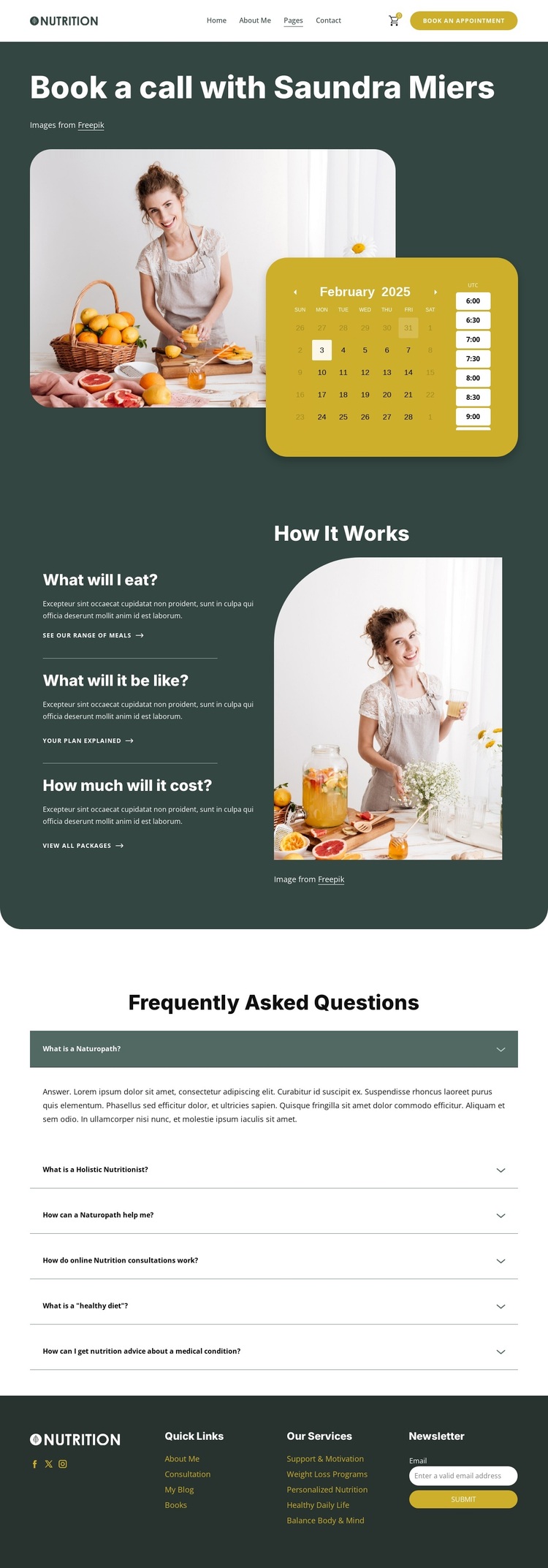
A Booking Calendar Paired With Practical Nutrition Questions
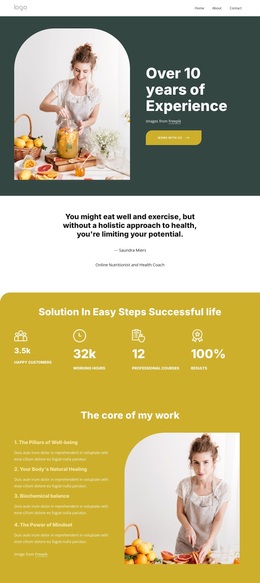
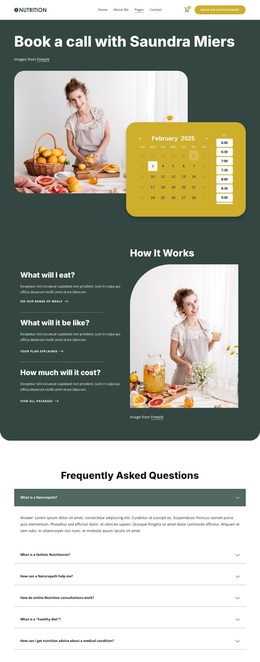
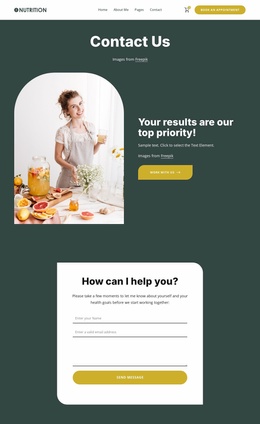
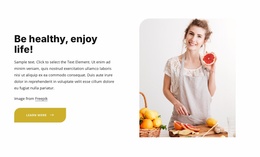
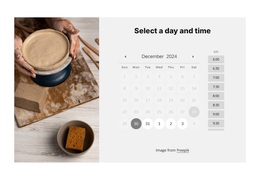
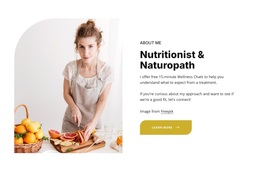
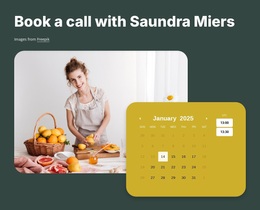
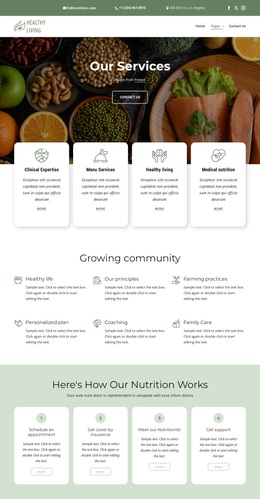
The visible appointment calendar gives this design a distinctive starting point among nutrition and wellness layouts. It appears directly beside a booking-focused heading and a food-related lifestyle image, so the page communicates both the subject and the intended next step in its first section. A visitor can understand that the design is organized around arranging a consultation, not simply displaying wellness imagery or a list of services.
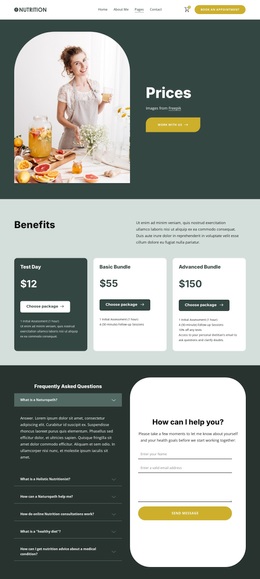
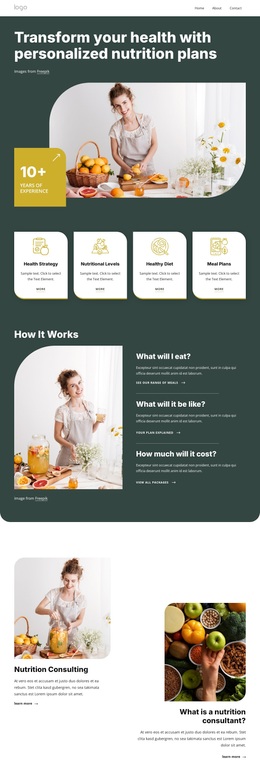
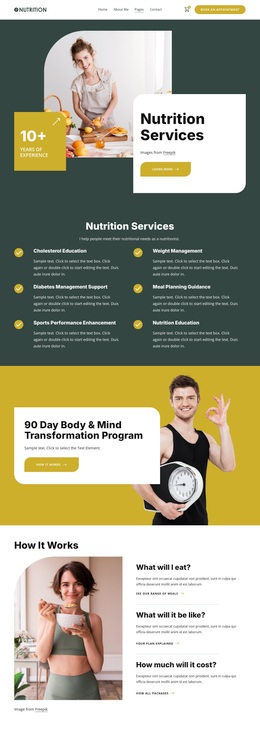
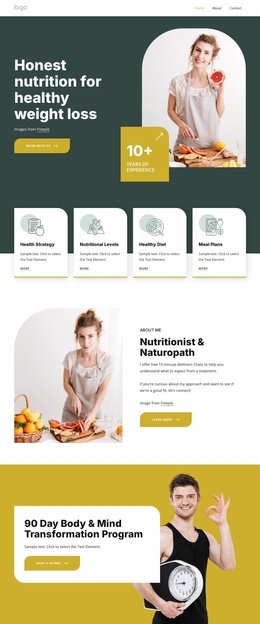
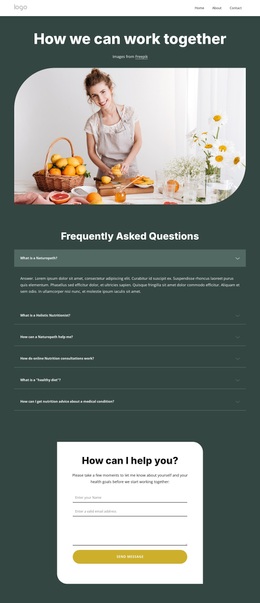
The supporting content adds useful coverage without overwhelming the opening. “How It Works” frames three practical questions: what visitors will eat, what the consultation will be like, and how much it will cost. This makes the design suitable for projects where the service needs explanation as well as presentation. Six expandable FAQ items extend that coverage to naturopathy, holistic nutrition, healthy diets, and nutrition advice connected with medical conditions, giving the page a way to address common questions in a compact format.
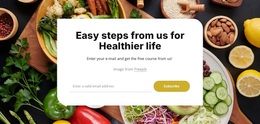
The footer completes the choice with service links, Quick Links, social destinations, and a newsletter subscription form. These details make the page more than a booking widget placed on an otherwise empty canvas. It offers a recognizable content direction for nutrition consultations, combining scheduling, process explanation, question-led information, and follow-up communication. The design is therefore worth choosing when a wellness project needs its appointment action and educational content to appear within the same visual story.
Customize with Nicepage
Open this ready-made template in the Template Builder and customize it visually in the Nicepage editor. Replace demo content, edit page sections, and adapt the design to your project without rebuilding the template from scratch.
Start With a Ready-Made Template
Choose a Design for a New Page
Use a ready-made template as a starting point instead of creating every page from a blank canvas. When adding a new page in Nicepage, browse available designs, compare different layouts, and choose an option that already fits the general purpose and visual direction of your project.
Browse Different Page Designs
Explore Page Designs using search, thematic categories, Design Sets, and full-page previews. The collection includes layouts for different subjects and page purposes, making it easier to compare alternatives before selecting a design to customize.
Customize the Selected Template
After choosing a design, create the page and continue editing it visually in Nicepage. Replace the demo content, adjust images, typography, colors, sections, and other elements, and adapt the ready-made layout to your own content instead of rebuilding the design from the beginning.
Explore More Design Directions
If the first option does not match your project closely enough, return to the design collection and compare other templates before committing to a layout. This makes the template library useful not only for faster page creation, but also for exploring different visual approaches and finding a suitable starting point for a new project.
This workflow gives you access to a broad collection of ready-made designs that can be selected, compared, and customized according to the needs of each new page or project.

Design Set (30)
-

-
-
-
-
-
-
-
-
-
-
Free Website Builder SoftwareDownload
-
-
-
-
-
-
-
-
-
-