Nutrition shop Template


Edit Template Offline
2. Create new page and search for id 6437955
Edit Template Online
Create Awesome Websites


Free Nicepage Builder
Keywords
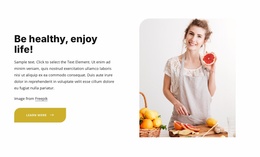
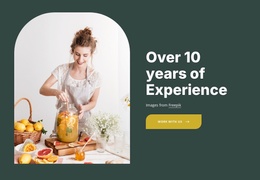
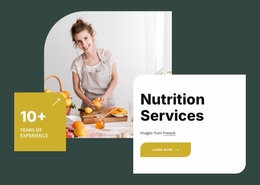
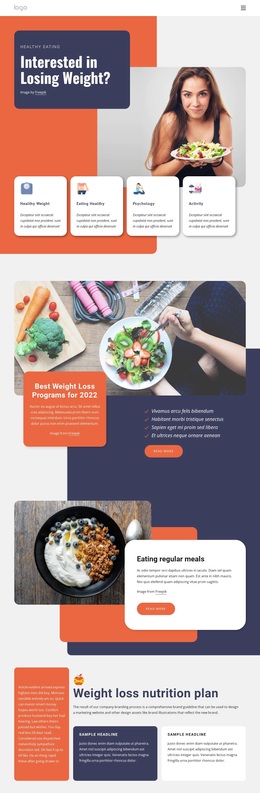
Six Wellness Products Meet Editorial Food and Ebook Content
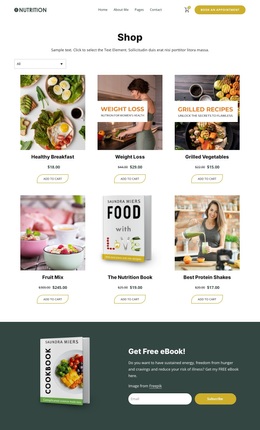
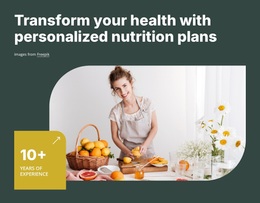
The strongest reason to choose this design is the way it combines a compact shop with supporting nutrition content instead of treating the store as a bare product catalog. Six product cards create immediate coverage for items associated with healthy eating and weight management, while category filtering helps separate the collection into more focused browsing paths. Product imagery, names, dollar-denominated prices, and Add to Cart actions keep the commercial purpose clear without overwhelming the rest of the page.
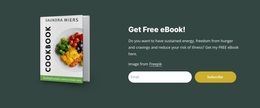
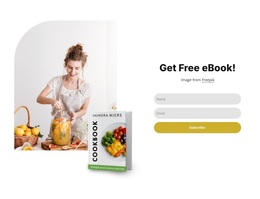
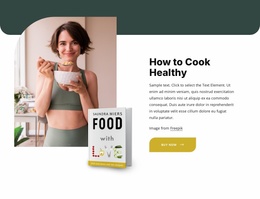
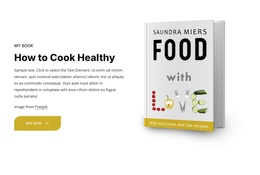
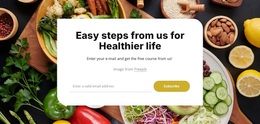
The free ebook section gives the design a second point of interest. A cookbook image sits beside the offer copy and an email subscription form, so the page can speak to visitors who want guidance or resources as well as those ready to purchase. The footer continues that broader coverage through service categories including personalized nutrition, support and motivation, weight-loss programs, and healthy daily life, along with social links and a newsletter form.
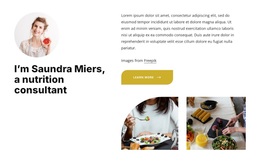
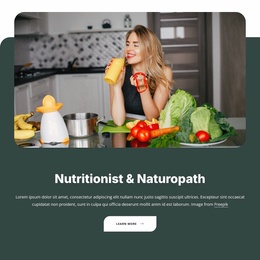
This combination makes the template a useful option for a nutrition business that needs products, educational material, and ongoing audience communication in one visual direction. The dark teal and cream palette, editorial typography, food imagery, and centered spacing support that relationship without requiring a dense corporate presentation. PayPal and Stripe in the purchase dialog further confirm the intended retail context, while the ebook and newsletter areas add a distinct wellness-content dimension.
Customize with Nicepage
Open this ready-made template in the Template Builder and customize it visually in the Nicepage editor. Replace demo content, edit page sections, and adapt the design to your project without rebuilding the template from scratch.
Start With a Ready-Made Template
Choose a Design for a New Page
Use a ready-made template as a starting point instead of creating every page from a blank canvas. When adding a new page in Nicepage, browse available designs, compare different layouts, and choose an option that already fits the general purpose and visual direction of your project.
Browse Different Page Designs
Explore Page Designs using search, thematic categories, Design Sets, and full-page previews. The collection includes layouts for different subjects and page purposes, making it easier to compare alternatives before selecting a design to customize.
Customize the Selected Template
After choosing a design, create the page and continue editing it visually in Nicepage. Replace the demo content, adjust images, typography, colors, sections, and other elements, and adapt the ready-made layout to your own content instead of rebuilding the design from the beginning.
Explore More Design Directions
If the first option does not match your project closely enough, return to the design collection and compare other templates before committing to a layout. This makes the template library useful not only for faster page creation, but also for exploring different visual approaches and finding a suitable starting point for a new project.
This workflow gives you access to a broad collection of ready-made designs that can be selected, compared, and customized according to the needs of each new page or project.

Design Set (30)
-

-
-
-
-
-
-
-
-
-
-
Free Website Builder SoftwareDownload
-
-
-
-
-
-
-
-
-
-