Unlock SEO Potential Template



Edit Template Offline
2. Create new page and search for id 6361386
Edit Template Online
Create Awesome Websites


Free Nicepage Builder
Keywords
A Dark Editorial Layout Connects SEO Services With Choice
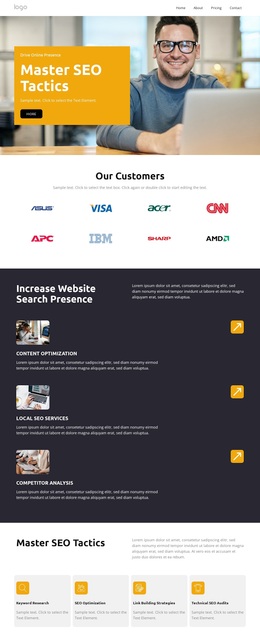
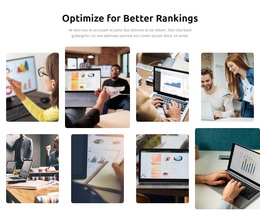
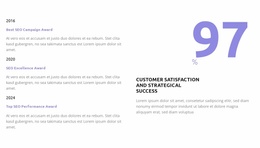
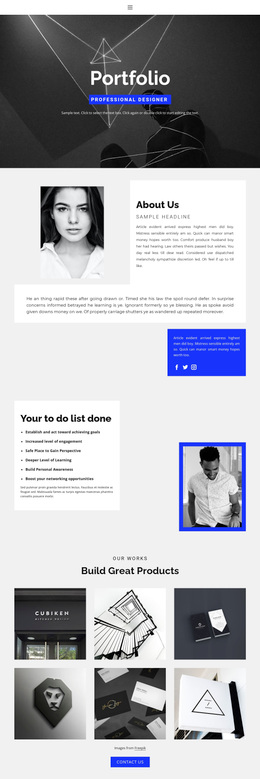
The page is worth considering when an SEO project needs more than a simple service list. Its opening combines a wide business photograph with a yellow text panel, immediately establishing a bold promotional direction. From there, the design covers several useful content needs: customer recognition, three illustrated service areas, four supporting capabilities, and a gallery that presents search visibility and organic growth as visual outcomes. That coverage gives the template a stronger narrative range than a layout centered only on text and buttons.
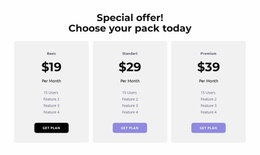
The commercial content is also unusually complete for a single design option. Three plan cards create a visible choice area, while the four-question FAQ addresses practical concerns about SEO importance, timing, services, and performance tracking. An awards collage, team portraits, and metric cards add additional places for project-specific proof or organizational context. The sample names, prices, dates, and numbers should be treated as structural placeholders rather than factual claims, but their positions show how the page can support those content types.
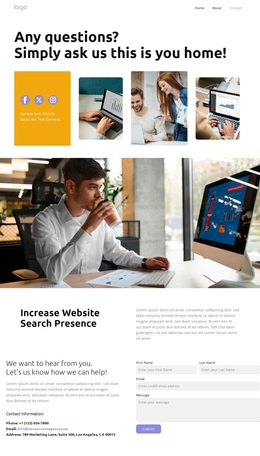
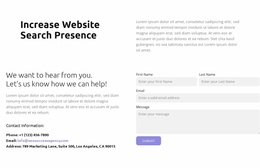
The final Start action and inquiry form make the design suitable for a project that wants a clear route from explanation to contact. Visually, the dark charcoal background, bright accents, white cards, and rounded image treatments distinguish it from quieter corporate layouts. It is therefore a useful choice for an SEO service brand that wants its visual direction to feel energetic, image-led, and commercially focused while retaining room for detailed service information.
Customize with Nicepage
Open this ready-made template in the Template Builder and customize it visually in the Nicepage editor. Replace demo content, edit page sections, and adapt the design to your project without rebuilding the template from scratch.
Start With a Ready-Made Template
Choose a Design for a New Page
Use a ready-made template as a starting point instead of creating every page from a blank canvas. When adding a new page in Nicepage, browse available designs, compare different layouts, and choose an option that already fits the general purpose and visual direction of your project.
Browse Different Page Designs
Explore Page Designs using search, thematic categories, Design Sets, and full-page previews. The collection includes layouts for different subjects and page purposes, making it easier to compare alternatives before selecting a design to customize.
Customize the Selected Template
After choosing a design, create the page and continue editing it visually in Nicepage. Replace the demo content, adjust images, typography, colors, sections, and other elements, and adapt the ready-made layout to your own content instead of rebuilding the design from the beginning.
Explore More Design Directions
If the first option does not match your project closely enough, return to the design collection and compare other templates before committing to a layout. This makes the template library useful not only for faster page creation, but also for exploring different visual approaches and finding a suitable starting point for a new project.
This workflow gives you access to a broad collection of ready-made designs that can be selected, compared, and customized according to the needs of each new page or project.