SEO Success Strategies Template


Edit Template Offline
2. Create new page and search for id 6356861
Edit Template Online
Create Awesome Websites


Free Nicepage Builder
Keywords
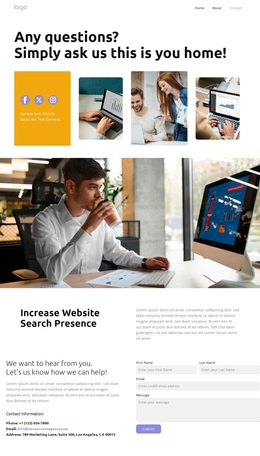
A Question-Led Collage Gives the SEO Page Its Distinctive Direction
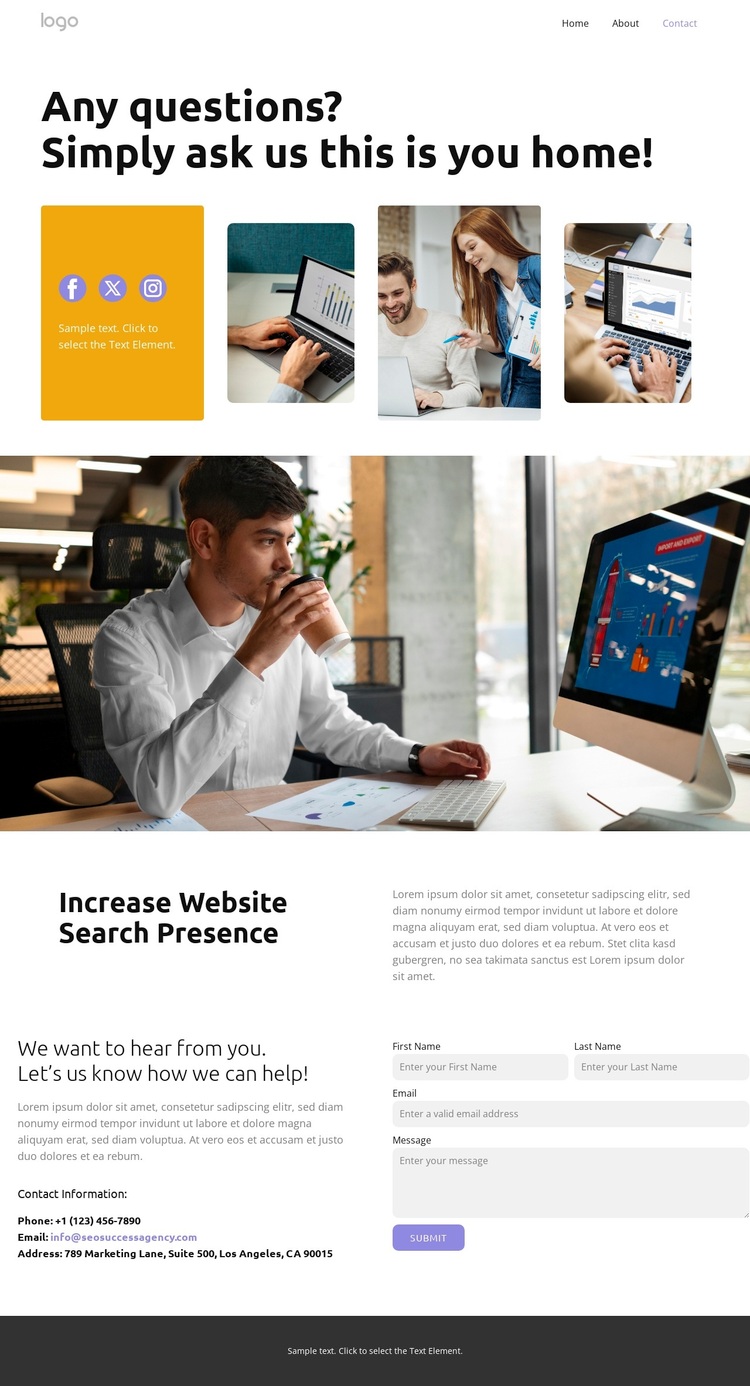
The opening question and four-image collage make visual storytelling the first reason to consider this design. Instead of beginning with a dense service list, the page uses a large headline, photography, and social links to establish an approachable contact context. The warm yellow, white, gray, and black palette supports that direction, while bold black sans-serif typography keeps the primary message easy to identify.
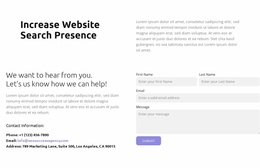
The design also covers the main information needed for a search-visibility inquiry. The “Increase Website Search Presence” section gives the page a clear subject beyond the opening greeting, and its split arrangement creates a deliberate contrast between a strong heading and supporting copy. The full-width photographic banner works as a bridge between these stages, adding visual separation without introducing another competing content theme.
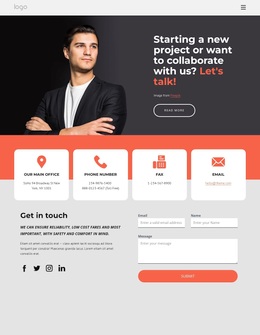
The lower two-column contact area provides the practical reason to choose this layout for an SEO or digital-marketing project: contact information and a message form are presented together, with the Submit action as the final interaction. The sample contact values are structural placeholders, not verified business details, but they show where project-specific channels can be inserted. Overall, the template suits a project that wants search visibility to be introduced through imagery and concise content before inviting a direct question.
Customize with Nicepage
Open this ready-made template in the Template Builder and customize it visually in the Nicepage editor. Replace demo content, edit page sections, and adapt the design to your project without rebuilding the template from scratch.
Start With a Ready-Made Template
Choose a Design for a New Page
Use a ready-made template as a starting point instead of creating every page from a blank canvas. When adding a new page in Nicepage, browse available designs, compare different layouts, and choose an option that already fits the general purpose and visual direction of your project.
Browse Different Page Designs
Explore Page Designs using search, thematic categories, Design Sets, and full-page previews. The collection includes layouts for different subjects and page purposes, making it easier to compare alternatives before selecting a design to customize.
Customize the Selected Template
After choosing a design, create the page and continue editing it visually in Nicepage. Replace the demo content, adjust images, typography, colors, sections, and other elements, and adapt the ready-made layout to your own content instead of rebuilding the design from the beginning.
Explore More Design Directions
If the first option does not match your project closely enough, return to the design collection and compare other templates before committing to a layout. This makes the template library useful not only for faster page creation, but also for exploring different visual approaches and finding a suitable starting point for a new project.
This workflow gives you access to a broad collection of ready-made designs that can be selected, compared, and customized according to the needs of each new page or project.