Drive Online Presence Website Template



Edit Template Offline
2. Create new page and search for id 6359020
Edit Template Online
Create Awesome Websites


Free Nicepage Builder
Keywords
A service-led foundation with room for broader SEO site content
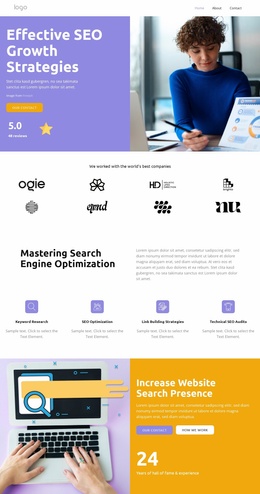
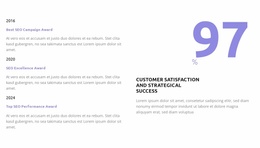
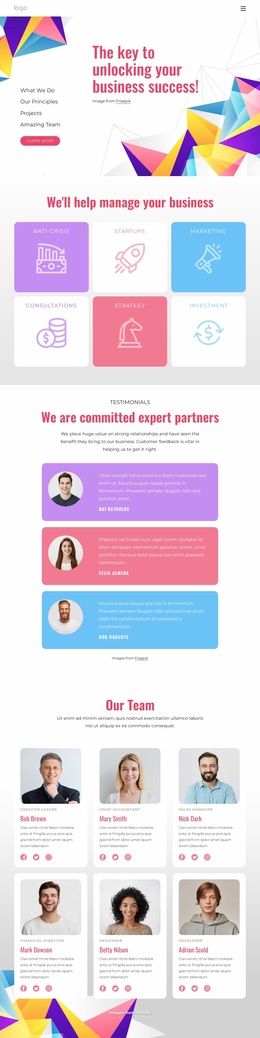
The design already defines several major content categories for an SEO-focused website: an about-us introduction, an expertise explanation, credibility material, testimonials, service plans, partner marks, and contact-oriented promotions. That gives a project more than a styled opening section. The page establishes an initial information architecture in which visitors can learn what the business does, review supporting signals, compare plans, and find a way to begin a conversation.
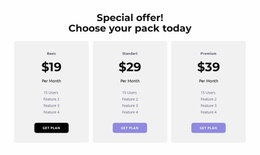
Its repeated structures are particularly useful as a foundation. The testimonial area contains three entries, the pricing presentation contains three plan cards with monthly price labels and feature lists, and the brands section contains eight repeated mark positions. These are clear content areas that could later support additional service pages, case studies, team information, or other approved material while preserving the same visual direction. The sample names, figures, awards, prices, and placeholder copy should be treated as replaceable structural content, not established company facts.
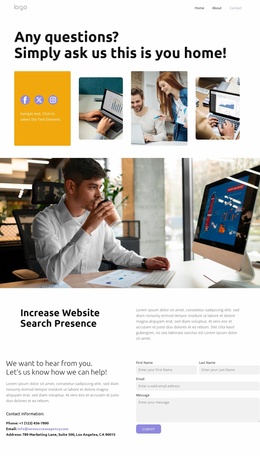
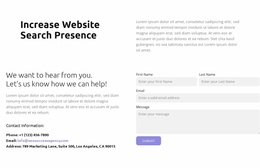
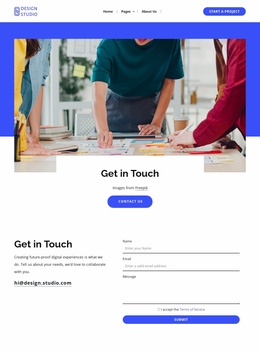
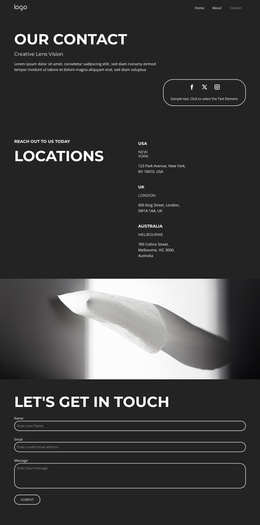
The page also provides practical site-wide starting points. Desktop and mobile navigation presentations create a route through the content, while multiple contact links connect promotional sections with an enquiry destination. A minimal dark footer closes the page. As a website template, the design therefore offers a strong first information structure for an SEO project that may grow beyond a single about page, without claiming that additional pages are already included.
Customize with Nicepage
Open this ready-made template in the Website Template Builder and customize it visually in the Nicepage editor. Replace demo content, edit page sections, and adapt the design to your project without rebuilding the template from scratch.
Build a Complete Website From This Template
Customize the Website Visually
Use this ready-made website template as a starting point for your project and adapt its pages visually in Nicepage. Change content, images, typography, navigation, sections, and other design elements while keeping the website together as a single editable project.
Manage Website Pages in One Project
Use the Pages panel to open, add, duplicate, and manage the pages of your website. Work on individual pages while keeping navigation and the overall site structure accessible from the same project, making it easier to develop a complete website instead of managing separate page files.
Expand the Website With Matching Designs
When you need additional pages or sections, use Page Design Sets to find Page and Block Designs created in the same visual style. Design Sets group matching designs together, making it easier to expand the website with new content while maintaining a consistent look across its pages and sections.
Organize Larger Multi-Page Websites
As the website grows, use Page Folders to organize related pages and keep larger multi-page projects easier to navigate in the editor. This is especially useful for websites with separate service pages, company information, contacts, landing pages, and other content areas.
This workflow makes the template a practical foundation for building and expanding a complete website while managing its pages, content, and visual design within one Nicepage project.