Customer satisfaction Template



Edit Template Offline
2. Create new page and search for id 6355288
Edit Template Online
Create Awesome Websites


Free Nicepage Builder
Keywords
Named SEO Services and FAQ Content Define This Design Choice
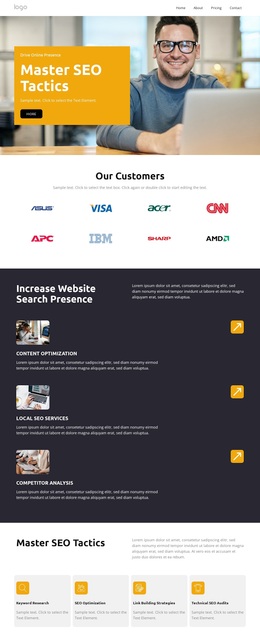
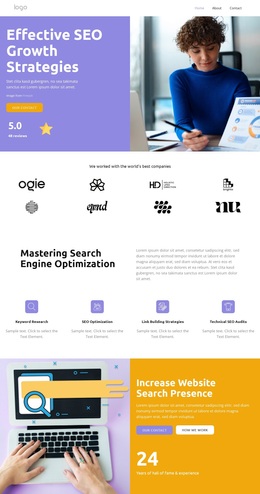
The strongest reason to choose this design is its unusually specific coverage of an SEO service conversation. The hero begins with “Effective SEO Growth Strategies,” then the capability block names Meta Optimization, Link Building Strategies, and Technical SEO Audit within a four-item structure. The later service list adds Content Optimization, Local SEO Services, and Competitor Analysis, so the page can distinguish several recognizable areas of search work instead of relying on a single general claim.
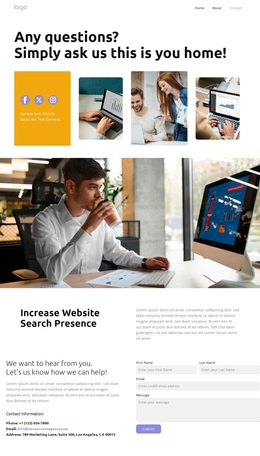
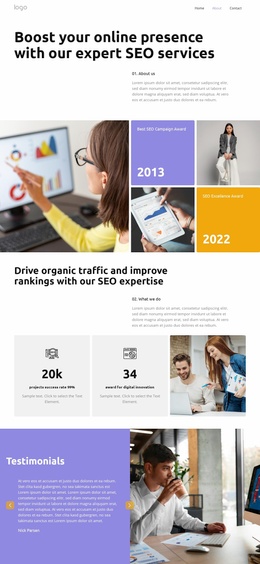
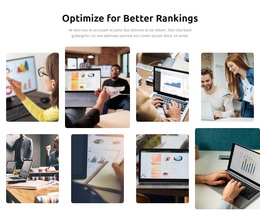
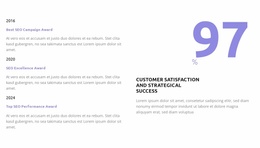
That service coverage is supported by content that answers the questions a prospective client may ask before contacting an agency. The FAQ addresses what SEO is, how long results take, local services, performance tracking, first-page guarantees, and algorithm updates. Client-logo and testimonial areas add visible proof-oriented contexts, while the timeline and satisfaction metric create a place for experience or outcome-related content. The two four-image rows bring analytics and business imagery into the presentation without replacing the explanatory sections.
The design therefore suits projects that need a sales-oriented SEO page with enough room for capabilities, practical questions, visual support, and a final inquiry path. Purple and charcoal bands with orange accents make the subject feel energetic and technology-focused, while rounded photography keeps the information-heavy structure approachable. It is a considered option for an SEO or digital marketing offer, not merely a generic business page with interchangeable text.
Customize with Nicepage
Open this ready-made template in the Template Builder and customize it visually in the Nicepage editor. Replace demo content, edit page sections, and adapt the design to your project without rebuilding the template from scratch.
Start With a Ready-Made Template
Choose a Design for a New Page
Use a ready-made template as a starting point instead of creating every page from a blank canvas. When adding a new page in Nicepage, browse available designs, compare different layouts, and choose an option that already fits the general purpose and visual direction of your project.
Browse Different Page Designs
Explore Page Designs using search, thematic categories, Design Sets, and full-page previews. The collection includes layouts for different subjects and page purposes, making it easier to compare alternatives before selecting a design to customize.
Customize the Selected Template
After choosing a design, create the page and continue editing it visually in Nicepage. Replace the demo content, adjust images, typography, colors, sections, and other elements, and adapt the ready-made layout to your own content instead of rebuilding the design from the beginning.
Explore More Design Directions
If the first option does not match your project closely enough, return to the design collection and compare other templates before committing to a layout. This makes the template library useful not only for faster page creation, but also for exploring different visual approaches and finding a suitable starting point for a new project.
This workflow gives you access to a broad collection of ready-made designs that can be selected, compared, and customized according to the needs of each new page or project.