Our Mission, vision and confession Template



Edit Template Offline
2. Create new page and search for id 5587440
Edit Template Online
Create Awesome Websites


Free Nicepage Builder
Keywords
Scenic Storytelling Meets Mission, People, and Practical Answers
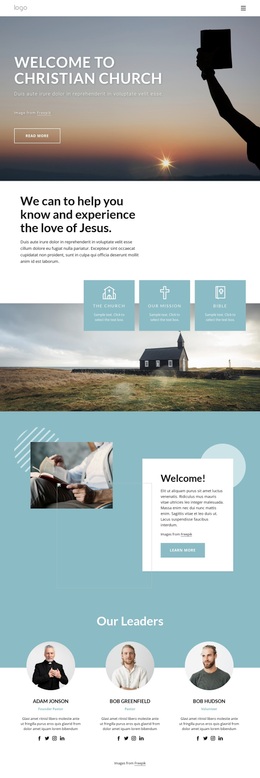
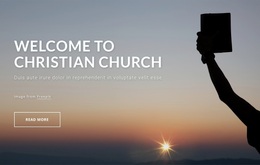
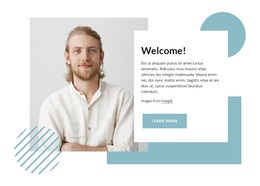
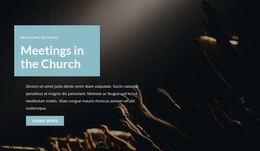
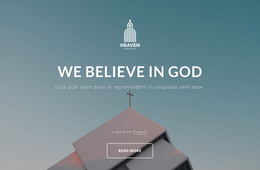
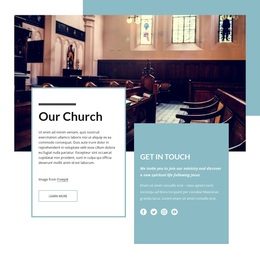
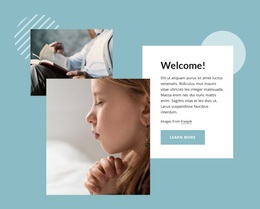
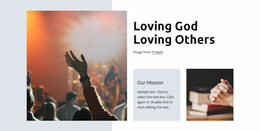
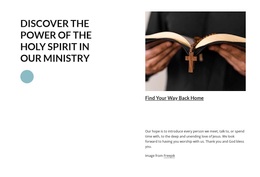
Large scenic imagery carries the first impression, but the design is worth considering because it does not stop at a single church statement. The opening welcome is followed by three clearly named themes—The Church, Our Mission, and the Bible—so a project can introduce its identity through compact, recognizable content groups. The overlapping welcome block then adds a more personal visual moment through layered photographs and a white text card.
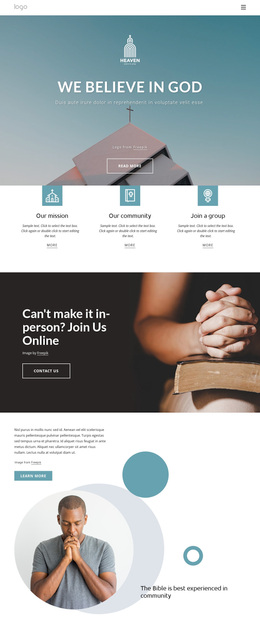
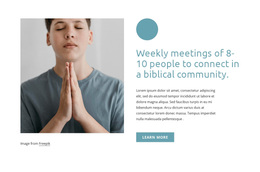
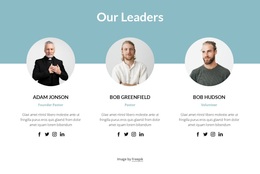
The three leader profiles make the design especially suitable for a church that wants its introduction to include people as well as principles. Repeated portraits, roles, descriptions, and social links create a consistent presentation for leadership information. The online church community section and three image panels extend that focus toward participation and shared experience without requiring dense paragraphs throughout the page.
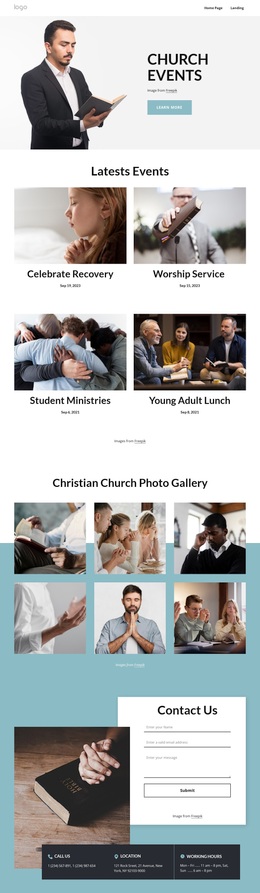
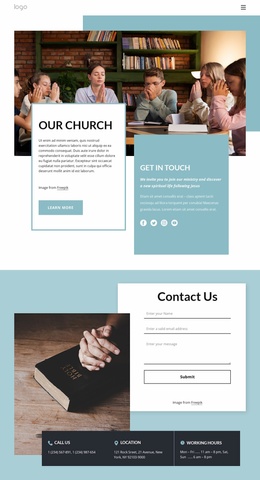
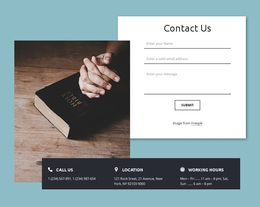
The five-question accordion is another distinctive part of the coverage. Questions about clothing, parking, worship, small groups, and office hours show how the page can combine welcoming storytelling with practical orientation. At the end, the contact form and three information cards provide a direct connection area for phone, location, and working-hours details. Together, these relationships make the template a useful option for projects that need a warm, image-led church about page with mission content, visible leadership, community context, answers to common concerns, and a clear contact route.
Customize with Nicepage
Open this ready-made template in the Template Builder and customize it visually in the Nicepage editor. Replace demo content, edit page sections, and adapt the design to your project without rebuilding the template from scratch.
Start With a Ready-Made Template
Choose a Design for a New Page
Use a ready-made template as a starting point instead of creating every page from a blank canvas. When adding a new page in Nicepage, browse available designs, compare different layouts, and choose an option that already fits the general purpose and visual direction of your project.
Browse Different Page Designs
Explore Page Designs using search, thematic categories, Design Sets, and full-page previews. The collection includes layouts for different subjects and page purposes, making it easier to compare alternatives before selecting a design to customize.
Customize the Selected Template
After choosing a design, create the page and continue editing it visually in Nicepage. Replace the demo content, adjust images, typography, colors, sections, and other elements, and adapt the ready-made layout to your own content instead of rebuilding the design from the beginning.
Explore More Design Directions
If the first option does not match your project closely enough, return to the design collection and compare other templates before committing to a layout. This makes the template library useful not only for faster page creation, but also for exploring different visual approaches and finding a suitable starting point for a new project.
This workflow gives you access to a broad collection of ready-made designs that can be selected, compared, and customized according to the needs of each new page or project.

Design Set (27)
-

-
-
-
-
-
-
-
-
-
-
-
-
-
-
-
Free Website Builder SoftwareDownload
-
-
-
-
-
-
-