Brand strategy and marketing Template



Edit Template Offline
2. Create new page and search for id 194714
Edit Template Online
Create Awesome Websites


Free Nicepage Builder
Keywords
Editorial Storytelling Across Services, People, and Contact
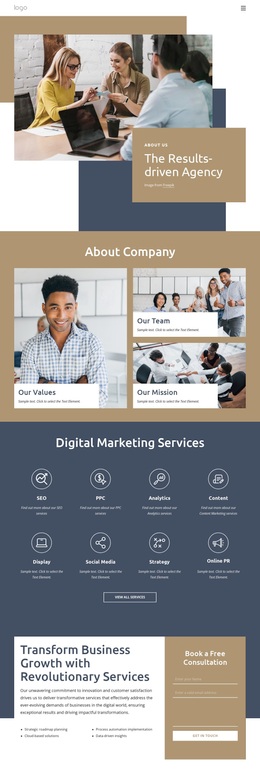
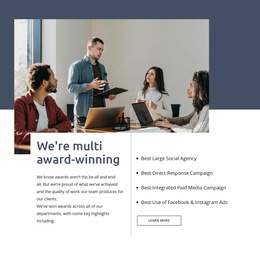
A large photograph beside the Brand Strategy & Marketing panel makes imagery the first carrier of the message, while the warm beige, muted gold, deep blue, and white palette gives the page a restrained consultancy character. The next major area expands that first impression into four compact offering cards: About Company, What We Do, How We Work, and Contact Us. This combination makes the design useful for projects that need to explain an agency without beginning with dense blocks of corporate text.
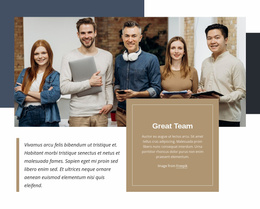
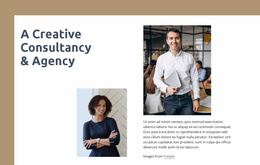
The page also covers several kinds of supporting content without losing its central subject. The Great Team section gives the consultancy a people-focused dimension, and the collaboration statement turns the abstract idea of effective work into a prominent editorial message. Two photographs accompany the Creative Consultancy & Agency section, adding visual variation before the highlighted Write your business plan service introduces a more specific consulting use case. The sequence therefore balances brand positioning, human context, operating philosophy, and an identifiable offer.
The four repeated company metric items and the closing contact area complete the design's coverage. The metrics offer a compact place for verified evidence, while the form, phone, location, and business-hours cards support direct contact. This is a useful design choice for organizations that want one page to communicate their visual direction, services, team character, and next response point in a connected presentation.
Customize with Nicepage
Open this ready-made template in the Template Builder and customize it visually in the Nicepage editor. Replace demo content, edit page sections, and adapt the design to your project without rebuilding the template from scratch.
Start With a Ready-Made Template
Choose a Design for a New Page
Use a ready-made template as a starting point instead of creating every page from a blank canvas. When adding a new page in Nicepage, browse available designs, compare different layouts, and choose an option that already fits the general purpose and visual direction of your project.
Browse Different Page Designs
Explore Page Designs using search, thematic categories, Design Sets, and full-page previews. The collection includes layouts for different subjects and page purposes, making it easier to compare alternatives before selecting a design to customize.
Customize the Selected Template
After choosing a design, create the page and continue editing it visually in Nicepage. Replace the demo content, adjust images, typography, colors, sections, and other elements, and adapt the ready-made layout to your own content instead of rebuilding the design from the beginning.
Explore More Design Directions
If the first option does not match your project closely enough, return to the design collection and compare other templates before committing to a layout. This makes the template library useful not only for faster page creation, but also for exploring different visual approaches and finding a suitable starting point for a new project.
This workflow gives you access to a broad collection of ready-made designs that can be selected, compared, and customized according to the needs of each new page or project.