We provide best virtual assistant service Template


Edit Template Offline
2. Create new page and search for id 6351571
Edit Template Online
Create Awesome Websites


Free Nicepage Builder
Keywords
Four Partnership Reasons Connect People, Proof, and Contact
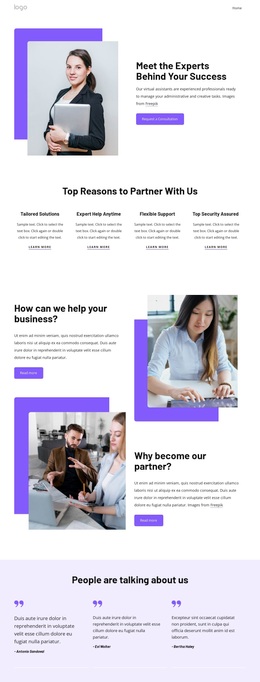
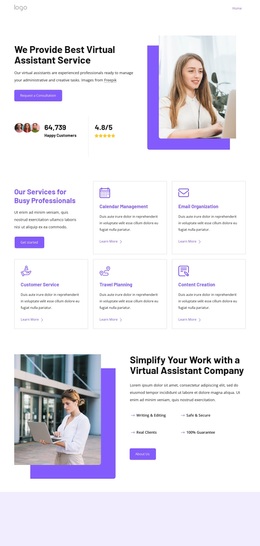
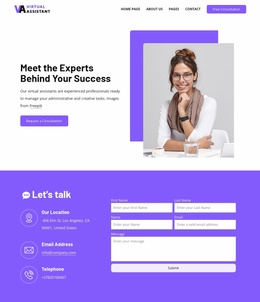
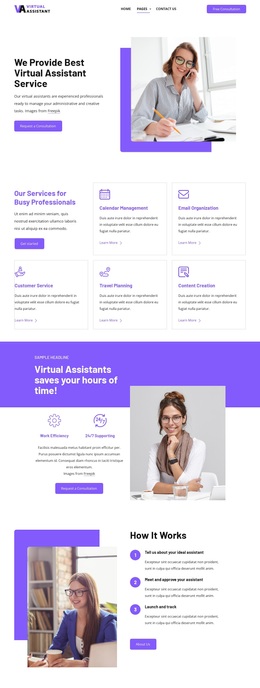
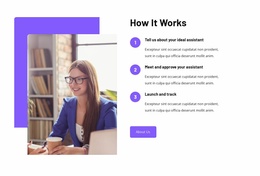
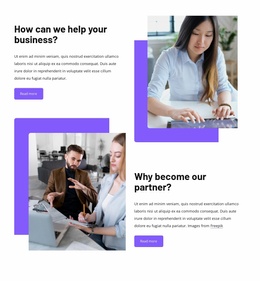
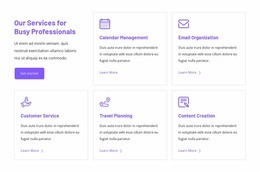
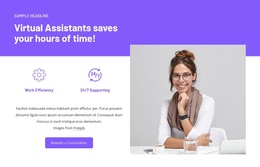
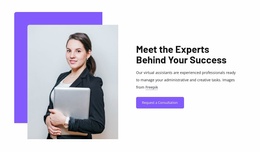
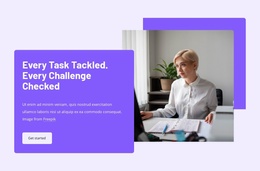
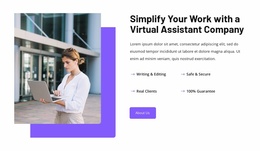
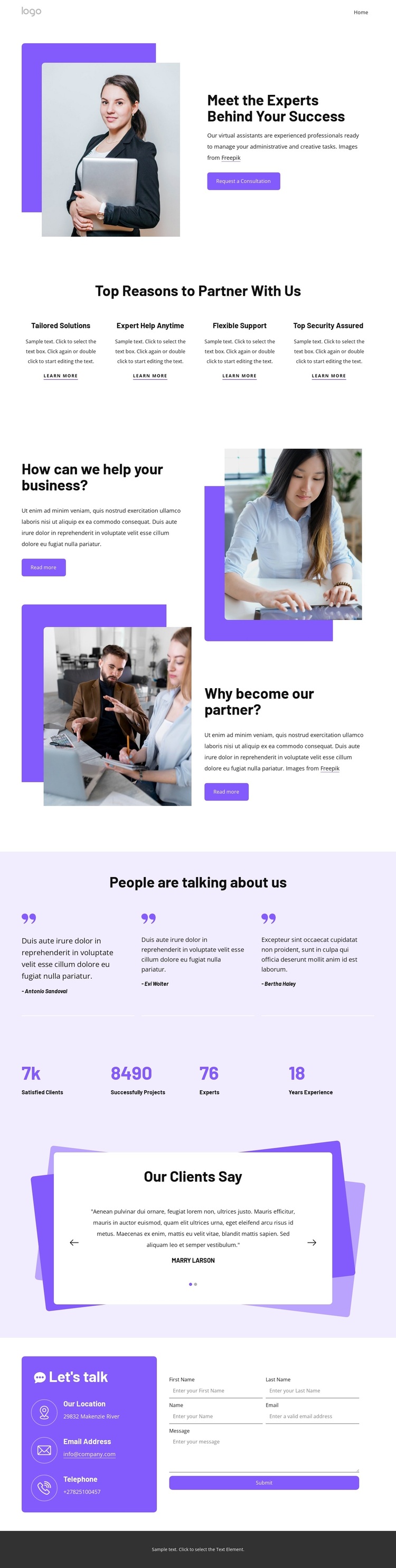
The page’s strongest distinguishing feature is the way it combines personal introduction with several layers of service evidence. A large portrait accompanies the opening explanation, so the virtual assistant subject is presented through people rather than an abstract list of capabilities. Directly below, four evenly arranged cards identify Tailored Solutions, Expert Help Anytime, Flexible Support, and Top Security Assured. This gives the design a concise reason-to-partner framework that can suit projects needing both human presence and structured service messaging.
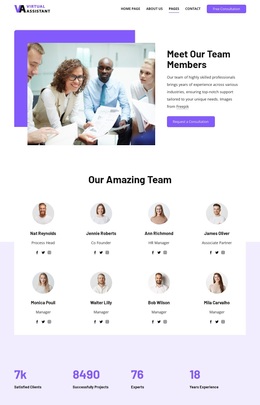
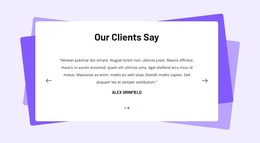
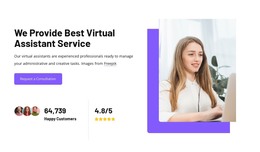
The design also offers more proof coverage than a simple About section. Alternating support messages and image compositions expand the business context, three testimonial entries create a compact social-proof group, and a separate slider adds a second testimonial presentation with indicators and controls. The four-item metrics row contributes another visual information type, although the displayed sample values should be independently verified before being presented as actual achievements.
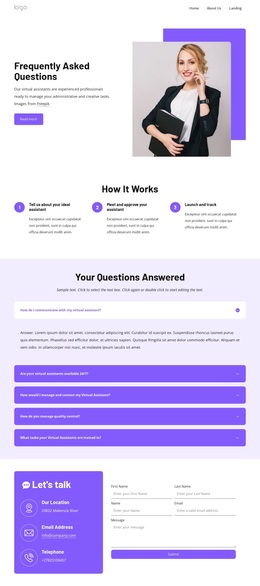
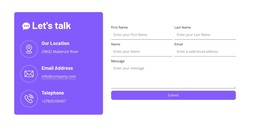
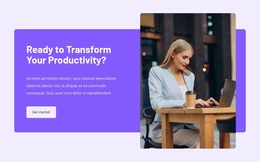
The closing sections make the option practical for consultation-oriented projects. A colored contact panel places location, email, and telephone details beside an inquiry form, while the footer combines grouped links with a service statement and Get started action. The result is a design choice with personal introduction, partnership reasons, visual explanation, proof, and response content already connected. It is especially suited to a virtual assistant or support-service presentation that needs more than a generic team profile.
Customize with Nicepage
Open this ready-made template in the Template Builder and customize it visually in the Nicepage editor. Replace demo content, edit page sections, and adapt the design to your project without rebuilding the template from scratch.
Start With a Ready-Made Template
Choose a Design for a New Page
Use a ready-made template as a starting point instead of creating every page from a blank canvas. When adding a new page in Nicepage, browse available designs, compare different layouts, and choose an option that already fits the general purpose and visual direction of your project.
Browse Different Page Designs
Explore Page Designs using search, thematic categories, Design Sets, and full-page previews. The collection includes layouts for different subjects and page purposes, making it easier to compare alternatives before selecting a design to customize.
Customize the Selected Template
After choosing a design, create the page and continue editing it visually in Nicepage. Replace the demo content, adjust images, typography, colors, sections, and other elements, and adapt the ready-made layout to your own content instead of rebuilding the design from the beginning.
Explore More Design Directions
If the first option does not match your project closely enough, return to the design collection and compare other templates before committing to a layout. This makes the template library useful not only for faster page creation, but also for exploring different visual approaches and finding a suitable starting point for a new project.
This workflow gives you access to a broad collection of ready-made designs that can be selected, compared, and customized according to the needs of each new page or project.

Design Set (23)
-

-
-
-
-
-
-
-
-
-
-
-
-
Free Website Builder SoftwareDownload
-
-
-