Virtual assistant company Template



Edit Template Offline
2. Create new page and search for id 6351178
Edit Template Online
Create Awesome Websites


Free Nicepage Builder
Keywords
Six Support Categories Give This Design a Clear Starting Point
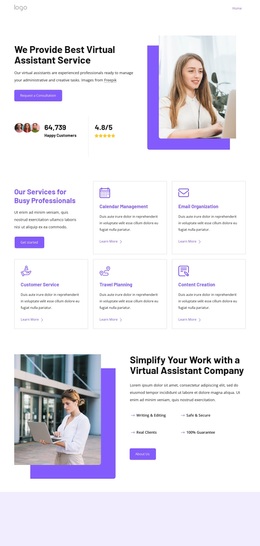
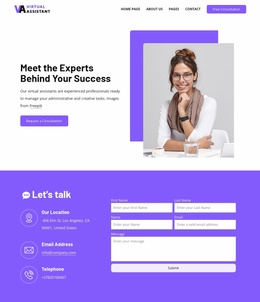
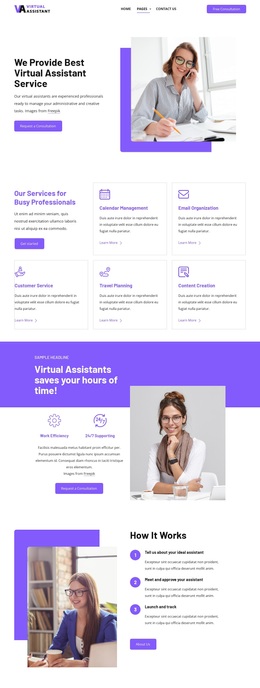
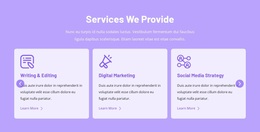
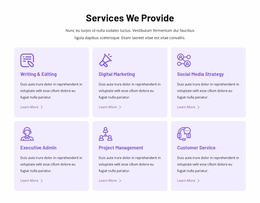
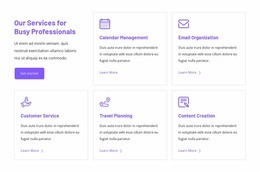
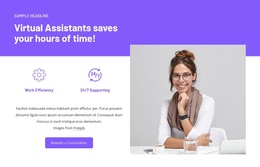
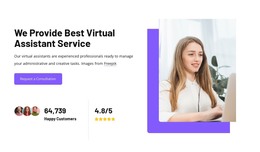
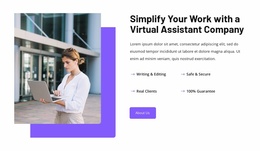
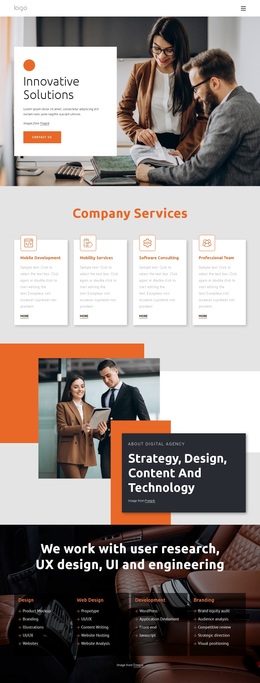
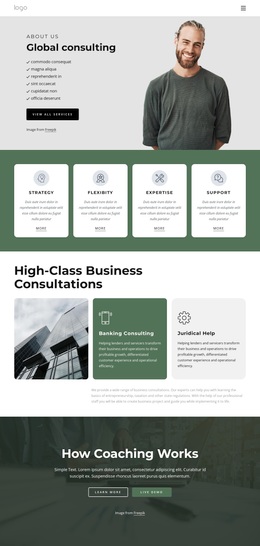
The six service cards are the strongest reason to consider this design: they turn virtual assistant work into a visible set of support categories rather than leaving the offer as a broad business claim. Calendar management, email organization, customer service, travel planning, content creation, and related administrative assistance give the page enough coverage to speak to busy professionals with different operational needs. The hero establishes that direction immediately, using workplace photography and a consultation action to connect the visual presentation with the service subject.
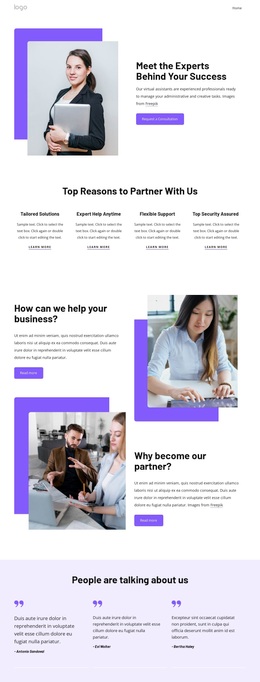
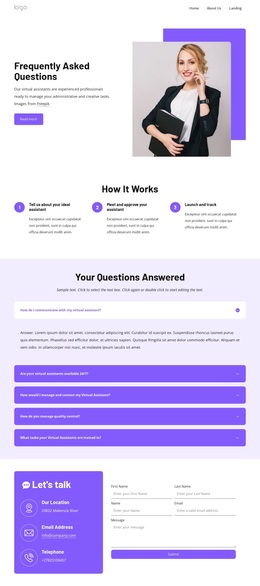
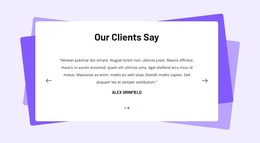
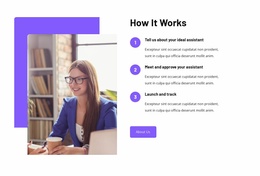
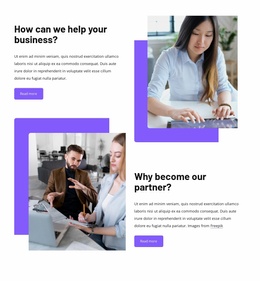
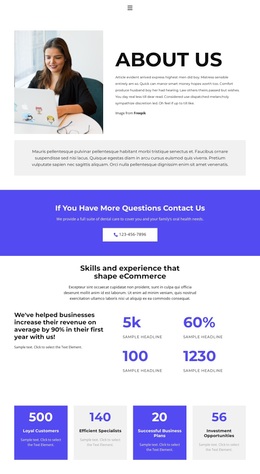
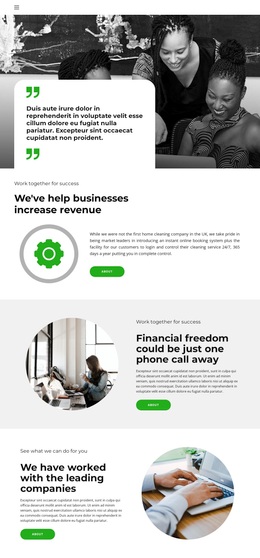
The rest of the layout supports that choice without becoming a collection of unrelated sections. An explanatory company block adds context after the service overview, while the FAQ and three-step process answer practical questions about how cooperation may be understood. The testimonial panel and four benefit statements create a second layer of reassurance, emphasizing tailored solutions, flexible support, expert help, and security. This combination makes the page suitable for projects that need both a human service presentation and a clear explanation of what happens next.
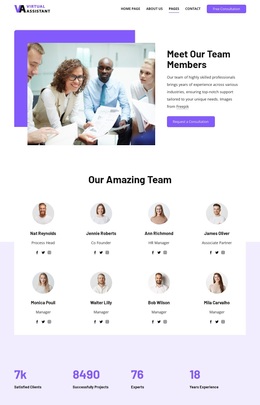
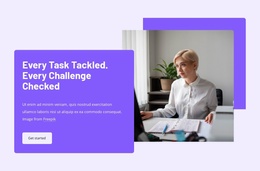
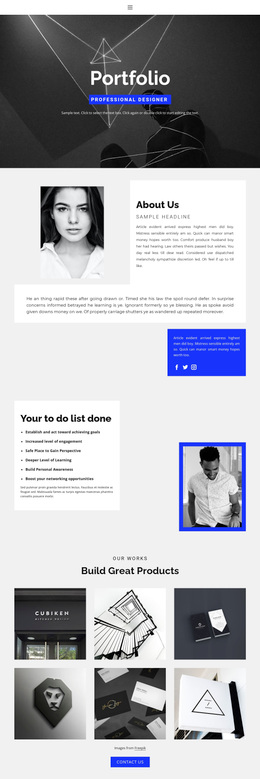
Purple blocks, soft lavender surfaces, charcoal text, rounded buttons, and professional photography give the template a recognizable direction. The result is a useful option for virtual assistant or administrative-support projects that need organized service coverage, visible credibility sections, and a direct route to contact without relying on dense corporate copy.
Customize with Nicepage
Open this ready-made template in the Template Builder and customize it visually in the Nicepage editor. Replace demo content, edit page sections, and adapt the design to your project without rebuilding the template from scratch.
Start With a Ready-Made Template
Choose a Design for a New Page
Use a ready-made template as a starting point instead of creating every page from a blank canvas. When adding a new page in Nicepage, browse available designs, compare different layouts, and choose an option that already fits the general purpose and visual direction of your project.
Browse Different Page Designs
Explore Page Designs using search, thematic categories, Design Sets, and full-page previews. The collection includes layouts for different subjects and page purposes, making it easier to compare alternatives before selecting a design to customize.
Customize the Selected Template
After choosing a design, create the page and continue editing it visually in Nicepage. Replace the demo content, adjust images, typography, colors, sections, and other elements, and adapt the ready-made layout to your own content instead of rebuilding the design from the beginning.
Explore More Design Directions
If the first option does not match your project closely enough, return to the design collection and compare other templates before committing to a layout. This makes the template library useful not only for faster page creation, but also for exploring different visual approaches and finding a suitable starting point for a new project.
This workflow gives you access to a broad collection of ready-made designs that can be selected, compared, and customized according to the needs of each new page or project.

Design Set (23)
-

-
-
-
-
-
-
-
-
-
-
-
-
Free Website Builder SoftwareDownload
-
-
-