HR outsourcing services Template



Edit Template Offline
2. Create new page and search for id 6400366
Edit Template Online
Create Awesome Websites


Free Nicepage Builder
Keywords
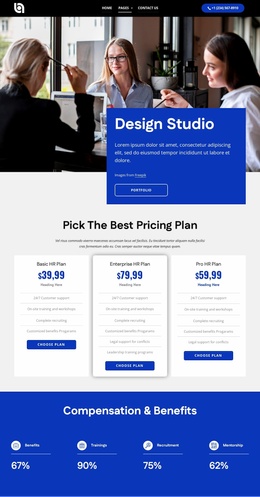
Recruitment coverage and plan comparisons make this design distinctive
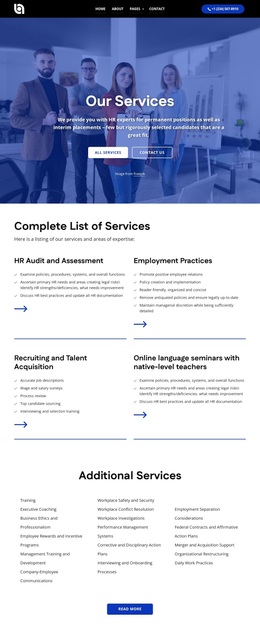
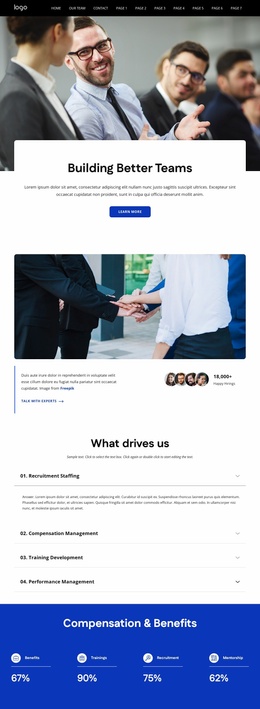
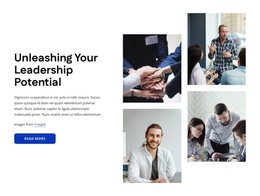
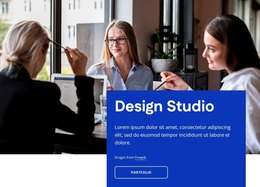
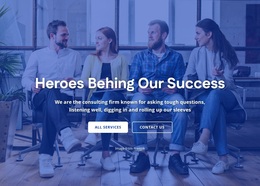
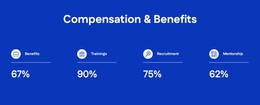
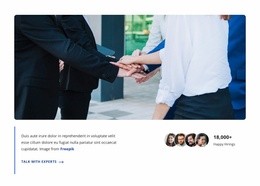
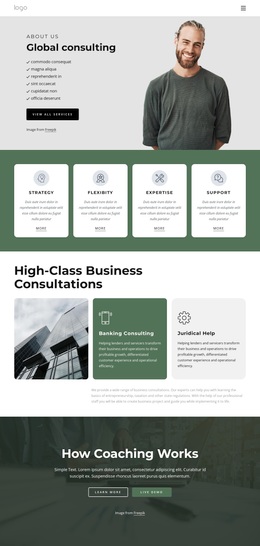
The design is a useful choice for projects that need to present HR expertise through several connected layers rather than through a single service statement. The workplace hero establishes a direct human resources context, while the About Us section frames the organization through mission, vision, and core value content. That opening is followed by a blue compensation and benefits band with four percentage-based figures, giving the page a compact visual pause before it moves into leadership development and broader organizational expertise.
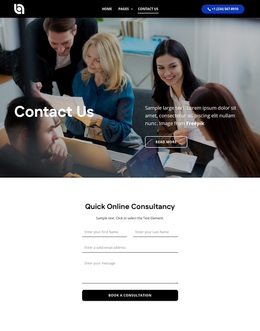
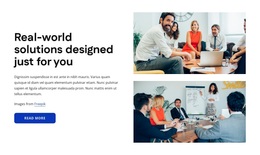
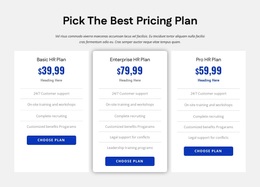
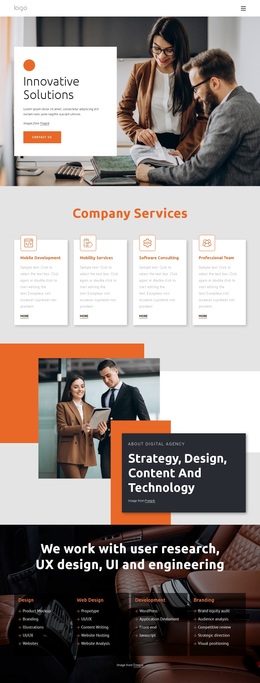
Its strongest distinguishing feature is the combination of two service groupings. The four focus rows name Recruitment Staffing, Compensation Management, Training Development, and Performance Management, while the later image-backed grid narrows the offer to Executive Search, HR Recruitment, Innovative HR Solutions, and Screening of Candidates. This makes the page suitable for an HR provider that needs to show both range and specific recruitment capabilities. Three pricing cards add a selectable-plan layer, and the partner-brand section supplies a separate relationship signal without taking over the main message. The consulting callout, contact form, and office listings for Sydney, Melbourne, and Los Angeles then give the design a practical closing direction. Compared with a layout centered only on company information or generic service cards, this option combines expertise, categories, plans, and contact pathways in one recognizable HR presentation.
Customize with Nicepage
Open this ready-made template in the Template Builder and customize it visually in the Nicepage editor. Replace demo content, edit page sections, and adapt the design to your project without rebuilding the template from scratch.
Start With a Ready-Made Template
Choose a Design for a New Page
Use a ready-made template as a starting point instead of creating every page from a blank canvas. When adding a new page in Nicepage, browse available designs, compare different layouts, and choose an option that already fits the general purpose and visual direction of your project.
Browse Different Page Designs
Explore Page Designs using search, thematic categories, Design Sets, and full-page previews. The collection includes layouts for different subjects and page purposes, making it easier to compare alternatives before selecting a design to customize.
Customize the Selected Template
After choosing a design, create the page and continue editing it visually in Nicepage. Replace the demo content, adjust images, typography, colors, sections, and other elements, and adapt the ready-made layout to your own content instead of rebuilding the design from the beginning.
Explore More Design Directions
If the first option does not match your project closely enough, return to the design collection and compare other templates before committing to a layout. This makes the template library useful not only for faster page creation, but also for exploring different visual approaches and finding a suitable starting point for a new project.
This workflow gives you access to a broad collection of ready-made designs that can be selected, compared, and customized according to the needs of each new page or project.

Design Set (24)
-

-
-
-
-
-
-
-
-
-
-
-
Free Website Builder SoftwareDownload
-
-
-
-