Your HR consultants Template



Edit Template Offline
2. Create new page and search for id 6400488
Edit Template Online
Create Awesome Websites


Free Nicepage Builder
Keywords
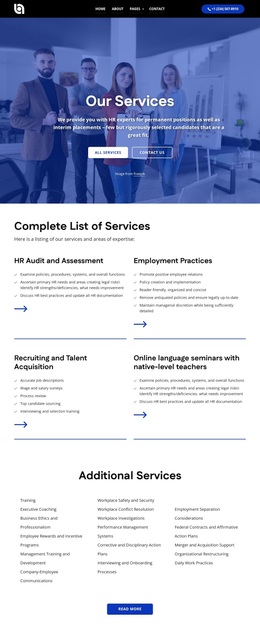
Six Talent Categories Anchor a Broad HR Services Starting Point
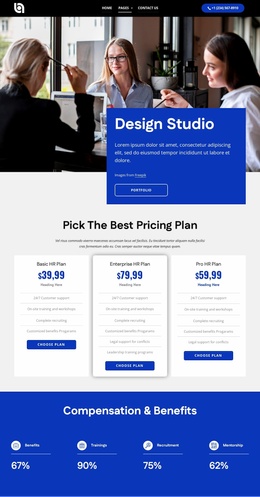
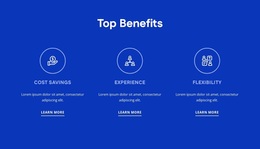
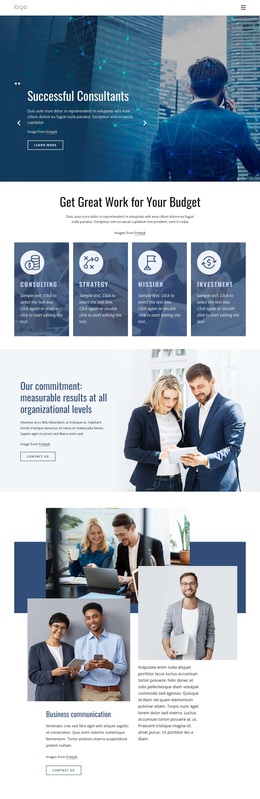
The strongest reason to choose this design is its coverage of the HR services story. The six-card Finding the Right Talent gallery gives the page a recognizable center with executive search, HR recruitment, innovative HR solutions, screening of candidates, leadership training, and policy management. Those categories are supported by the earlier Top Benefits section, which frames cost savings, experience, and flexibility before visitors reach the more specific offering.
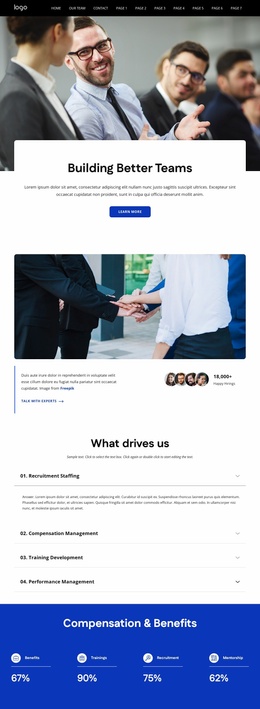
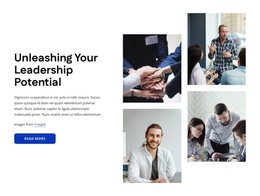
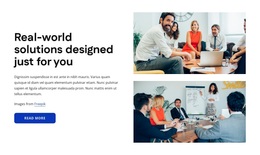
The design also covers the surrounding questions an organization may have about an HR provider. A split section explains the service approach, while the testimonial carousel presents client-oriented support content. The forum and webinar slider introduces organizational activity, and the dated company-history slider supplies background. The accordion adds four management subjects—recruitment staffing, compensation management, training development, and performance management—so the template is not limited to a single recruitment message.
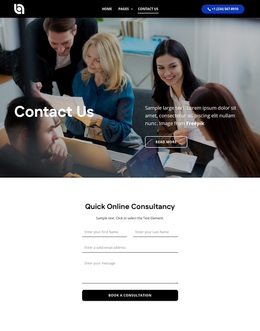
Partner logos, the contact form, three displayed office locations, social links, and the closing “Let’s Discuss People, Ideas, and Solutions” prompt complete the selection. Together, these areas make the design a useful option for projects that need to communicate both specialist talent services and a wider HR capability. Its visual direction—blue bands, strong white headings, bold typography, rounded cards, and large photography—supports that content without depending on unsupported claims about real clients, results, or sample metrics.
Customize with Nicepage
Open this ready-made template in the Template Builder and customize it visually in the Nicepage editor. Replace demo content, edit page sections, and adapt the design to your project without rebuilding the template from scratch.
Start With a Ready-Made Template
Choose a Design for a New Page
Use a ready-made template as a starting point instead of creating every page from a blank canvas. When adding a new page in Nicepage, browse available designs, compare different layouts, and choose an option that already fits the general purpose and visual direction of your project.
Browse Different Page Designs
Explore Page Designs using search, thematic categories, Design Sets, and full-page previews. The collection includes layouts for different subjects and page purposes, making it easier to compare alternatives before selecting a design to customize.
Customize the Selected Template
After choosing a design, create the page and continue editing it visually in Nicepage. Replace the demo content, adjust images, typography, colors, sections, and other elements, and adapt the ready-made layout to your own content instead of rebuilding the design from the beginning.
Explore More Design Directions
If the first option does not match your project closely enough, return to the design collection and compare other templates before committing to a layout. This makes the template library useful not only for faster page creation, but also for exploring different visual approaches and finding a suitable starting point for a new project.
This workflow gives you access to a broad collection of ready-made designs that can be selected, compared, and customized according to the needs of each new page or project.

Design Set (24)
-

-
-
-
-
-
-
-
-
-
-
-
Free Website Builder SoftwareDownload
-
-
-
-