Inspirational content Template


Edit Template Offline
2. Create new page and search for id 6054946
Edit Template Online
Create Awesome Websites


Free Nicepage Builder
Keywords
Six Capabilities, Three Plans, and an Image-Led Agency Story
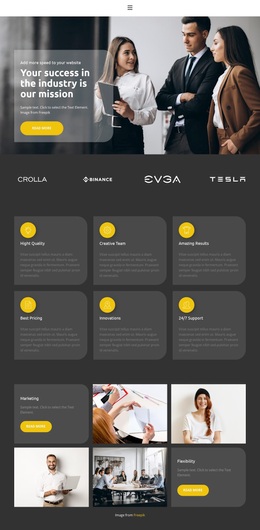
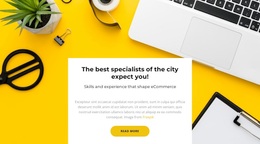
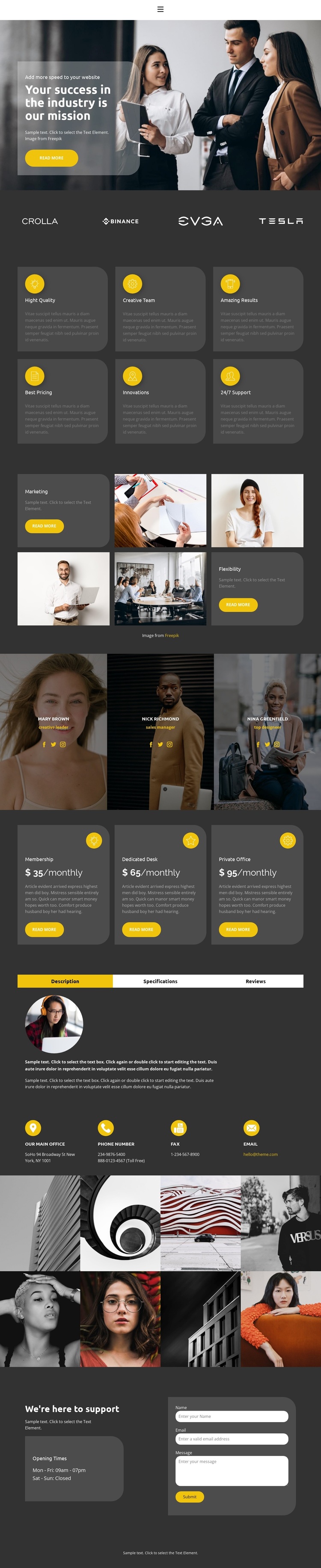
The design is notable for how many parts of an agency decision are brought into one visual direction. The hero starts with a clear business mission over a meeting photograph, while the brand strip immediately adds a compact layer of recognition. Six yellow-accented feature cards make the capabilities easy to scan, including Creative Team, Amazing Results, Innovations, and 24/7 Support. This gives the page a stronger content base than a layout built around a headline and one generic service paragraph.
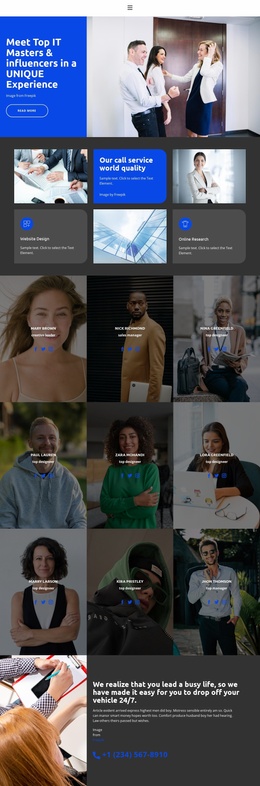
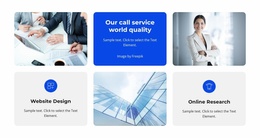
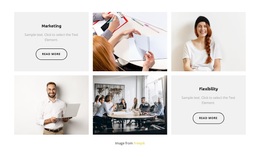
The marketing mosaic is a distinctive choice because it alternates service explanation with business photography instead of presenting every offering as an identical card. Three portrait panels continue that people-centered approach, and the three pricing plans add a practical comparison point through monthly prices and action buttons. The tabbed Description, Specifications, and Reviews area provides another way to hold detailed information without making the page text-heavy. Together, these elements support projects that need to show capability, personality, packages, and evidence in one presentation.
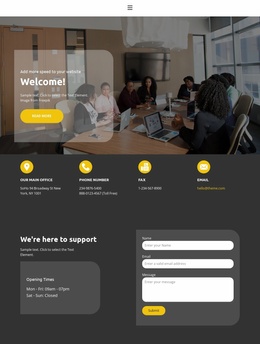
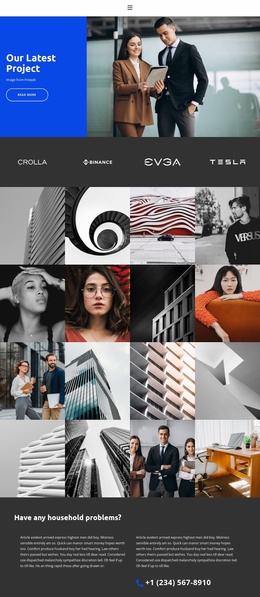
The eight-image collage supplies a strong visual finish before the support section. A final contact form then gives the page a direct inquiry route, supported by opening-hours information. This combination makes the design a useful option for a creative or business-services project that needs more than a simple portfolio: it can present an offer, show the people behind it, compare plans, and invite contact within the same coherent page.
Customize with Nicepage
Open this ready-made template in the Template Builder and customize it visually in the Nicepage editor. Replace demo content, edit page sections, and adapt the design to your project without rebuilding the template from scratch.
Start With a Ready-Made Template
Choose a Design for a New Page
Use a ready-made template as a starting point instead of creating every page from a blank canvas. When adding a new page in Nicepage, browse available designs, compare different layouts, and choose an option that already fits the general purpose and visual direction of your project.
Browse Different Page Designs
Explore Page Designs using search, thematic categories, Design Sets, and full-page previews. The collection includes layouts for different subjects and page purposes, making it easier to compare alternatives before selecting a design to customize.
Customize the Selected Template
After choosing a design, create the page and continue editing it visually in Nicepage. Replace the demo content, adjust images, typography, colors, sections, and other elements, and adapt the ready-made layout to your own content instead of rebuilding the design from the beginning.
Explore More Design Directions
If the first option does not match your project closely enough, return to the design collection and compare other templates before committing to a layout. This makes the template library useful not only for faster page creation, but also for exploring different visual approaches and finding a suitable starting point for a new project.
This workflow gives you access to a broad collection of ready-made designs that can be selected, compared, and customized according to the needs of each new page or project.