HR Recruitment agency Template



Edit Template Offline
2. Create new page and search for id 6517644
Edit Template Online
Create Awesome Websites


Free Nicepage Builder
Keywords
Three HR service categories connect visual proof with agency choice
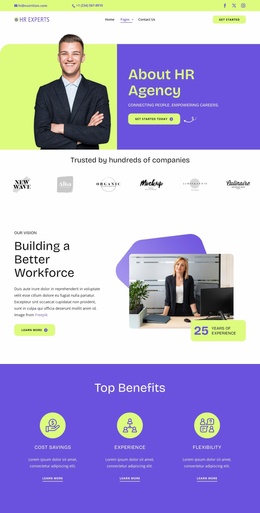
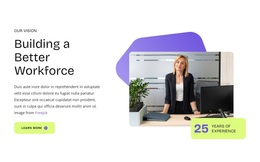
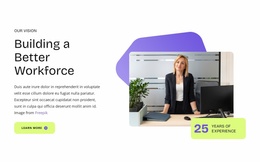
The strongest reason to choose this design is the way it combines a direct recruitment introduction with several forms of supporting evidence. The workplace hero establishes the subject quickly, while “Your Trusted HR Partner” gives the page a relationship-led position. Cost Savings, Experience, and Flexibility then provide three concise benefit themes, creating a bridge between the agency’s promise and the services it offers.
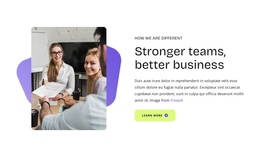
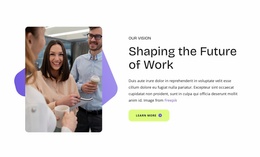
The central service presentation is especially distinctive because Talents Agency, Corporate Counseling, and Careers Coaching appear as three numbered categories over a workplace photograph. That treatment gives the design a clear organizing idea without relying on dense explanatory copy. The “Stronger teams, better business” section adds an employer-facing value proposition, while the career-change panel keeps the layout relevant to job seekers as well as organizations seeking HR support.
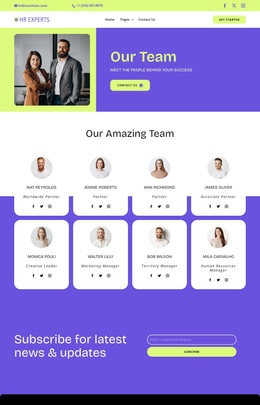
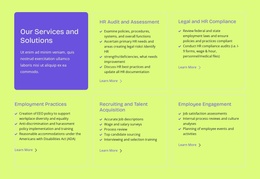
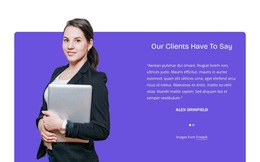
The design also covers the trust-building content many recruitment pages need: a testimonial, eight team profiles, and four image-led success stories. These sections give visitors different ways to understand the agency’s people and claimed results, while the newsletter signup and FAQ create useful follow-up points. Together, the bold visual language and broad content coverage make this a practical choice for an HR project that needs to communicate services, expertise, human involvement, and ongoing contact.
Customize with Nicepage
Open this ready-made template in the Template Builder and customize it visually in the Nicepage editor. Replace demo content, edit page sections, and adapt the design to your project without rebuilding the template from scratch.
Start With a Ready-Made Template
Choose a Design for a New Page
Use a ready-made template as a starting point instead of creating every page from a blank canvas. When adding a new page in Nicepage, browse available designs, compare different layouts, and choose an option that already fits the general purpose and visual direction of your project.
Browse Different Page Designs
Explore Page Designs using search, thematic categories, Design Sets, and full-page previews. The collection includes layouts for different subjects and page purposes, making it easier to compare alternatives before selecting a design to customize.
Customize the Selected Template
After choosing a design, create the page and continue editing it visually in Nicepage. Replace the demo content, adjust images, typography, colors, sections, and other elements, and adapt the ready-made layout to your own content instead of rebuilding the design from the beginning.
Explore More Design Directions
If the first option does not match your project closely enough, return to the design collection and compare other templates before committing to a layout. This makes the template library useful not only for faster page creation, but also for exploring different visual approaches and finding a suitable starting point for a new project.
This workflow gives you access to a broad collection of ready-made designs that can be selected, compared, and customized according to the needs of each new page or project.

Design Set (28)
-

-
-
-
-
-
-
-
-
-
Free Website Builder SoftwareDownload
-
-
-
-
-
-
-
-