7 Main qualities of leader Template

Edit Template Offline
2. Create new page and search for id 1649520
Edit Template Online
Create Awesome Websites


Free Nicepage Builder
Keywords
Four skill cards turn leadership guidance into a clear starting point
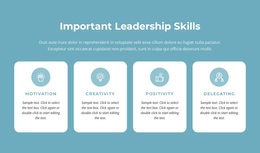
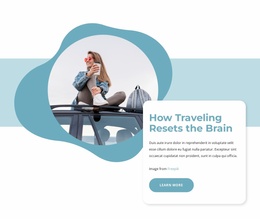
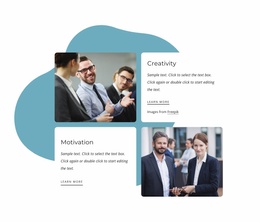
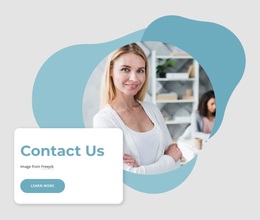
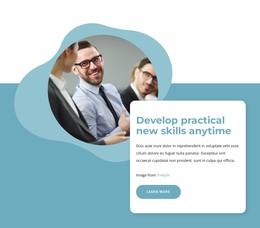
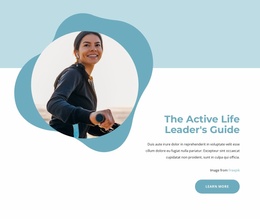
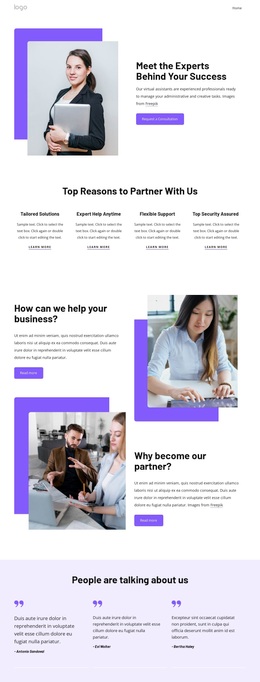
The strongest reason to choose this design is the way it combines a recognizable leadership subject with several levels of supporting content. The opening portrait and title establish an approachable educational direction, while the four evenly sized cards make Motivation, Creativity, Positivity, and Delegating immediately visible. That compact group gives the page a distinctive entry into the topic instead of relying on a long uninterrupted explanation.
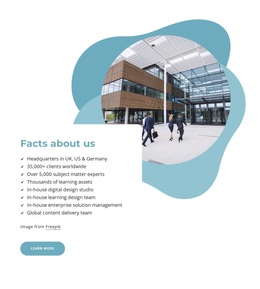
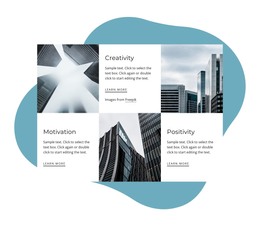
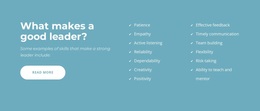
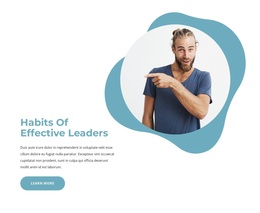
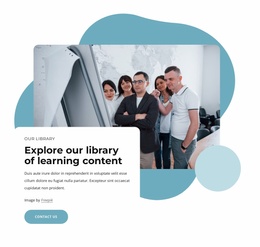
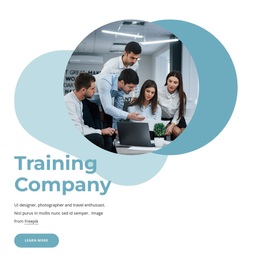
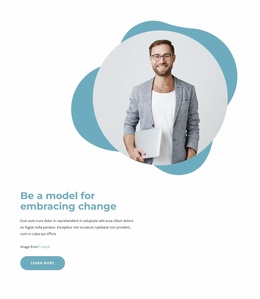
The design then broadens the material through a checklist of qualities, five numbered principle cards, and three image-led cards covering good leaders, effective leaders, and best delegation. These components do not perform the same role: the checklist supports quick recognition, the numbered cards create a concise principles section, and the image-led cards provide visual entry points into related concepts. The split features about habits, active leadership, and embracing change add longer editorial moments around the same central subject.
This combination suits projects that need to explain leadership development through both structured summaries and more spacious feature sections. The final contact form extends the guide toward reader response, while the soft blue palette, rounded cards, circular portraits, and organic shapes keep the presentation instructional rather than overly formal. It is a focused design option for leadership education, guidance, or related content that benefits from varied information blocks.
Customize with Nicepage
Open this ready-made template in the Template Builder and customize it visually in the Nicepage editor. Replace demo content, edit page sections, and adapt the design to your project without rebuilding the template from scratch.
Start With a Ready-Made Template
Choose a Design for a New Page
Use a ready-made template as a starting point instead of creating every page from a blank canvas. When adding a new page in Nicepage, browse available designs, compare different layouts, and choose an option that already fits the general purpose and visual direction of your project.
Browse Different Page Designs
Explore Page Designs using search, thematic categories, Design Sets, and full-page previews. The collection includes layouts for different subjects and page purposes, making it easier to compare alternatives before selecting a design to customize.
Customize the Selected Template
After choosing a design, create the page and continue editing it visually in Nicepage. Replace the demo content, adjust images, typography, colors, sections, and other elements, and adapt the ready-made layout to your own content instead of rebuilding the design from the beginning.
Explore More Design Directions
If the first option does not match your project closely enough, return to the design collection and compare other templates before committing to a layout. This makes the template library useful not only for faster page creation, but also for exploring different visual approaches and finding a suitable starting point for a new project.
This workflow gives you access to a broad collection of ready-made designs that can be selected, compared, and customized according to the needs of each new page or project.