Car wash services in New York Template



Edit Template Offline
2. Create new page and search for id 6329509
Edit Template Online
Create Awesome Websites


Free Nicepage Builder
Keywords
A Booking-Led Car Wash Layout Balances Services, Proof, and Questions
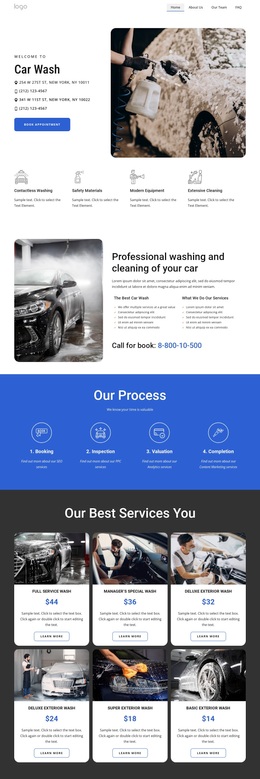
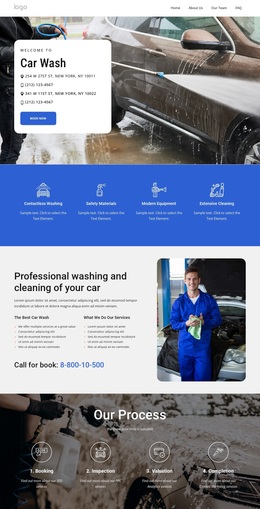
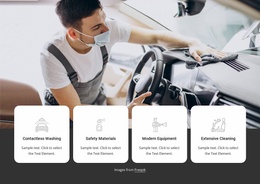
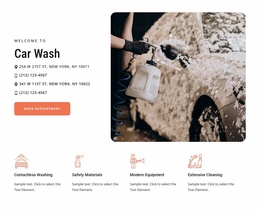
Large automotive photography carries the opening message, while the white rounded hero card places the Car Wash title, two location references, phone details, and Book now action in a compact focal area. That combination makes the design a useful option for a service business that needs immediate category recognition without sacrificing practical contact information. The following blue band adds four concise differentiators—Contactless Washing, Safety Materials, Modern Equipment, and Extensive Cleaning—before the page becomes more detailed.
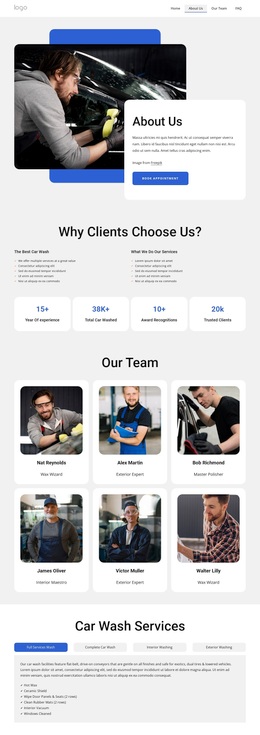
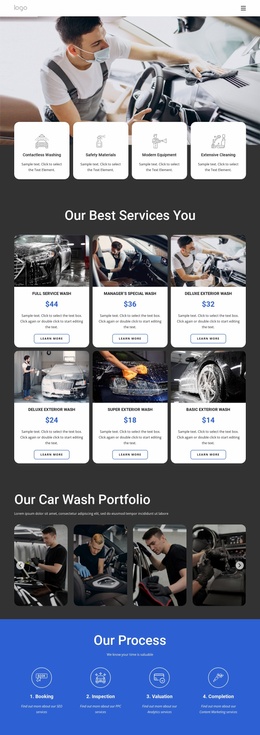
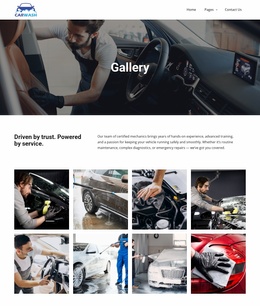
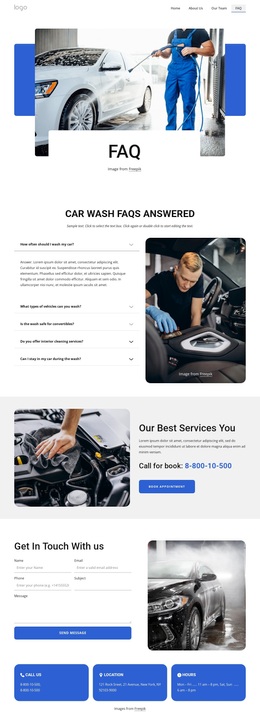
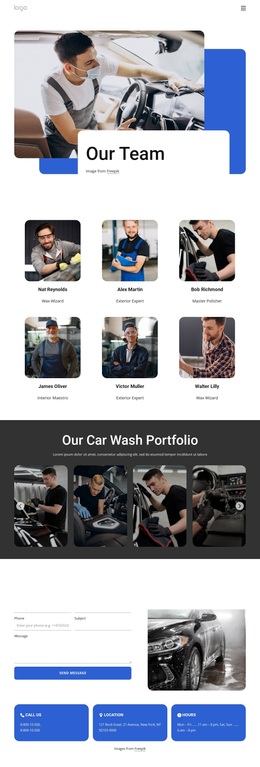
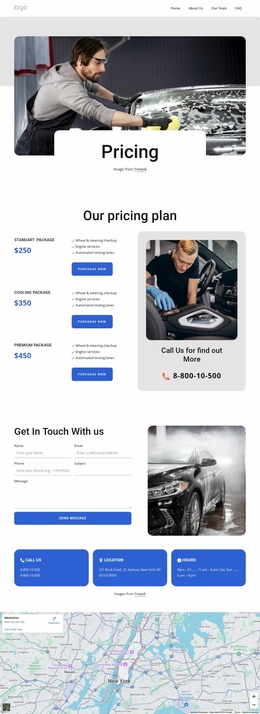
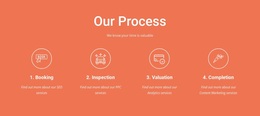
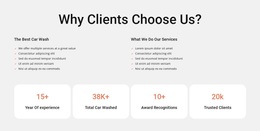
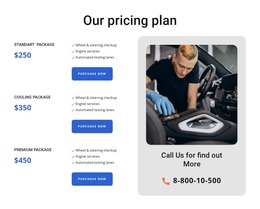
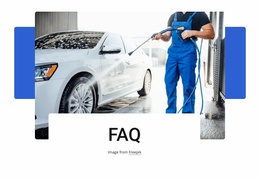
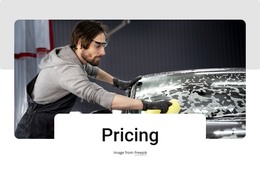
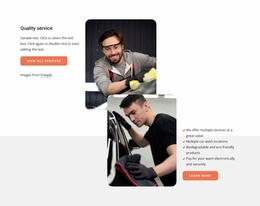
The strongest selection reason is the breadth of content already arranged around the wash offer. Visitors can follow the four-stage process from Booking through Completion, compare six named wash packages with displayed prices, and review a portfolio gallery of vehicle-care images. Quality-service sections, testimonials, and an FAQ area then add supporting explanation and reassurance. The combination suits a project that needs more than a simple price list or image-led homepage.
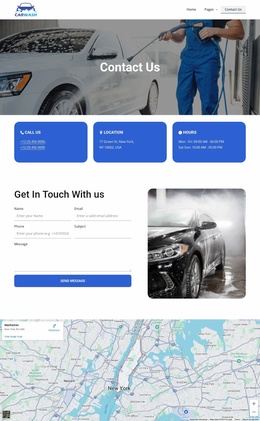
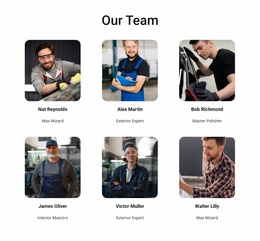
A prominent contact band, form, direct contact cards, map, and service-focused footer give the design a complete communication path. The blue, white, gray, and charcoal palette, rounded cards, spacious padding, and alternating photographic and solid-color bands keep the many sections recognizable as one visual direction. Demo prices, people, addresses, and phone numbers should be replaced before the design is used for an actual business.
Customize with Nicepage
Open this ready-made template in the Template Builder and customize it visually in the Nicepage editor. Replace demo content, edit page sections, and adapt the design to your project without rebuilding the template from scratch.
Start With a Ready-Made Template
Choose a Design for a New Page
Use a ready-made template as a starting point instead of creating every page from a blank canvas. When adding a new page in Nicepage, browse available designs, compare different layouts, and choose an option that already fits the general purpose and visual direction of your project.
Browse Different Page Designs
Explore Page Designs using search, thematic categories, Design Sets, and full-page previews. The collection includes layouts for different subjects and page purposes, making it easier to compare alternatives before selecting a design to customize.
Customize the Selected Template
After choosing a design, create the page and continue editing it visually in Nicepage. Replace the demo content, adjust images, typography, colors, sections, and other elements, and adapt the ready-made layout to your own content instead of rebuilding the design from the beginning.
Explore More Design Directions
If the first option does not match your project closely enough, return to the design collection and compare other templates before committing to a layout. This makes the template library useful not only for faster page creation, but also for exploring different visual approaches and finding a suitable starting point for a new project.
This workflow gives you access to a broad collection of ready-made designs that can be selected, compared, and customized according to the needs of each new page or project.

Design Set (21)
-

-
-
-
-
-
-
-
-
-
-
-
Free Website Builder SoftwareDownload
-