The full-service storage with pickup and delivery Template



Edit Template Offline
2. Create new page and search for id 3522471
Edit Template Online
Create Awesome Websites


Free Nicepage Builder
Keywords
Six Service Cards Connect Shipping, Access, and Customer Support
International Shipping, Access & Discover, One Stop Shop, Unrivalled Product Range, Transparent Pricing, and Personalized Service give this design a distinctive content center. The six cards do more than list generic benefits: together, they describe a connected service proposition in which customers can access products, understand pricing, and receive individualized support around delivery and logistics. That coverage makes the design a useful option for projects that need to explain several related operational services in one visual presentation.
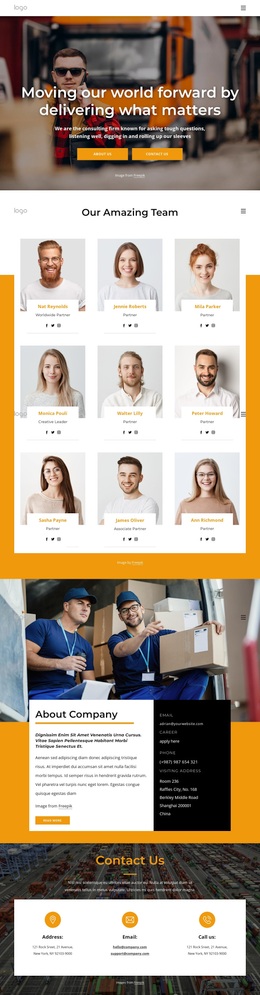
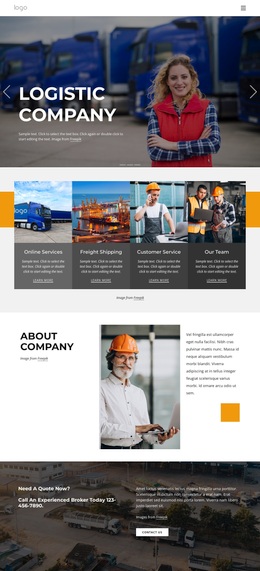
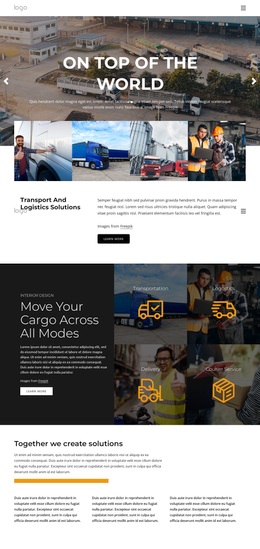
The surrounding sections strengthen that choice. The opening Delivery Services block uses a large logistics photograph with simple process and competitive pricing features, creating an immediate service context. The company overview adds three numbered capability cards, while the dedicated logistics, storage, refurbishment section expands the offer into packaging and transport. Later panels introduce solutions, team expertise, innovation, and a mission centered on flexible, reliable, and resilient operations.
This combination suits a company profile that must balance operational detail with a clear visual story. The page does not rely on one isolated product block; it connects service categories, company capability, innovation, and customer response. The final contact form and contact-information columns give the selected design a practical conclusion for inquiries after visitors have reviewed the broader logistics offer.
Customize with Nicepage
Open this ready-made template in the Template Builder and customize it visually in the Nicepage editor. Replace demo content, edit page sections, and adapt the design to your project without rebuilding the template from scratch.
Start With a Ready-Made Template
Choose a Design for a New Page
Use a ready-made template as a starting point instead of creating every page from a blank canvas. When adding a new page in Nicepage, browse available designs, compare different layouts, and choose an option that already fits the general purpose and visual direction of your project.
Browse Different Page Designs
Explore Page Designs using search, thematic categories, Design Sets, and full-page previews. The collection includes layouts for different subjects and page purposes, making it easier to compare alternatives before selecting a design to customize.
Customize the Selected Template
After choosing a design, create the page and continue editing it visually in Nicepage. Replace the demo content, adjust images, typography, colors, sections, and other elements, and adapt the ready-made layout to your own content instead of rebuilding the design from the beginning.
Explore More Design Directions
If the first option does not match your project closely enough, return to the design collection and compare other templates before committing to a layout. This makes the template library useful not only for faster page creation, but also for exploring different visual approaches and finding a suitable starting point for a new project.
This workflow gives you access to a broad collection of ready-made designs that can be selected, compared, and customized according to the needs of each new page or project.