Car wash Template



Edit Template Offline
2. Create new page and search for id 6311468
Edit Template Online
Create Awesome Websites


Free Nicepage Builder
Keywords
Six Service Offers Connect with Process, Proof, and Local Contact
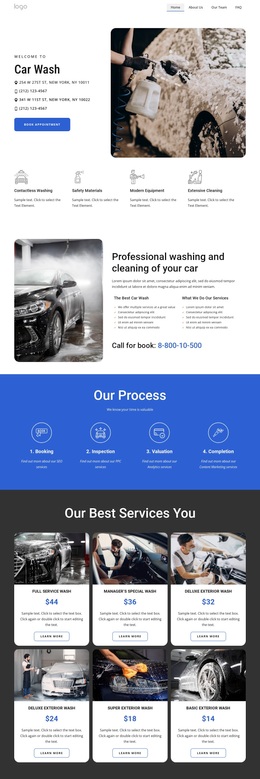
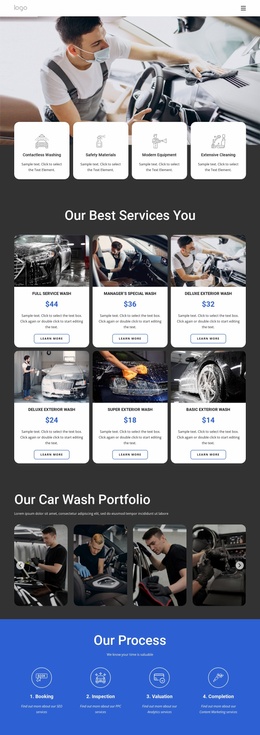
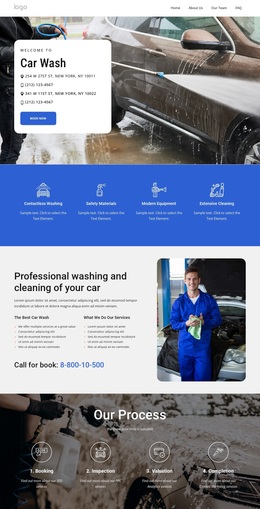
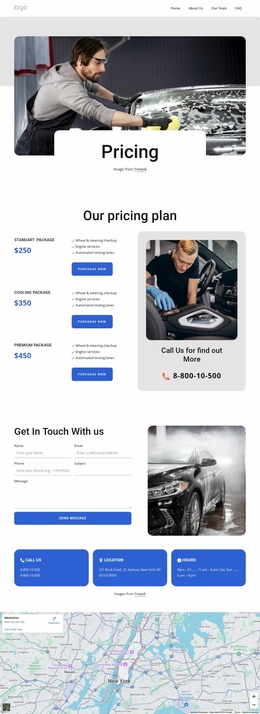
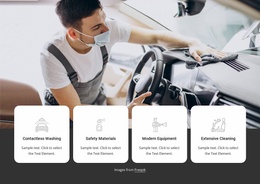
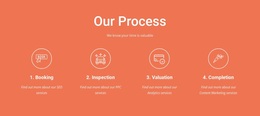
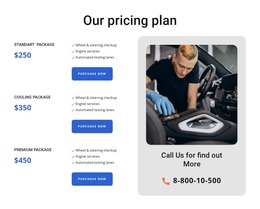
The template covers more than a basic service introduction. Six repeated service cards give the design a clear catalog center, with images, displayed prices, names, and action buttons arranged for comparison. Around that catalog, four benefit highlights describe the service approach, while the Booking, Inspection, Valuation, and Completion sequence explains the stages behind the work. Together, these sections make the design suitable for projects that need to present both individual wash options and a recognizable operating process.
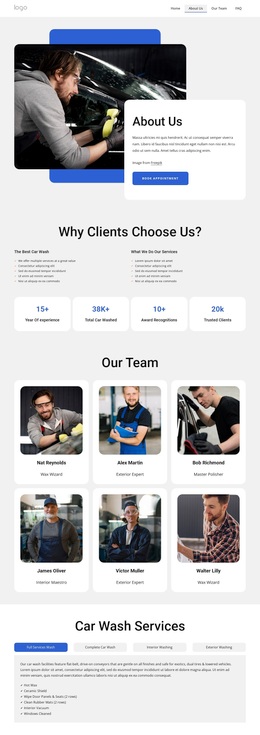
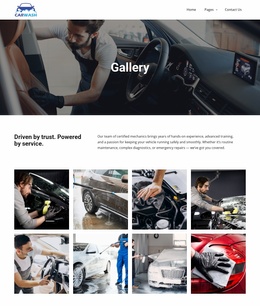
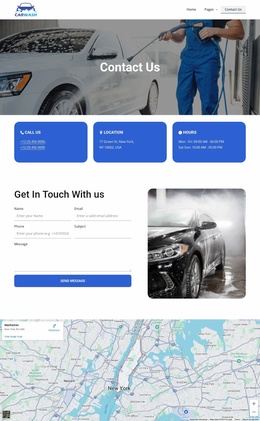
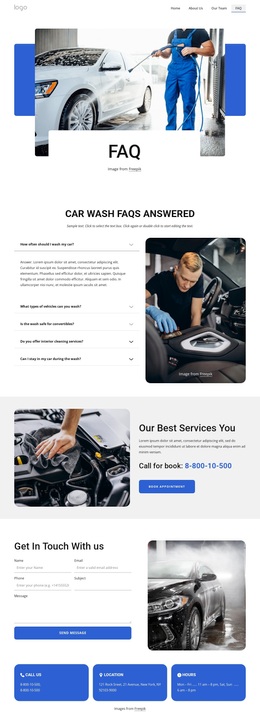
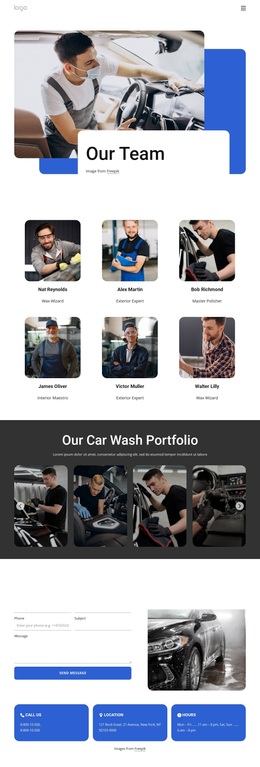
Its supporting content also gives the page a distinctive breadth. Three testimonials add customer-oriented evidence, and the dark portfolio section displays four vehicle-cleaning images so visual results remain part of the story. Four FAQ rows create space for common questions, while the contact prompt, inquiry form, phone and location cards, hours information, and full-width map address the practical needs of a local service. The blue footer continues the same direction with useful links and service navigation. This combination makes the design worth considering when a car wash project needs service selection, reassurance, location context, and several contact routes in one visual system. Demo prices, names, phone details, testimonials, and address information should still be verified or replaced rather than treated as established business facts.
Customize with Nicepage
Open this ready-made template in the Template Builder and customize it visually in the Nicepage editor. Replace demo content, edit page sections, and adapt the design to your project without rebuilding the template from scratch.
Start With a Ready-Made Template
Choose a Design for a New Page
Use a ready-made template as a starting point instead of creating every page from a blank canvas. When adding a new page in Nicepage, browse available designs, compare different layouts, and choose an option that already fits the general purpose and visual direction of your project.
Browse Different Page Designs
Explore Page Designs using search, thematic categories, Design Sets, and full-page previews. The collection includes layouts for different subjects and page purposes, making it easier to compare alternatives before selecting a design to customize.
Customize the Selected Template
After choosing a design, create the page and continue editing it visually in Nicepage. Replace the demo content, adjust images, typography, colors, sections, and other elements, and adapt the ready-made layout to your own content instead of rebuilding the design from the beginning.
Explore More Design Directions
If the first option does not match your project closely enough, return to the design collection and compare other templates before committing to a layout. This makes the template library useful not only for faster page creation, but also for exploring different visual approaches and finding a suitable starting point for a new project.
This workflow gives you access to a broad collection of ready-made designs that can be selected, compared, and customized according to the needs of each new page or project.

Design Set (21)
-

-
-
-
-
-
-
-
-
-
-
-
Free Website Builder SoftwareDownload
-