Ecologically friendly car washing Template


Edit Template Offline
2. Create new page and search for id 157476
Edit Template Online
Create Awesome Websites


Free Nicepage Builder
Keywords
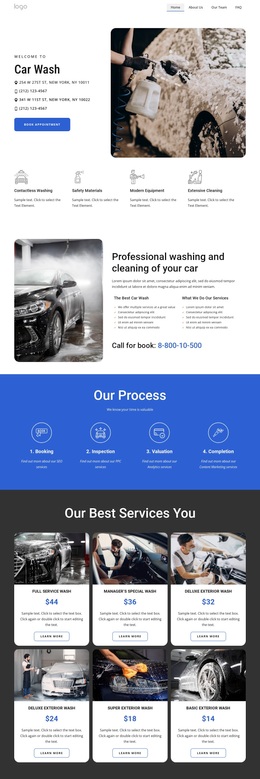
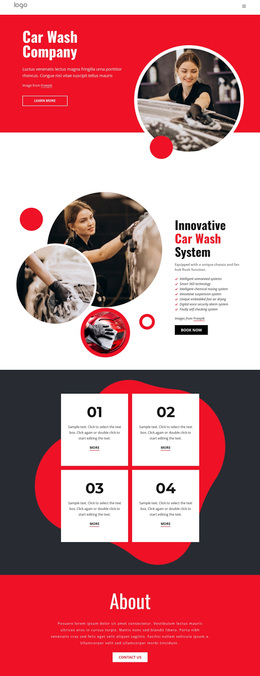
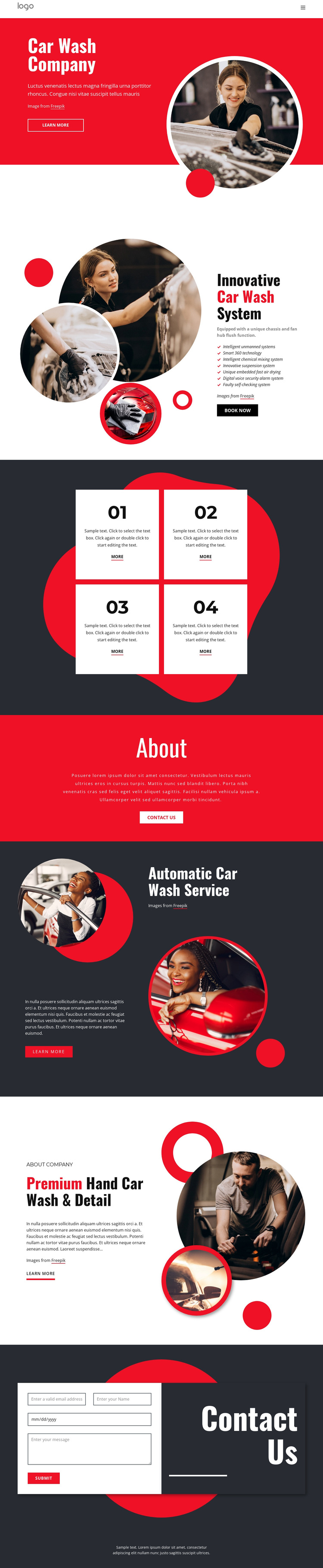
Circular Automotive Imagery Meets Two Clear Service Directions
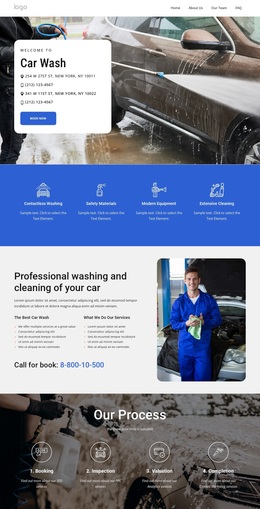
Large circular photographs carry much of the page’s identity, appearing in the hero, system presentation, automatic service section, and hand-detailing section. That repeated image treatment makes the design a strong option for projects where the visual evidence of vehicle care should remain prominent instead of being hidden behind dense explanatory text. The red, white, and charcoal palette reinforces the automotive subject with clear changes between energetic, open, and technical-looking content areas.
The content coverage is equally useful. The Innovative Car Wash System section provides seven feature labels, giving a project room to explain equipment or process capabilities. The four numbered cards add a separate compact information pattern, while the About section creates space for company context. Most importantly, the page gives automatic car washing and premium hand washing and detailing their own content blocks, allowing the selected service direction to remain visible and easy to understand.
The design also includes practical response points throughout the journey. Learn more buttons support service exploration, Book now introduces a stronger booking-oriented action, and the final Contact Us section provides a form with name, email, date, and message inputs. Together, the distinctive imagery, service coverage, technical feature group, and inquiry path make this a useful ready-made choice for a car wash project that needs both visual emphasis and clear business information.
Customize with Nicepage
Open this ready-made template in the Template Builder and customize it visually in the Nicepage editor. Replace demo content, edit page sections, and adapt the design to your project without rebuilding the template from scratch.
Start With a Ready-Made Template
Choose a Design for a New Page
Use a ready-made template as a starting point instead of creating every page from a blank canvas. When adding a new page in Nicepage, browse available designs, compare different layouts, and choose an option that already fits the general purpose and visual direction of your project.
Browse Different Page Designs
Explore Page Designs using search, thematic categories, Design Sets, and full-page previews. The collection includes layouts for different subjects and page purposes, making it easier to compare alternatives before selecting a design to customize.
Customize the Selected Template
After choosing a design, create the page and continue editing it visually in Nicepage. Replace the demo content, adjust images, typography, colors, sections, and other elements, and adapt the ready-made layout to your own content instead of rebuilding the design from the beginning.
Explore More Design Directions
If the first option does not match your project closely enough, return to the design collection and compare other templates before committing to a layout. This makes the template library useful not only for faster page creation, but also for exploring different visual approaches and finding a suitable starting point for a new project.
This workflow gives you access to a broad collection of ready-made designs that can be selected, compared, and customized according to the needs of each new page or project.