Quality taxi service Template


Edit Template Offline
2. Create new page and search for id 348486
Edit Template Online
Create Awesome Websites


Free Nicepage Builder
Keywords
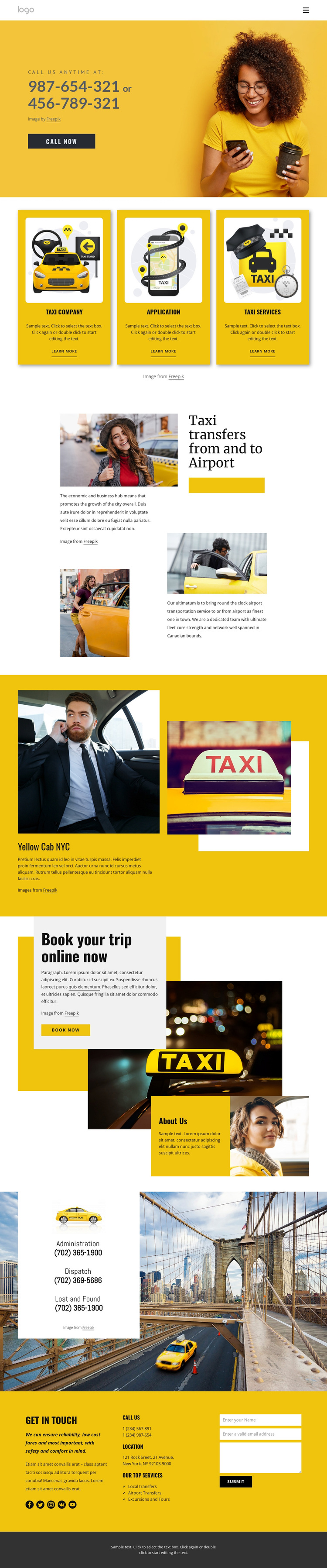
Yellow service cards connect airport stories with booking action
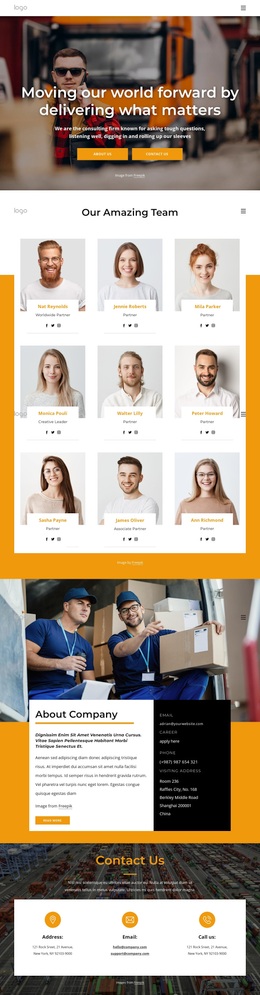
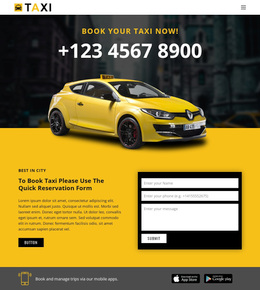
Yellow service cards, taxi photography, and direct contact language give this design a recognizable starting point among transportation layouts. The three repeated cards present Taxi company, Application, and Taxi Services in a shared visual pattern, so the page can introduce several related directions without relying on a dense text introduction. The yellow, white, and black palette reinforces the taxi subject, while large images keep the transportation context visible throughout the page.
The design also covers more than one passenger need. Local transfers, Airport Transfers, and Excursions and Tours appear as service labels, and the dedicated airport-transfer section gives one of those themes additional visual and editorial emphasis. The Yellow Cab NYC block offers another focused service concept, using a yellow background and taxi imagery to create a strong change of pace. This combination suits projects that need service breadth but still want a clear visual subject.
The strongest reason to choose this option is the relationship between storytelling and response. The opening “CALL US ANYTIME AT:” section establishes immediate phone contact, while the later “Book your trip online now” block introduces a second action after visitors have seen service content. Administrative contacts and the final Get in touch form add practical follow-up channels. The result is a ready-made design option for taxi and transfer projects that need imagery, service coverage, and contact opportunities in one page.
Customize with Nicepage
Open this ready-made template in the Template Builder and customize it visually in the Nicepage editor. Replace demo content, edit page sections, and adapt the design to your project without rebuilding the template from scratch.
Start With a Ready-Made Template
Choose a Design for a New Page
Use a ready-made template as a starting point instead of creating every page from a blank canvas. When adding a new page in Nicepage, browse available designs, compare different layouts, and choose an option that already fits the general purpose and visual direction of your project.
Browse Different Page Designs
Explore Page Designs using search, thematic categories, Design Sets, and full-page previews. The collection includes layouts for different subjects and page purposes, making it easier to compare alternatives before selecting a design to customize.
Customize the Selected Template
After choosing a design, create the page and continue editing it visually in Nicepage. Replace the demo content, adjust images, typography, colors, sections, and other elements, and adapt the ready-made layout to your own content instead of rebuilding the design from the beginning.
Explore More Design Directions
If the first option does not match your project closely enough, return to the design collection and compare other templates before committing to a layout. This makes the template library useful not only for faster page creation, but also for exploring different visual approaches and finding a suitable starting point for a new project.
This workflow gives you access to a broad collection of ready-made designs that can be selected, compared, and customized according to the needs of each new page or project.