Car repair in NYC Template



Edit Template Offline
2. Create new page and search for id 6308599
Edit Template Online
Create Awesome Websites


Free Nicepage Builder
Keywords
Repair services, workshop proof, and practical contact content work together
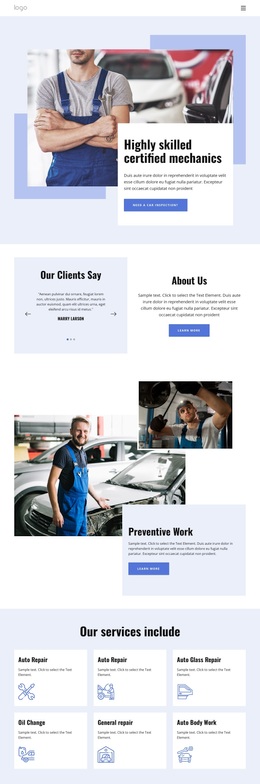
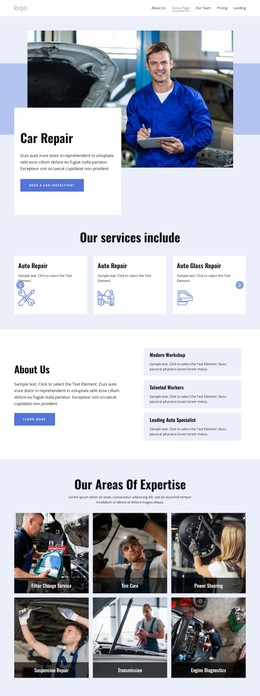
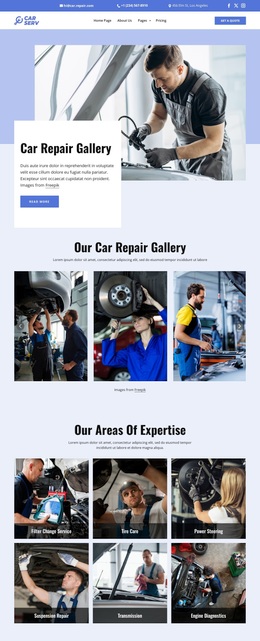
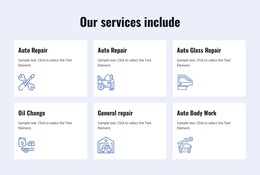
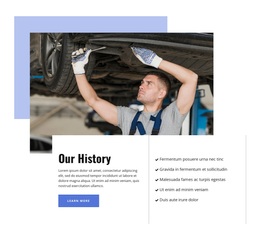
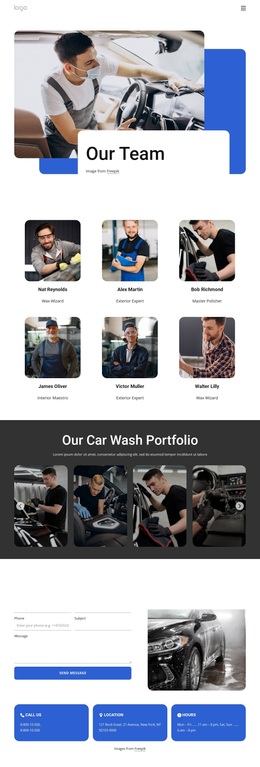
The mechanic photograph and inspection call to action establish the subject immediately, but the design becomes a stronger template choice through the range of information that follows. Six repeated service cards introduce the workshop’s core offer, while the expertise gallery gives more specific categories such as tire care, power steering, suspension repair, transmission, and engine diagnostics their own visual presence. This combination suits an automotive project that needs to explain both general services and specialized capabilities.
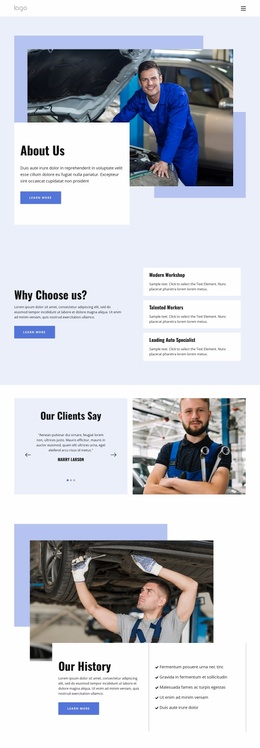
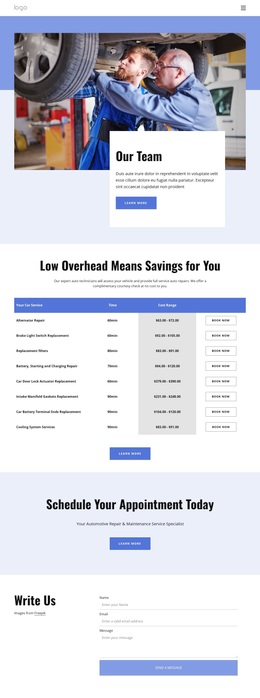
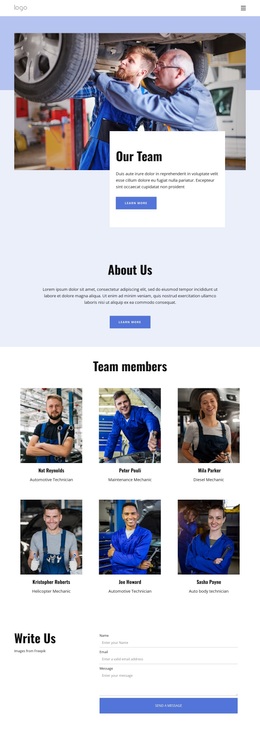
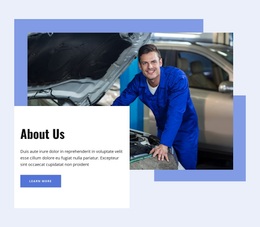
The page also balances operational information with trust-building content. The About Us section pairs an introduction with workshop highlights, the FAQ accordion creates a place for maintenance questions, and the testimonial and team sections show how customer evidence and staff information can occupy distinct areas. The four metric cards and three article cards add further structural options for confirmed business highlights and useful car-care guidance, without requiring demo names, figures, or sample headlines to be treated as real facts.
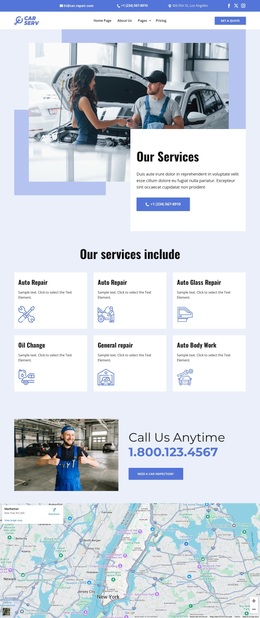
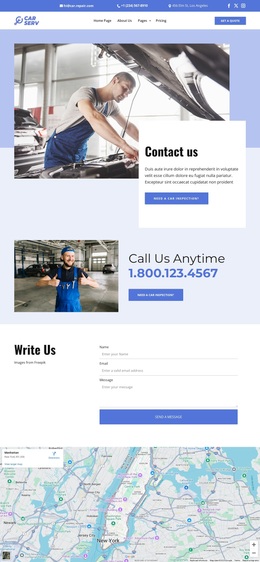
A dedicated contact form, map, operating-hours content, service links, and email subscription area complete the practical coverage. That breadth makes this design worth considering when the starting point must communicate services, expertise, reassurance, education, and contact information in one coherent direction. Its blue-white palette, workshop imagery, repeated cards, and dark footer distinguish it from templates focused only on a hero, portfolio, or compact service list.
Customize with Nicepage
Open this ready-made template in the Template Builder and customize it visually in the Nicepage editor. Replace demo content, edit page sections, and adapt the design to your project without rebuilding the template from scratch.
Start With a Ready-Made Template
Choose a Design for a New Page
Use a ready-made template as a starting point instead of creating every page from a blank canvas. When adding a new page in Nicepage, browse available designs, compare different layouts, and choose an option that already fits the general purpose and visual direction of your project.
Browse Different Page Designs
Explore Page Designs using search, thematic categories, Design Sets, and full-page previews. The collection includes layouts for different subjects and page purposes, making it easier to compare alternatives before selecting a design to customize.
Customize the Selected Template
After choosing a design, create the page and continue editing it visually in Nicepage. Replace the demo content, adjust images, typography, colors, sections, and other elements, and adapt the ready-made layout to your own content instead of rebuilding the design from the beginning.
Explore More Design Directions
If the first option does not match your project closely enough, return to the design collection and compare other templates before committing to a layout. This makes the template library useful not only for faster page creation, but also for exploring different visual approaches and finding a suitable starting point for a new project.
This workflow gives you access to a broad collection of ready-made designs that can be selected, compared, and customized according to the needs of each new page or project.