Man trucks for transportation Template


Edit Template Offline
2. Create new page and search for id 18077
Edit Template Online
Create Awesome Websites


Free Nicepage Builder
Keywords
Truck Photography Connects Products, Technology, and Solutions
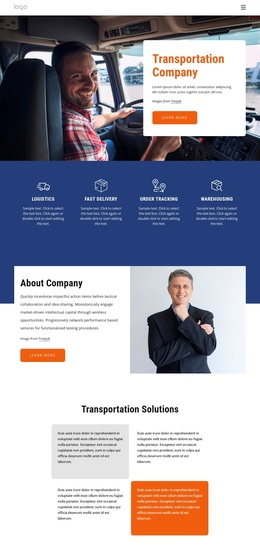
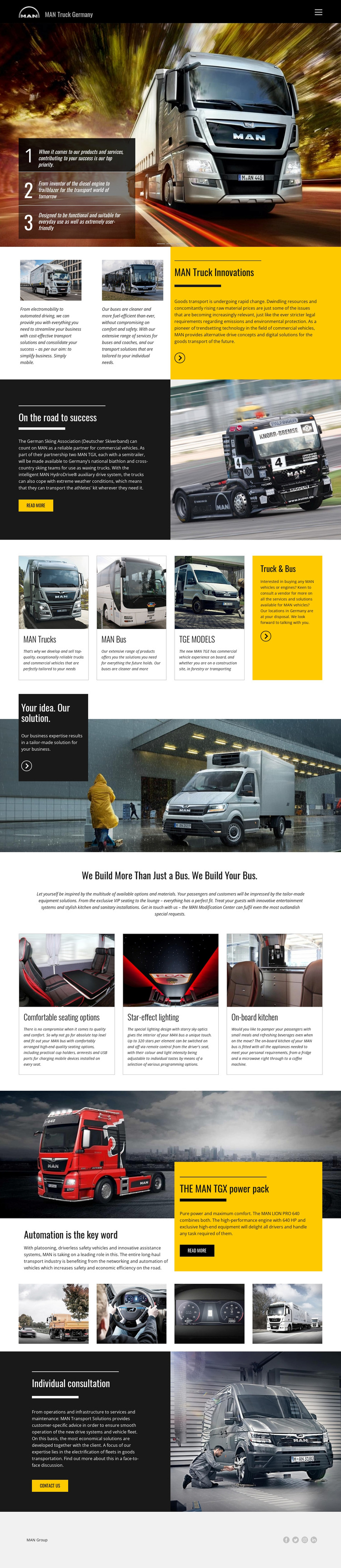
Large commercial-vehicle photography carries much of the page’s identity, but the design is not limited to a single product presentation. The opening slider establishes a bold MAN Truck Germany introduction, then the innovation section adds subject depth through electromobility, automated driving, and bus transport solutions. The partnership story with the German Skiing Association introduces a customer-success dimension, giving the page more range than a simple catalogue layout.
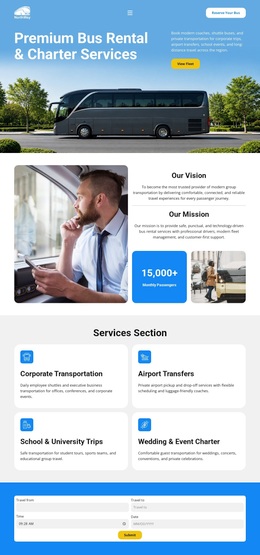
The product cards make the design especially useful for projects that need to show related vehicle categories together: MAN Trucks, MAN Bus, TGE Models, and Truck & Bus appear as a compact overview. The “Your idea. Our solution.” section then changes the emphasis from available categories to tailored business support. Three bus customization cards—comfortable seating options, star-effect lighting, and an onboard kitchen—add concrete detail for customers interested in passenger experience. The TGX LION PRO 640 section supplies a performance-focused counterpoint through the verified 640 HP specification and automation content. Together, these relationships make the design a strong option for a transport organization that needs to communicate products, innovation, customization, and consultation in one visual direction. Its value comes from this breadth of connected content, not from an unsupported claim that multiple finished site pages are included.
Customize with Nicepage
Open this ready-made template in the Template Builder and customize it visually in the Nicepage editor. Replace demo content, edit page sections, and adapt the design to your project without rebuilding the template from scratch.
Start With a Ready-Made Template
Choose a Design for a New Page
Use a ready-made template as a starting point instead of creating every page from a blank canvas. When adding a new page in Nicepage, browse available designs, compare different layouts, and choose an option that already fits the general purpose and visual direction of your project.
Browse Different Page Designs
Explore Page Designs using search, thematic categories, Design Sets, and full-page previews. The collection includes layouts for different subjects and page purposes, making it easier to compare alternatives before selecting a design to customize.
Customize the Selected Template
After choosing a design, create the page and continue editing it visually in Nicepage. Replace the demo content, adjust images, typography, colors, sections, and other elements, and adapt the ready-made layout to your own content instead of rebuilding the design from the beginning.
Explore More Design Directions
If the first option does not match your project closely enough, return to the design collection and compare other templates before committing to a layout. This makes the template library useful not only for faster page creation, but also for exploring different visual approaches and finding a suitable starting point for a new project.
This workflow gives you access to a broad collection of ready-made designs that can be selected, compared, and customized according to the needs of each new page or project.