Volvo Template


Edit Template Offline
2. Create new page and search for id 19425
Edit Template Online
Create Awesome Websites


Free Nicepage Builder
Keywords
Four Research Images and Six Evaluation Points Define the Design Choice
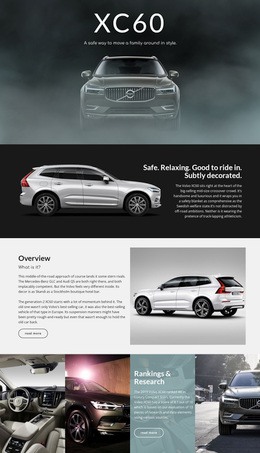
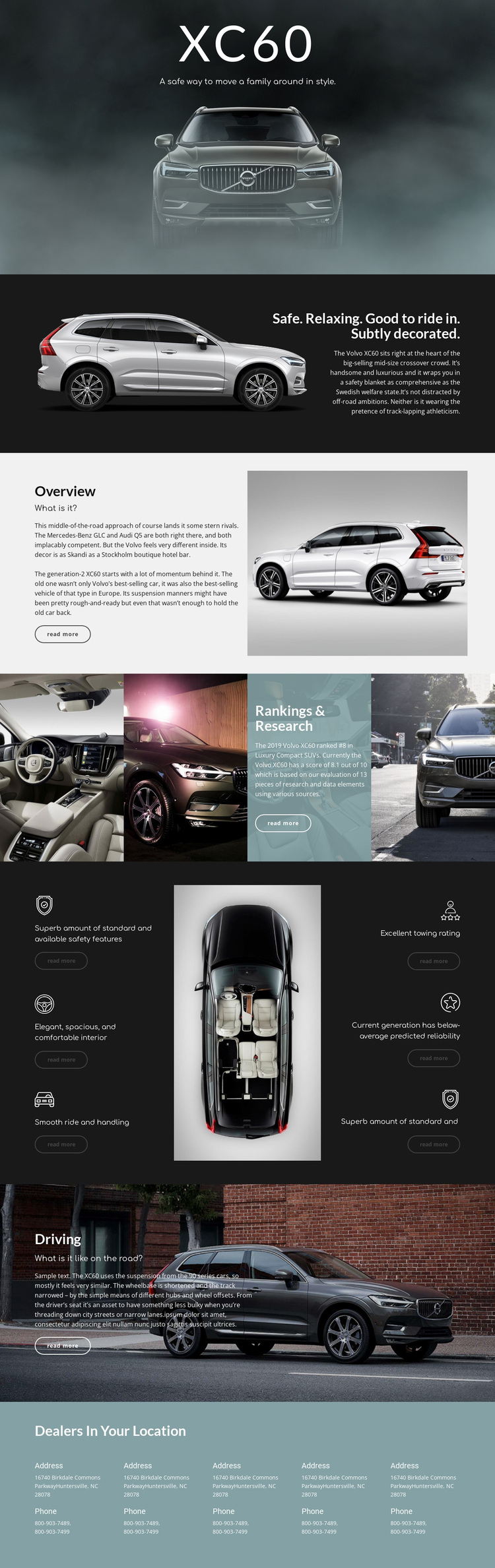
The strongest reason to choose this design is its combination of visual vehicle presentation and review-oriented evidence. The full-width opening photograph introduces the XC60 with immediate subject clarity, while the split overview sections create room for concise editorial explanation beside large vehicle images. Instead of relying only on a service-card layout or a sales-focused product grid, the page gives the vehicle's context and assessment equal visual importance.
The Rankings & Research section is especially distinctive because four images form a horizontal strip around a central research panel. The page states an eighth-place ranking for the 2019 Volvo XC60 in Luxury Compact SUVs and an evaluation score of 8.1 out of 10, giving the composition a clear evidence-led moment. The six surrounding evaluation statements broaden that assessment across safety, interior comfort, ride and handling, towing, predicted reliability, and another feature point. A separate Driving section adds road experience, and the final dealer block connects the editorial review with local information. This makes the template a useful choice for projects where photography, measured evaluation, and practical follow-up need to coexist without turning the page into a conventional inventory or dealership homepage.
Customize with Nicepage
Open this ready-made template in the Template Builder and customize it visually in the Nicepage editor. Replace demo content, edit page sections, and adapt the design to your project without rebuilding the template from scratch.
Start With a Ready-Made Template
Choose a Design for a New Page
Use a ready-made template as a starting point instead of creating every page from a blank canvas. When adding a new page in Nicepage, browse available designs, compare different layouts, and choose an option that already fits the general purpose and visual direction of your project.
Browse Different Page Designs
Explore Page Designs using search, thematic categories, Design Sets, and full-page previews. The collection includes layouts for different subjects and page purposes, making it easier to compare alternatives before selecting a design to customize.
Customize the Selected Template
After choosing a design, create the page and continue editing it visually in Nicepage. Replace the demo content, adjust images, typography, colors, sections, and other elements, and adapt the ready-made layout to your own content instead of rebuilding the design from the beginning.
Explore More Design Directions
If the first option does not match your project closely enough, return to the design collection and compare other templates before committing to a layout. This makes the template library useful not only for faster page creation, but also for exploring different visual approaches and finding a suitable starting point for a new project.
This workflow gives you access to a broad collection of ready-made designs that can be selected, compared, and customized according to the needs of each new page or project.