Audi luxury cars Template


Edit Template Offline
2. Create new page and search for id 17195
Edit Template Online
Create Awesome Websites


Free Nicepage Builder
Keywords
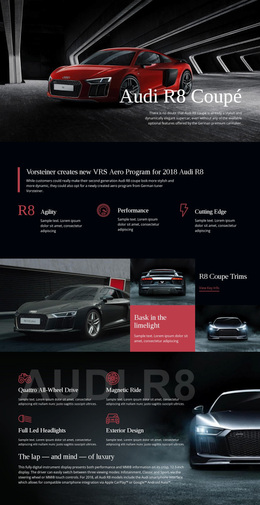
Cinematic lighting coverage gives this Audi A8 design a clear point of difference
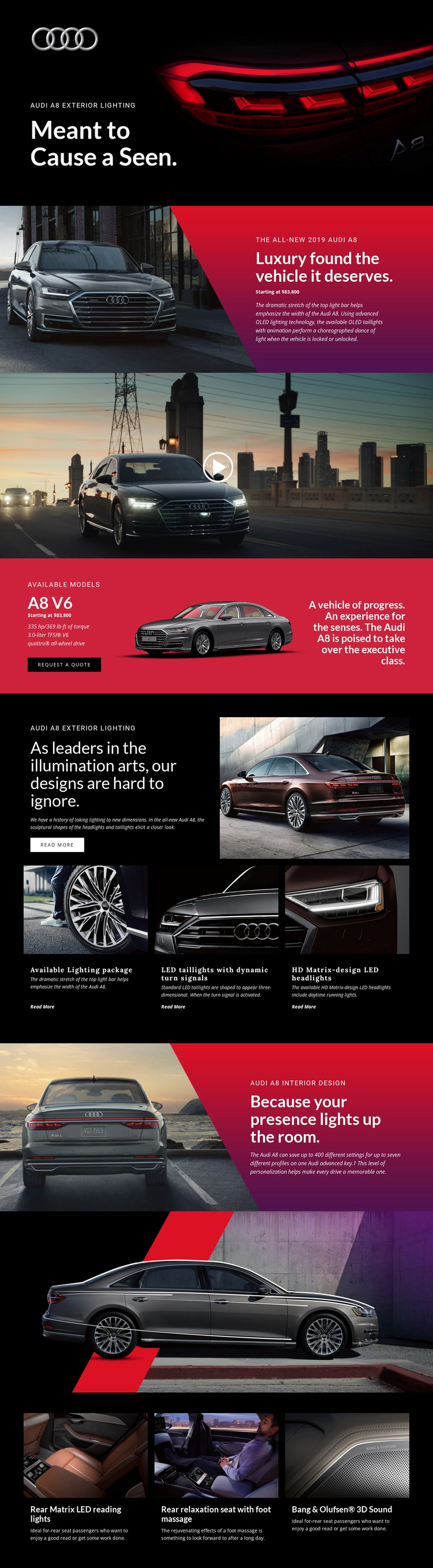
The strongest reason to choose this design is the way it makes vehicle lighting the entry point to a broader Audi A8 story. The dark hero uses a rear vehicle image and the message about exterior lighting to establish a recognizable visual direction immediately. That emphasis continues in the next promotional panel through the OLED lighting description, then becomes more specific in the three-item feature group covering the available lighting package, LED taillights with dynamic turn signals, and HD Matrix-design LED headlights.
The design does not stop at an atmospheric product image. It adds a full-width video, an A8 V6 model section with displayed specifications and a Request a Quote action, and a contrasting interior sequence. Personalization content, the relaxation seat with foot massage, rear Matrix LED reading lights, and Bang & Olufsen 3D Sound expand the presentation from exterior appearance to passenger experience. This combination makes the layout a useful option for a premium automotive project that needs both editorial drama and concrete product coverage. Compared with a design centered only on a dealer contact form or a basic vehicle catalog, this page uses lighting, image scale, and feature progression to give the model a more complete narrative.
Customize with Nicepage
Open this ready-made template in the Template Builder and customize it visually in the Nicepage editor. Replace demo content, edit page sections, and adapt the design to your project without rebuilding the template from scratch.
Start With a Ready-Made Template
Choose a Design for a New Page
Use a ready-made template as a starting point instead of creating every page from a blank canvas. When adding a new page in Nicepage, browse available designs, compare different layouts, and choose an option that already fits the general purpose and visual direction of your project.
Browse Different Page Designs
Explore Page Designs using search, thematic categories, Design Sets, and full-page previews. The collection includes layouts for different subjects and page purposes, making it easier to compare alternatives before selecting a design to customize.
Customize the Selected Template
After choosing a design, create the page and continue editing it visually in Nicepage. Replace the demo content, adjust images, typography, colors, sections, and other elements, and adapt the ready-made layout to your own content instead of rebuilding the design from the beginning.
Explore More Design Directions
If the first option does not match your project closely enough, return to the design collection and compare other templates before committing to a layout. This makes the template library useful not only for faster page creation, but also for exploring different visual approaches and finding a suitable starting point for a new project.
This workflow gives you access to a broad collection of ready-made designs that can be selected, compared, and customized according to the needs of each new page or project.