Volvo XC60 off-road car Template


Edit Template Offline
2. Create new page and search for id 72817
Edit Template Online
Create Awesome Websites


Free Nicepage Builder
Keywords
A Vehicle-Led Choice with Service Depth and Transportation Range
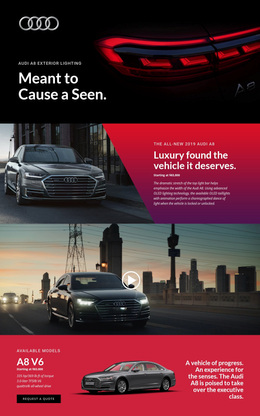
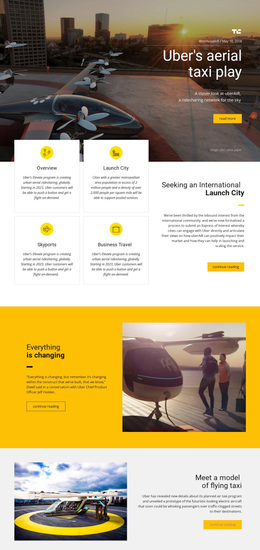
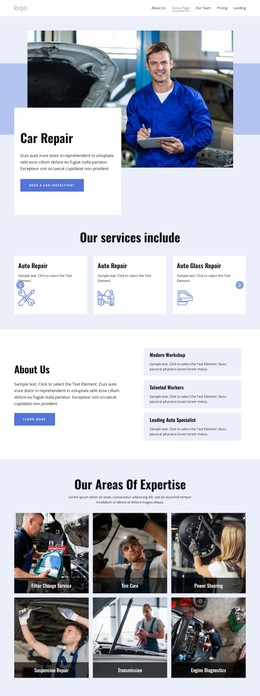
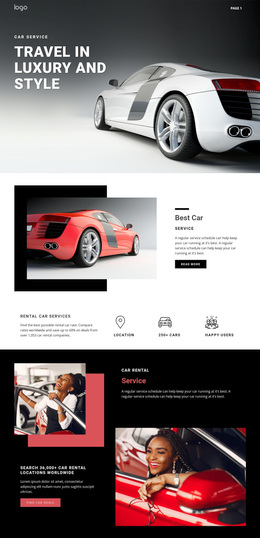
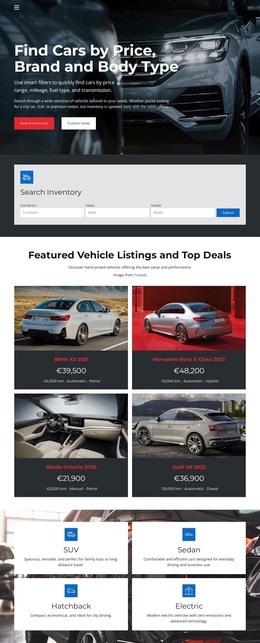
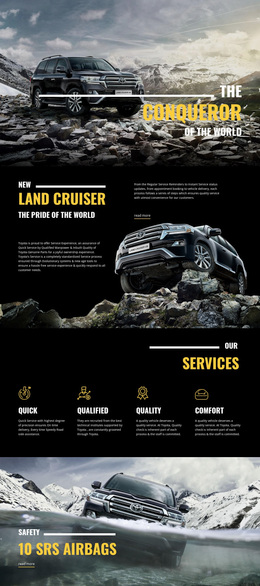
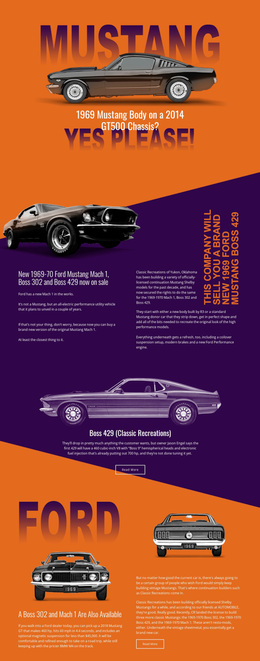
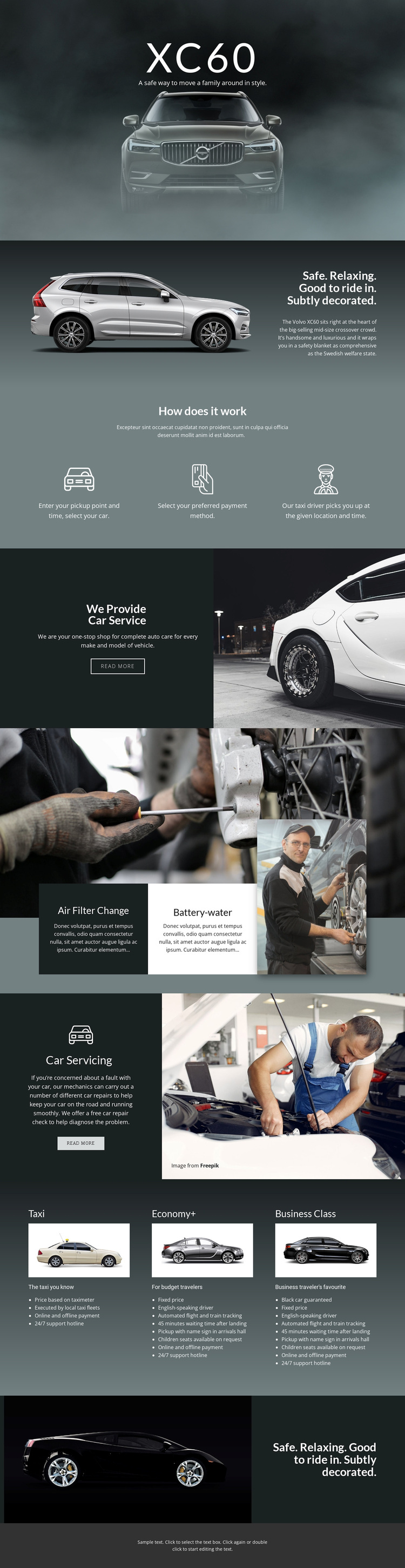
Large automotive photography gives this design an immediate subject: the Volvo XC60 is not treated as a small detail inside a generic business page, but as the visual anchor for the complete presentation. The vehicle hero and repeated safety-and-comfort statement create a recognizable frame, while the intervening split section provides space for supporting description without competing with the image-led focus.
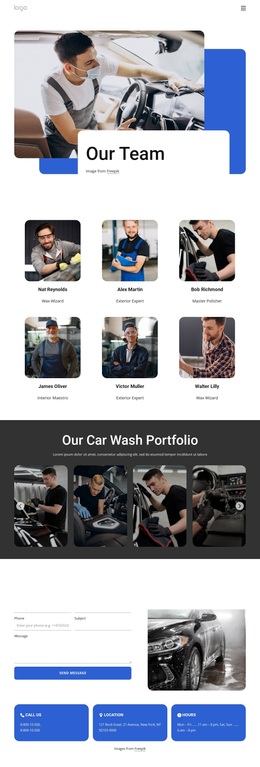
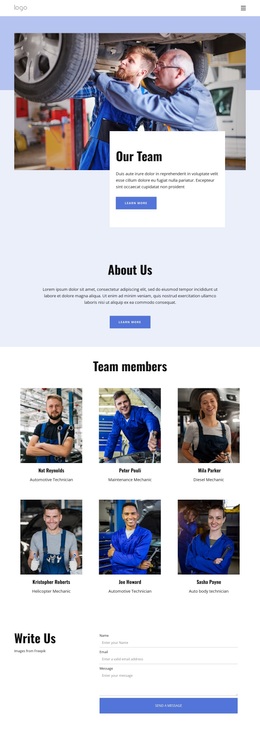
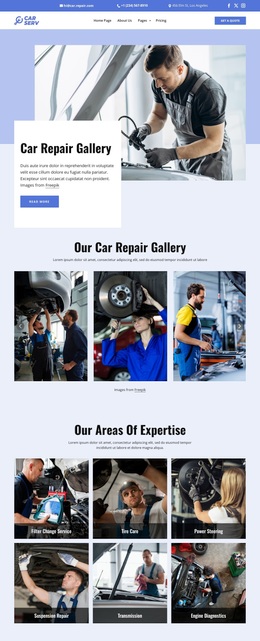
The design also covers more than vehicle appearance. Its three-step process explains pickup selection, payment selection, and driver pickup, giving the page an operational layer that complements the featured car. Automotive service content adds another reason to choose the layout: auto care, air filter change, battery-water service, and car servicing are represented through mechanic imagery, descriptive panels, and read-more actions. The result suits a project that needs to connect transportation with maintenance rather than presenting only a showroom-style vehicle introduction.
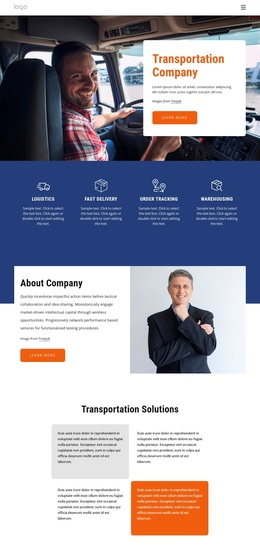
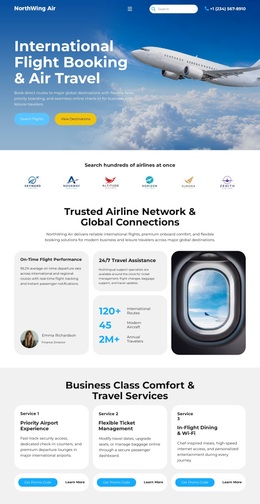
The three lower tiers—Taxi, Economy+, and Business Class—make the option especially useful when a project needs visible range within one design. Each tier has its own name, image, description, and feature list, creating a practical comparison pattern. That combination of vehicle storytelling, service coverage, process explanation, and tiered transportation content distinguishes this template from layouts centered on one isolated offer or a purely text-based automotive page.
Customize with Nicepage
Open this ready-made template in the Template Builder and customize it visually in the Nicepage editor. Replace demo content, edit page sections, and adapt the design to your project without rebuilding the template from scratch.
Start With a Ready-Made Template
Choose a Design for a New Page
Use a ready-made template as a starting point instead of creating every page from a blank canvas. When adding a new page in Nicepage, browse available designs, compare different layouts, and choose an option that already fits the general purpose and visual direction of your project.
Browse Different Page Designs
Explore Page Designs using search, thematic categories, Design Sets, and full-page previews. The collection includes layouts for different subjects and page purposes, making it easier to compare alternatives before selecting a design to customize.
Customize the Selected Template
After choosing a design, create the page and continue editing it visually in Nicepage. Replace the demo content, adjust images, typography, colors, sections, and other elements, and adapt the ready-made layout to your own content instead of rebuilding the design from the beginning.
Explore More Design Directions
If the first option does not match your project closely enough, return to the design collection and compare other templates before committing to a layout. This makes the template library useful not only for faster page creation, but also for exploring different visual approaches and finding a suitable starting point for a new project.
This workflow gives you access to a broad collection of ready-made designs that can be selected, compared, and customized according to the needs of each new page or project.