Online education courses Template



Edit Template Offline
2. Create new page and search for id 6307228
Edit Template Online
Create Awesome Websites


Free Nicepage Builder
Keywords
Six Course Categories Connect Discovery With Learning Support
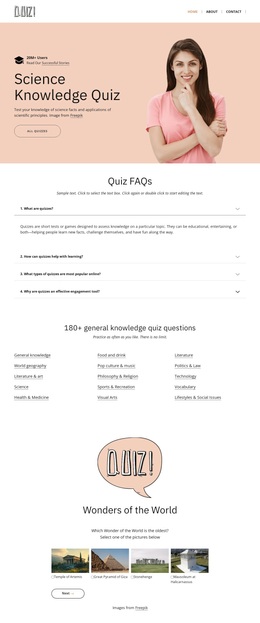
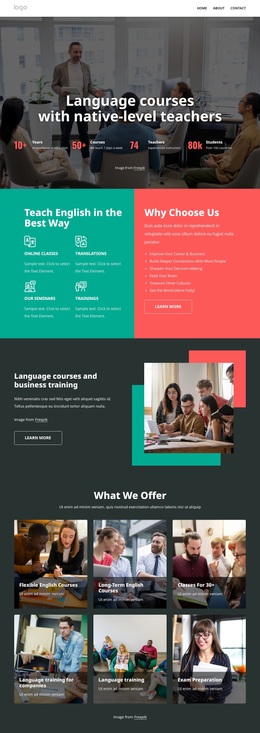
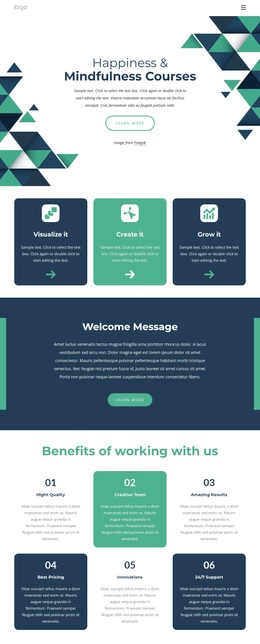
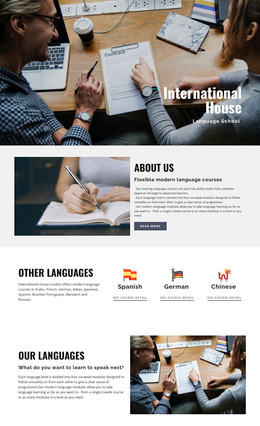
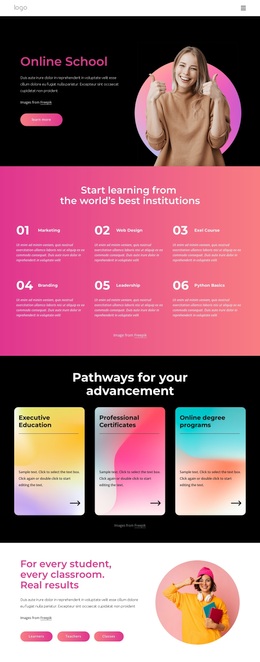
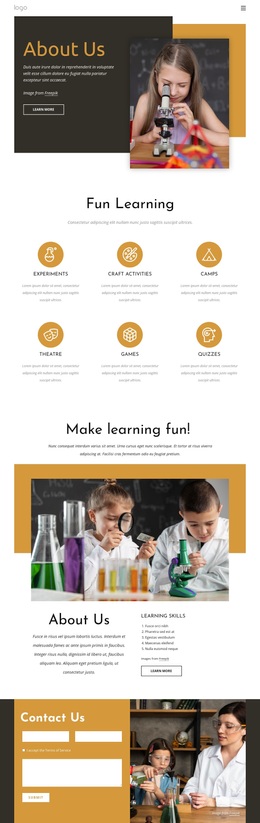
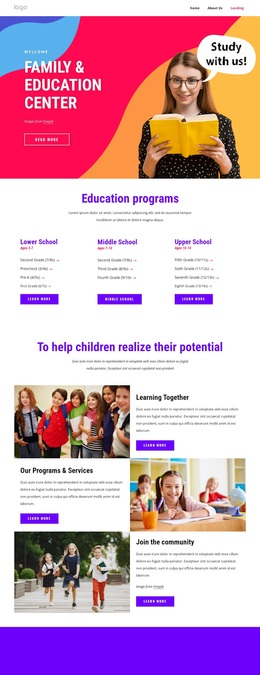
The six image-based course category cards give this design a clear reason to stand out among more narrowly focused education layouts. They let the page introduce several learning directions without reducing the presentation to a plain list. The six benefit statements above them explain the learning experience in short, scannable terms, so visitors encounter both the category range and the service qualities that frame it.
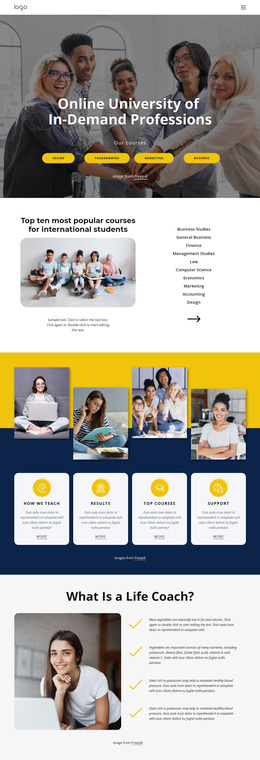
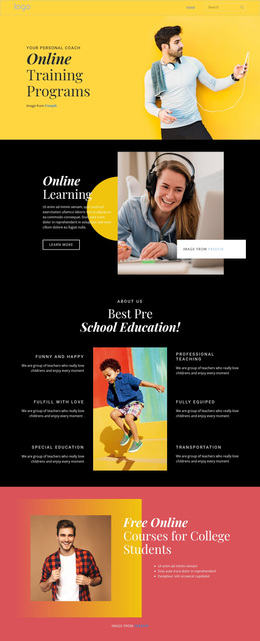
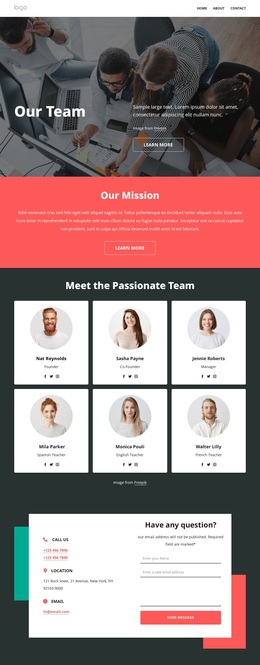
Four pathway cards extend that coverage with programs, results, coaching, and events. Together with the two study-option panels, they make the design suitable for an education project that needs to show more than one route through its offering. The page also includes an About Us section and four team profiles, allowing the organizational and teaching context to sit beside the course-focused material. Two testimonial cards and four metric tiles add separate areas for feedback and numerical proof, although the displayed sample values should be replaced with verified project information.
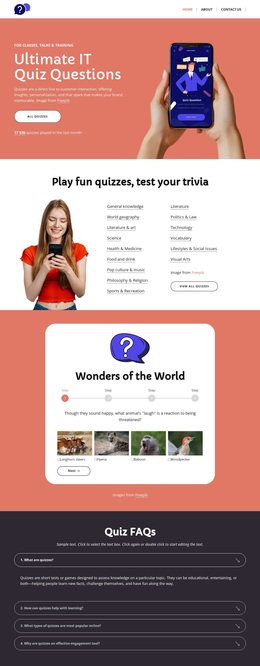
The FAQ accordion and newsletter subscription area complete the content picture by addressing questions and inviting continued contact. A map and dark footer provide a definite close rather than leaving the page open-ended. This combination makes the template a useful choice when an online learning project needs course discovery, people, reassurance, explanatory content, and subscriber engagement within one coordinated design.
Customize with Nicepage
Open this ready-made template in the Template Builder and customize it visually in the Nicepage editor. Replace demo content, edit page sections, and adapt the design to your project without rebuilding the template from scratch.
Start With a Ready-Made Template
Choose a Design for a New Page
Use a ready-made template as a starting point instead of creating every page from a blank canvas. When adding a new page in Nicepage, browse available designs, compare different layouts, and choose an option that already fits the general purpose and visual direction of your project.
Browse Different Page Designs
Explore Page Designs using search, thematic categories, Design Sets, and full-page previews. The collection includes layouts for different subjects and page purposes, making it easier to compare alternatives before selecting a design to customize.
Customize the Selected Template
After choosing a design, create the page and continue editing it visually in Nicepage. Replace the demo content, adjust images, typography, colors, sections, and other elements, and adapt the ready-made layout to your own content instead of rebuilding the design from the beginning.
Explore More Design Directions
If the first option does not match your project closely enough, return to the design collection and compare other templates before committing to a layout. This makes the template library useful not only for faster page creation, but also for exploring different visual approaches and finding a suitable starting point for a new project.
This workflow gives you access to a broad collection of ready-made designs that can be selected, compared, and customized according to the needs of each new page or project.