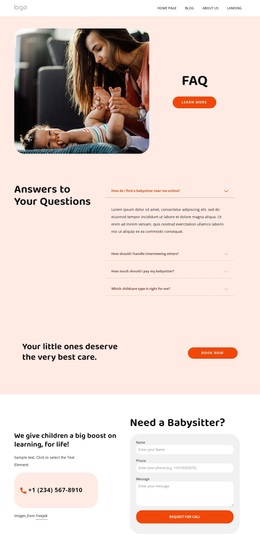
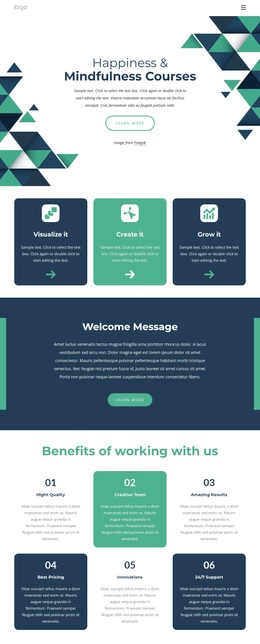
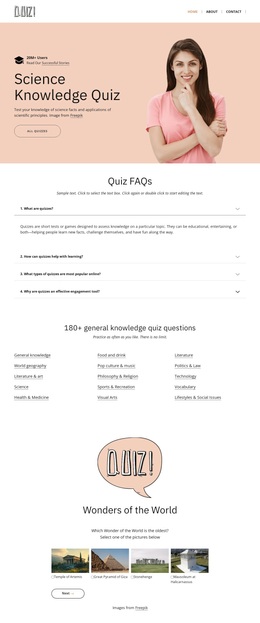
Fun learning Template


Edit Template Offline
2. Create new page and search for id 6174999
Edit Template Online
Create Awesome Websites


Free Nicepage Builder
Keywords
Six Activity Choices Give This Education Design Its Distinctive Direction
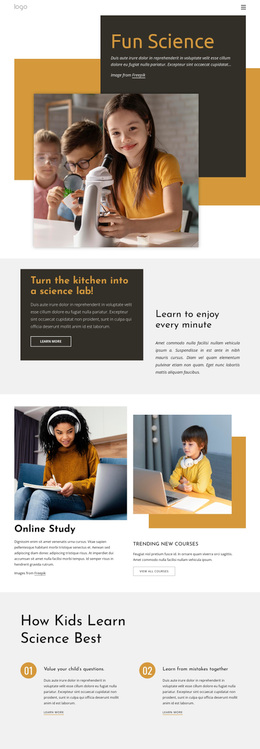
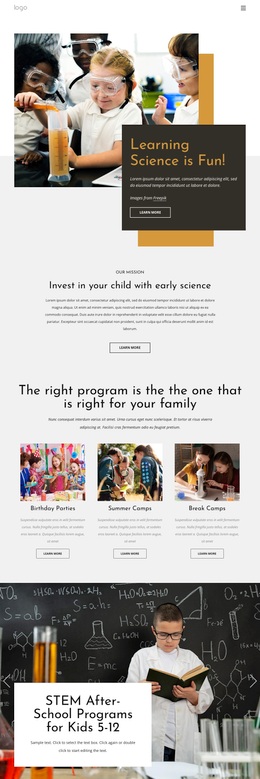
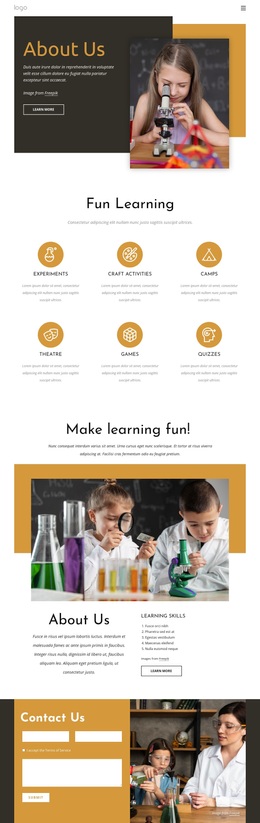
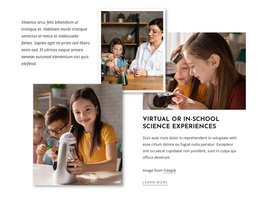
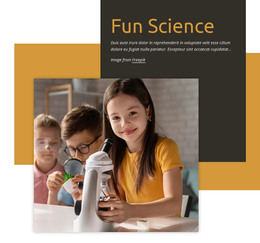
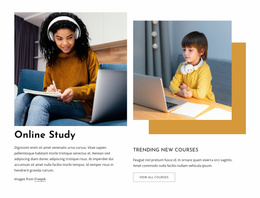
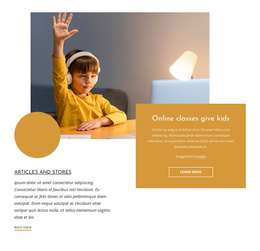
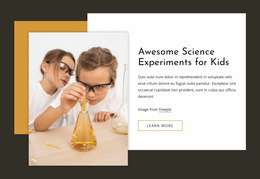
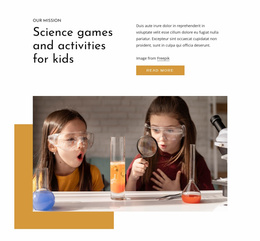
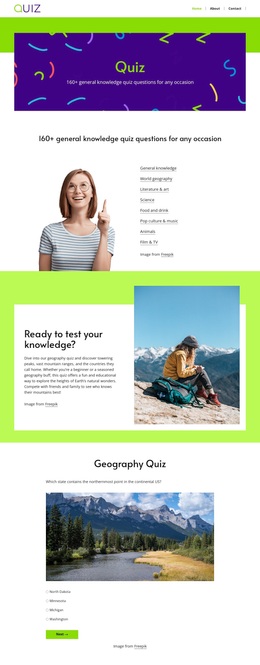
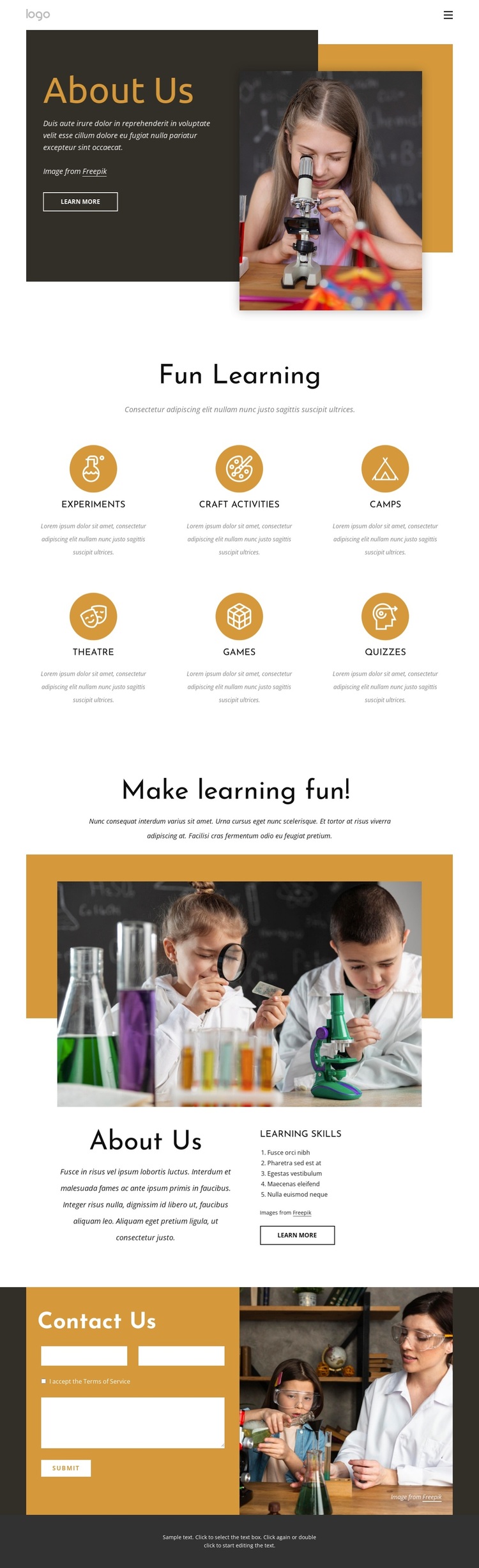
The strongest reason to choose Fun learning is the way it presents educational activities as a visible, balanced group rather than relying on a single generic service statement. Experiments, Craft Activities, Camps, Theatre, Games, and Quizzes give the design a broad but coherent content direction for children’s learning. Their repeated presentation makes the page easy to understand at a glance, while the child-learning and science-activity imagery keeps the subject grounded in visual evidence instead of dense explanatory copy.
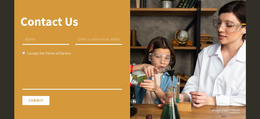
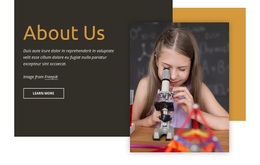
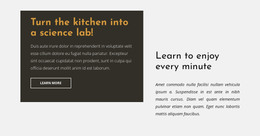
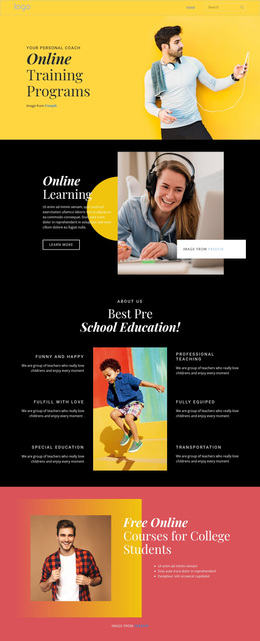
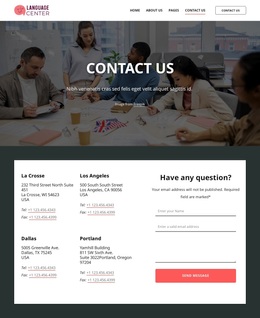
The surrounding sections add enough context to make the activity group meaningful. About Us introduces the subject with a prominent photograph, short copy, and a Learn more button. Make learning fun! then shifts from activity discovery to learning approach, combining another educational image with explanatory text and a numbered Learning Skills list. This gives the page two complementary angles: the activities available and the skills-oriented reasoning behind them. The final Contact Us section adds a practical inquiry point through a form, Submit button, and contrasting photograph. As a ready-made design option, the template suits projects that need a playful education presentation with recognizable activity coverage and a direct contact route. Its sample paragraphs remain structural placeholders, so the chosen organization can be retained while the real program information is supplied later.
Customize with Nicepage
Open this ready-made template in the Template Builder and customize it visually in the Nicepage editor. Replace demo content, edit page sections, and adapt the design to your project without rebuilding the template from scratch.
Start With a Ready-Made Template
Choose a Design for a New Page
Use a ready-made template as a starting point instead of creating every page from a blank canvas. When adding a new page in Nicepage, browse available designs, compare different layouts, and choose an option that already fits the general purpose and visual direction of your project.
Browse Different Page Designs
Explore Page Designs using search, thematic categories, Design Sets, and full-page previews. The collection includes layouts for different subjects and page purposes, making it easier to compare alternatives before selecting a design to customize.
Customize the Selected Template
After choosing a design, create the page and continue editing it visually in Nicepage. Replace the demo content, adjust images, typography, colors, sections, and other elements, and adapt the ready-made layout to your own content instead of rebuilding the design from the beginning.
Explore More Design Directions
If the first option does not match your project closely enough, return to the design collection and compare other templates before committing to a layout. This makes the template library useful not only for faster page creation, but also for exploring different visual approaches and finding a suitable starting point for a new project.
This workflow gives you access to a broad collection of ready-made designs that can be selected, compared, and customized according to the needs of each new page or project.