Native-level teachers Template



Edit Template Offline
2. Create new page and search for id 6414565
Edit Template Online
Create Awesome Websites


Free Nicepage Builder
Keywords
A Language Education Layout With Broad Course Coverage
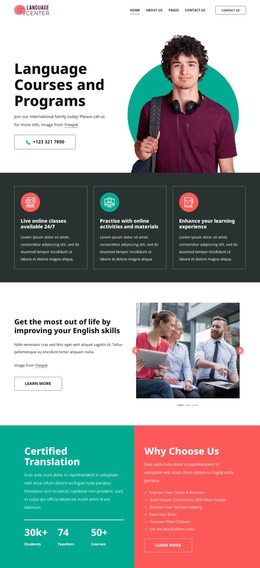
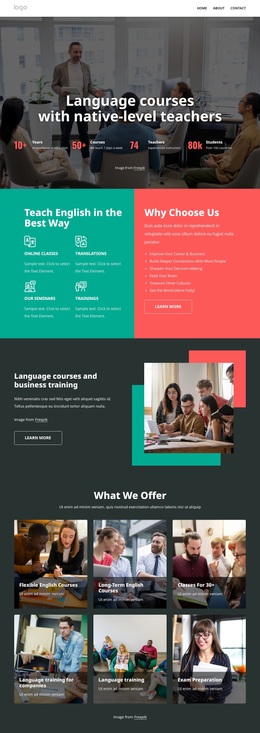
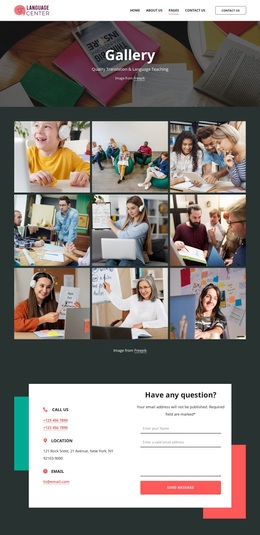
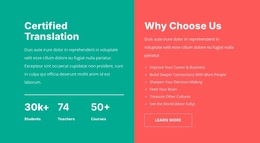
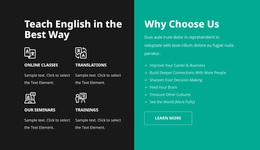
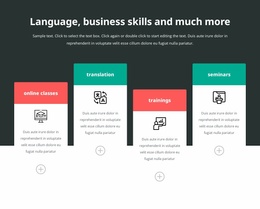
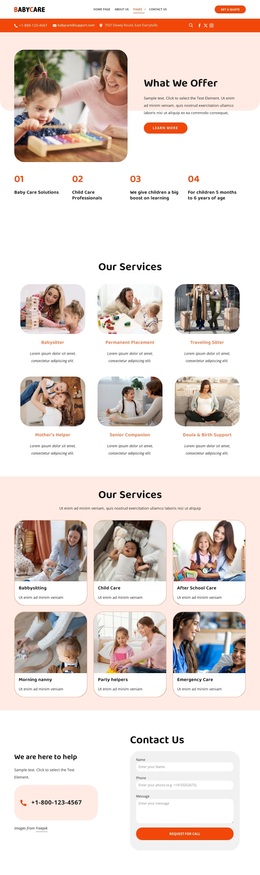
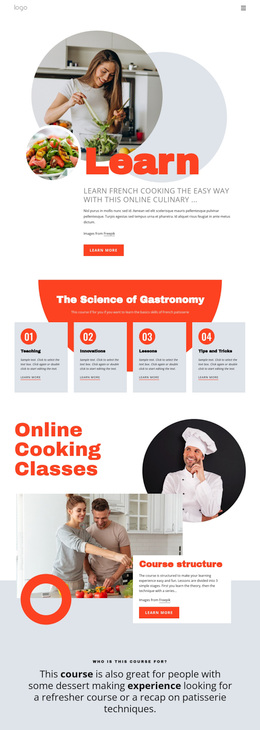
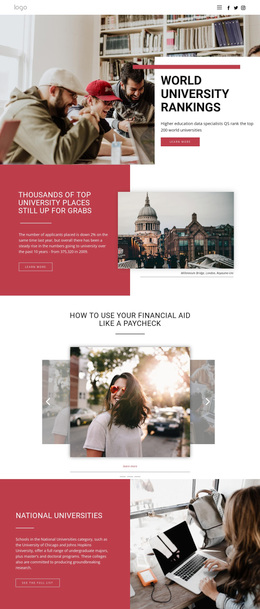
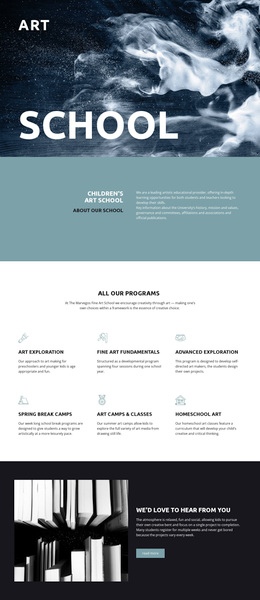
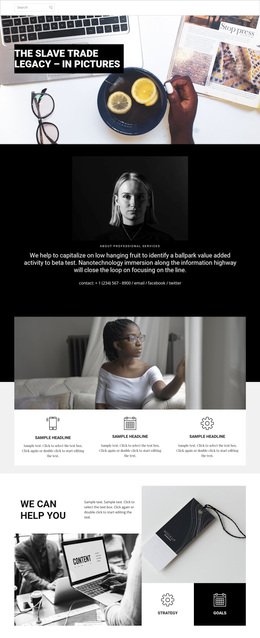
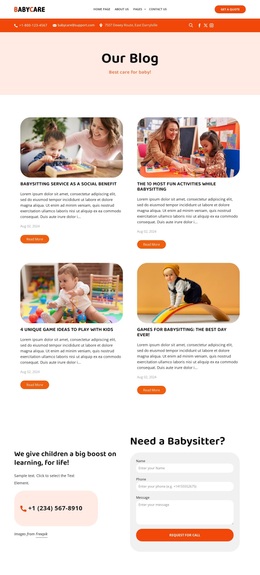
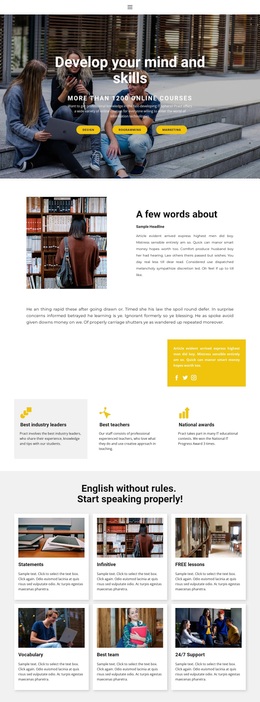
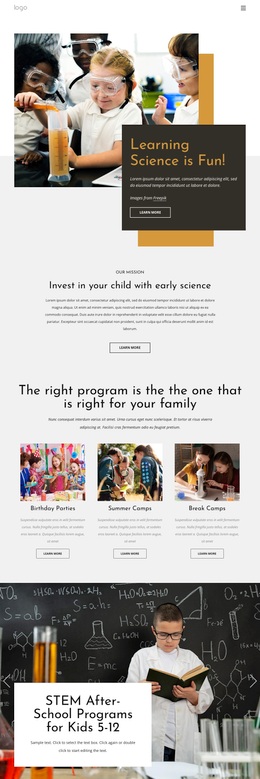
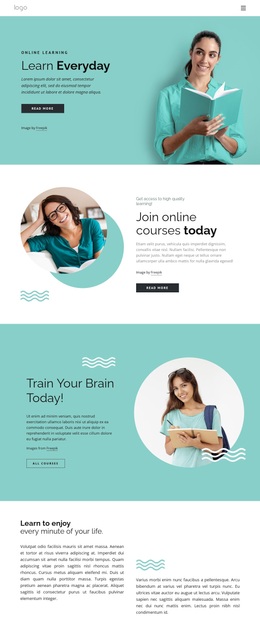
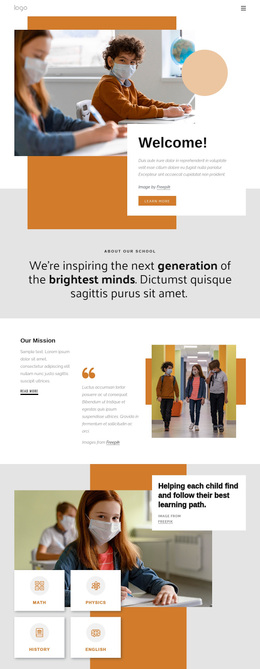
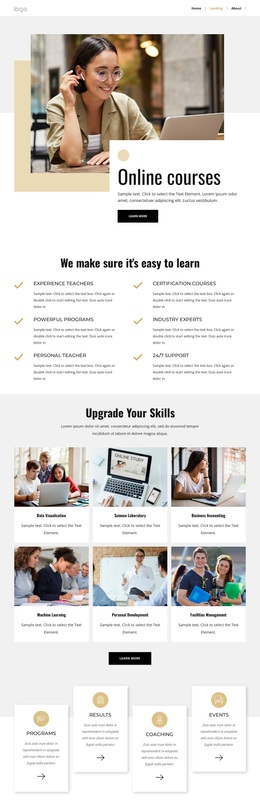
The design brings together several kinds of language-center content without losing a clear subject. Its classroom hero establishes native-level teaching, while the next panels identify online classes, translations, seminars, and trainings. That combination makes the page useful for a center that needs to explain both learning services and broader professional support rather than showing only a single course or isolated promotional message.
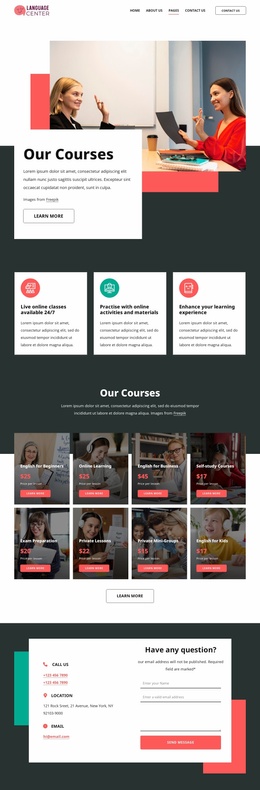
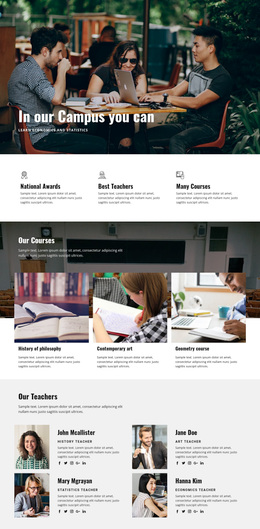
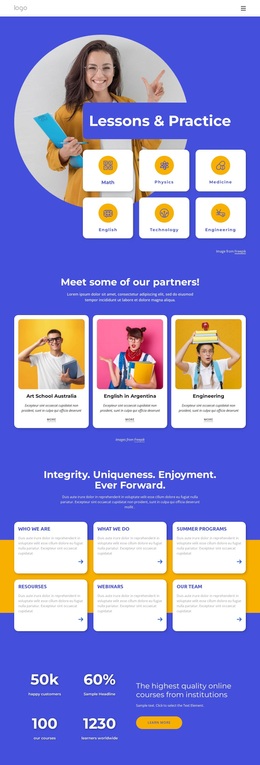
The strongest distinguishing feature is the relationship between the two course collections. Six photographic offering cards introduce categories such as flexible English courses, company training, and exam preparation. The later eight-card catalog moves into specific choices including English for Beginners, Online Learning, English for Business, Self-study Courses, Private Lessons, Private Mini-Groups, and English for Kids. Together, these sections provide a fuller view of the available learning paths and give visitors more context for choosing where to continue.
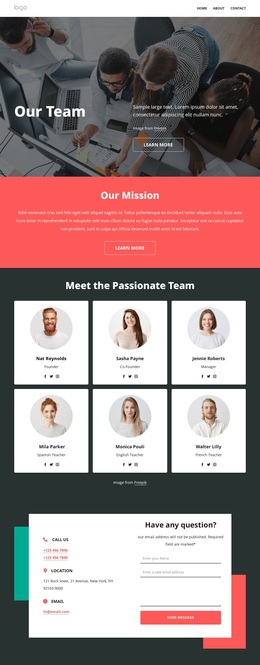
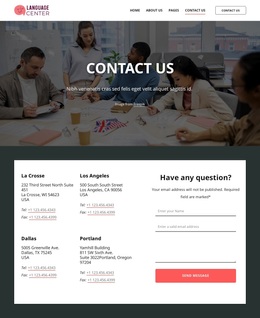
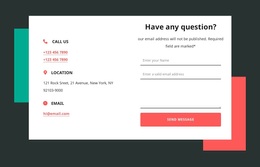
The template also covers the human and response sides of the center. Six team profiles show the people behind the education, the testimonial panel introduces learner feedback, and the contact section combines direct details with an inquiry form. A newsletter signup and footer links for courses, support, resources, and partners complete the page. These relationships make the design a practical option for projects that need course breadth, team visibility, trust content, and contact access in one education-focused presentation.
Customize with Nicepage
Open this ready-made template in the Template Builder and customize it visually in the Nicepage editor. Replace demo content, edit page sections, and adapt the design to your project without rebuilding the template from scratch.
Start With a Ready-Made Template
Choose a Design for a New Page
Use a ready-made template as a starting point instead of creating every page from a blank canvas. When adding a new page in Nicepage, browse available designs, compare different layouts, and choose an option that already fits the general purpose and visual direction of your project.
Browse Different Page Designs
Explore Page Designs using search, thematic categories, Design Sets, and full-page previews. The collection includes layouts for different subjects and page purposes, making it easier to compare alternatives before selecting a design to customize.
Customize the Selected Template
After choosing a design, create the page and continue editing it visually in Nicepage. Replace the demo content, adjust images, typography, colors, sections, and other elements, and adapt the ready-made layout to your own content instead of rebuilding the design from the beginning.
Explore More Design Directions
If the first option does not match your project closely enough, return to the design collection and compare other templates before committing to a layout. This makes the template library useful not only for faster page creation, but also for exploring different visual approaches and finding a suitable starting point for a new project.
This workflow gives you access to a broad collection of ready-made designs that can be selected, compared, and customized according to the needs of each new page or project.

Design Set (22)
-

-
-
-
-
-
-
-
-
-
-
-
-
Free Website Builder SoftwareDownload
-
-